
Content Snare automatically saves progress while you work. There is no manual save button required – both clients filling out requests and users building requests can safely leave and return later without losing their work.
For respondents completing a request
When a client answers your questions in a request, their responses are saved automatically as they type. A small “Saving…” indicator appears briefly in the corner of the screen while the answer is being stored:
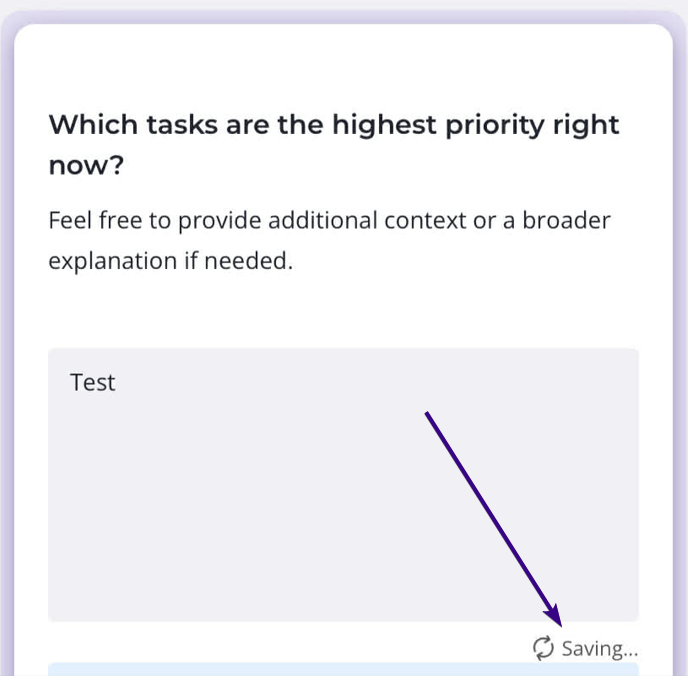
Once the save is complete, the response is safely recorded. This means clients can close the page, return later, and continue from where they left off.
For users building requests or templates
Autosaving also applies when you are creating or editing requests. While you work in the Builder, a “Saving…” notification appears near the top of the screen whenever a change is made:
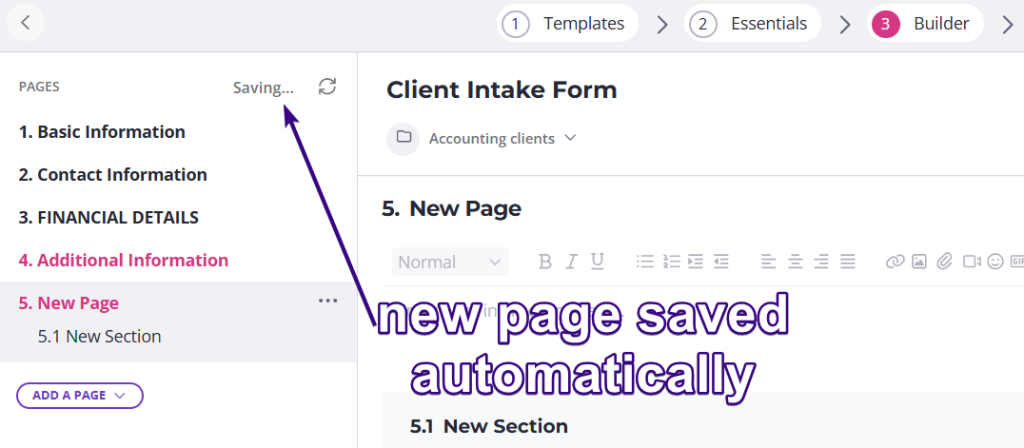
This indicates that your updates are being saved automatically.