You can find the customer link for any active request on the Requests page.
To access the link, click the dotted menu in the upper-right corner of the request and go to Client Access Settings:
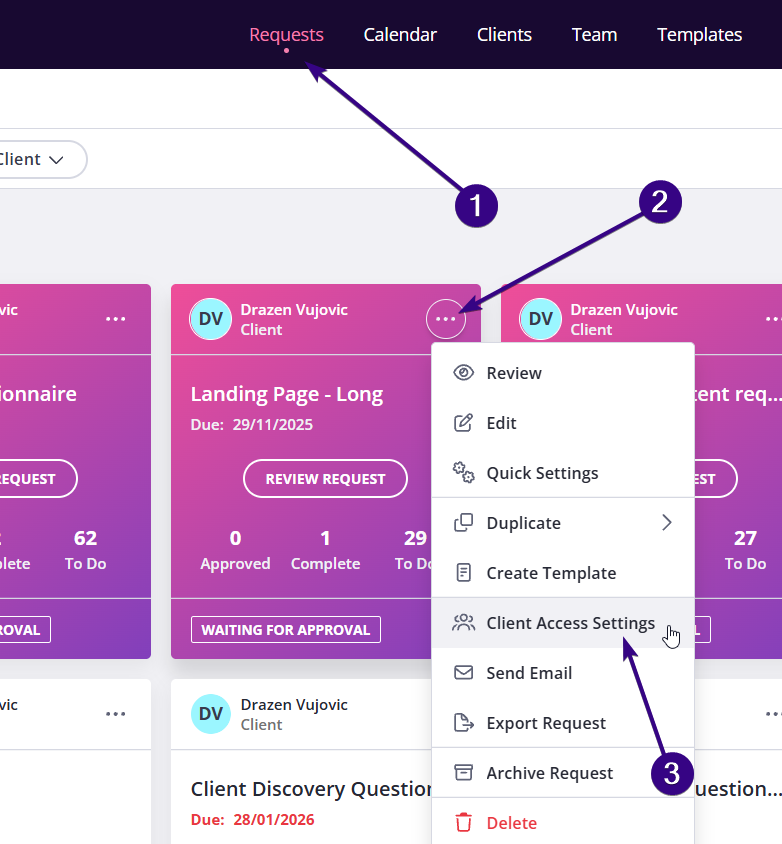
| Note: The layout may look slightly different if you’re using List view or Kanban view, but the link is always available from the same three-dot menu. |
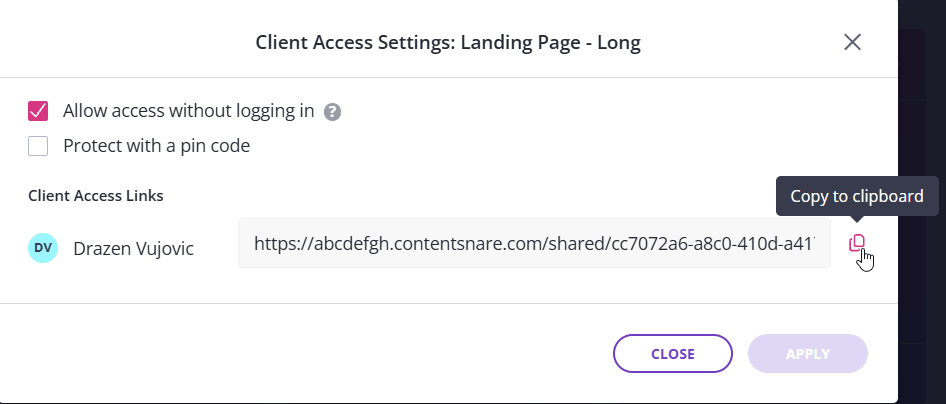
This opens a pop-up window with a link you can fetch by clicking Copy to clipboard. From this window, you can also:
- Allow your client to access the request without logging in
- Protect the request with a PIN code
Copy the link when publishing the request
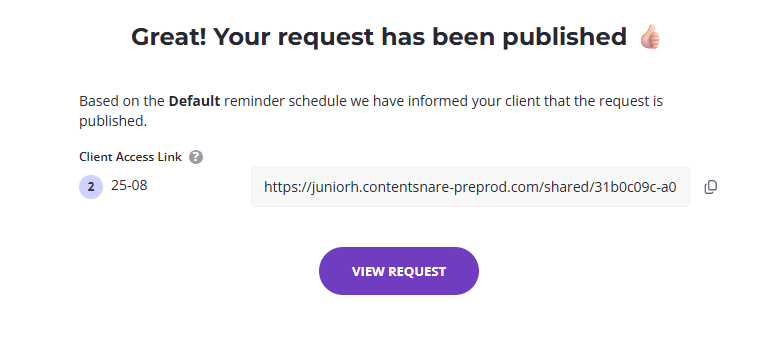
You can also copy the client link immediately after publishing a request. Once you click Publish, the system will display the client access link so you can copy and share it right away: