

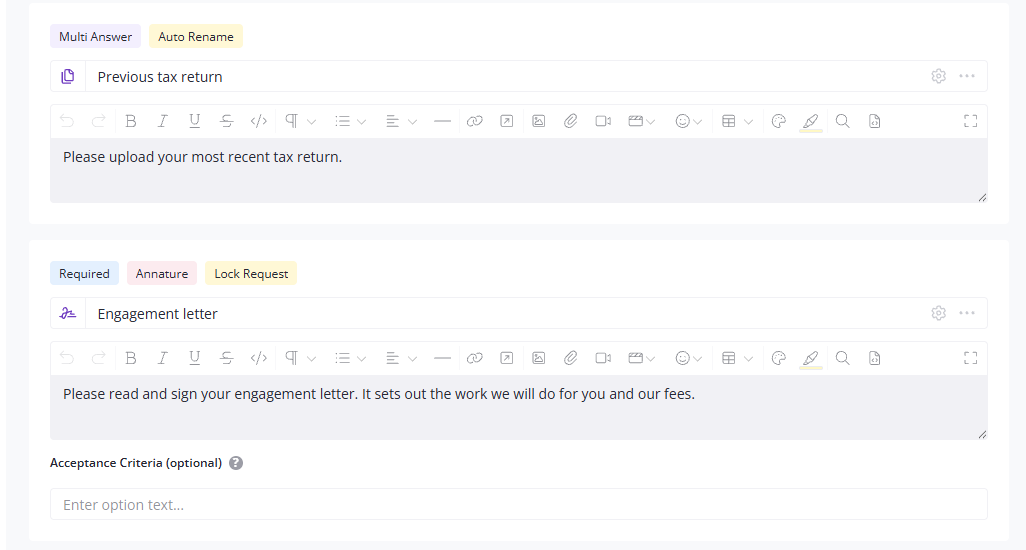

Onboarding a new client usually means the engagement letter in one tool and the documents in another. Put the signature in with your questions and uploads and it all goes out together.
The signed letter, the ID, the bank details and everything else land together, ready for review.
Send your own document out for signing, the engagement letter or whatever else you need on file.
Or have them sign the PDF of the request itself, so their answers, their uploads and their sign-off that it's all correct come back as one document.

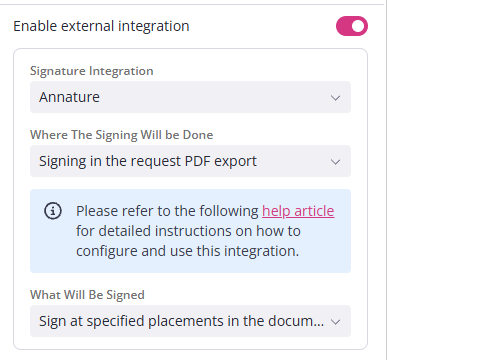

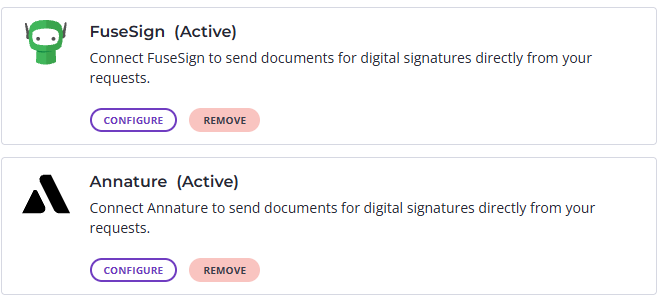
Connect FuseSign or Annature under Settings, then Applications. You keep your own account and your own arrangement with them.
Depending on the provider, your client gets an email with a signing link or goes straight to the document. Either way, Content Snare marks it done when they've signed.
One bit of setup: your document needs signing tags before you send it. The FuseSign and Annature guides cover it.

"We have used it for engagement letter e-signing. It is a time saver and increases my practice efficiency, whilst ensuring a secure method of sharing documents. Our clients have also found it easy and intuitive to use."