
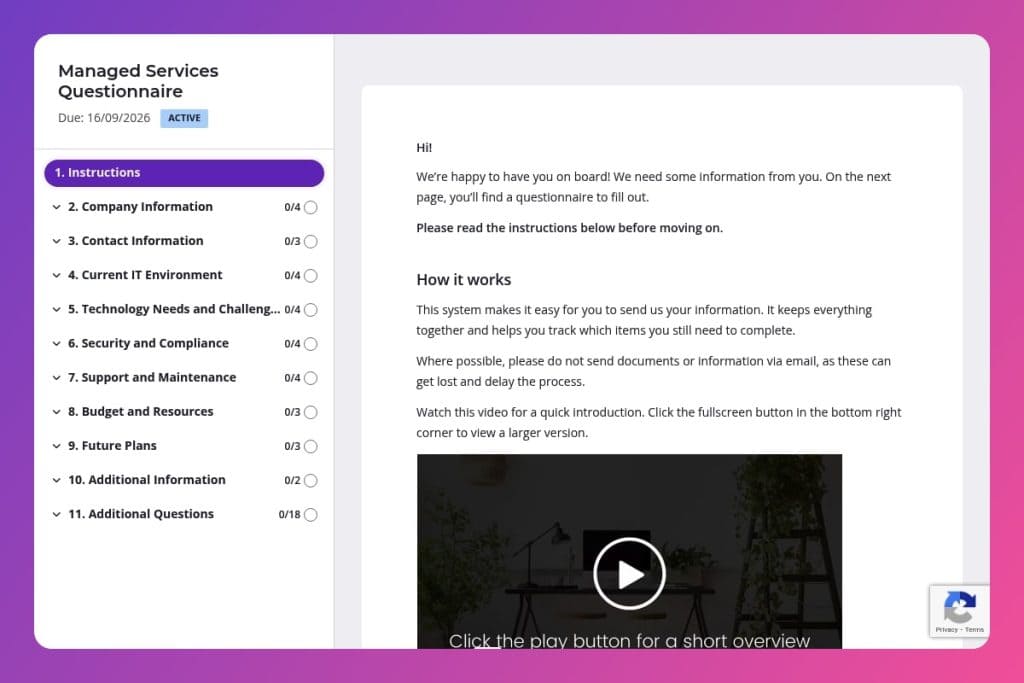


A structured intake form that captures detailed information about a prospect's IT infrastructure, security posture, support requirements, and budget to assess fit for managed services.

Managed service providers (MSPs) and IT consulting firms who need to evaluate potential clients' technology environments and requirements before proposing solutions or onboarding.

After initial discovery calls with prospects, before creating formal proposals, to gather comprehensive details that inform service recommendations and pricing.
67% of businesses can't accurately define their IT requirements when vetting managed service providers. The result? Misaligned partnerships, scope creep, and costly surprises down the line. You need a clear picture of your infrastructure, pain points, and goals - but gathering that information shouldn't mean endless email threads and scattered notes.
A managed services questionnaire solves this. It standardizes how you capture critical details about your IT environment, security posture, support needs, and budget constraints. This post walks you through what makes an effective questionnaire, how to use it with prospective clients or internal teams, and includes a free template you can customize. Let's get started.
Company Information
Capture baseline org details for scoping, licensing, and SLA alignment.
Contact Information
Identify who will own communications and approvals during onboarding and operations.
Current IT Environment
Map the operating environment to target discovery depth, transition risk, and quick wins.
Technology Needs and Challenges
Surface priority pain points and outcomes to shape the initial service plan.
Security and Compliance
Assess risk posture, control maturity, and regulatory scope to size security services.
Support and Maintenance
Clarify current coverage and preferences to set support channels and response models.
Budget and Resources
Align solutions with funding and available in-house capacity.
Future Plans
Anticipate demand drivers and architecture changes to prevent rework and lock timelines.
Additional Information
Leave space for constraints, stakeholders, or expectations not captured above.
Send a pre-questionnaire email that sets expectations: Let clients know why you're sending this form and roughly how long it will take (15-20 minutes). Mention that you'll need details about their IT infrastructure, security measures, and budget. This heads-up helps them gather information beforehand - like pulling server specs or identifying who handles disaster recovery - rather than abandoning the form halfway through.
Use open-ended responses to uncover hidden pain points: Questions like "What are the key technology challenges your company is facing?" often reveal issues clients haven't formally articulated. Pay close attention to these answers during review - they're gold for tailoring your proposal and demonstrating you actually listened.
Schedule a follow-up call within 48 hours of submission: Don't let responses sit in your inbox. The questionnaire captures the facts, but a conversation reveals context and priorities. Use their answers as your agenda: dig deeper on security breaches they mentioned, clarify vague budget ranges, and discuss those future projects that will need IT support.
Track patterns across multiple submissions: If you're using this form with several prospects, look for common themes. Are most companies struggling with the same compliance requirements? Lacking disaster recovery plans? These patterns help you refine your service packages and create more targeted marketing content.
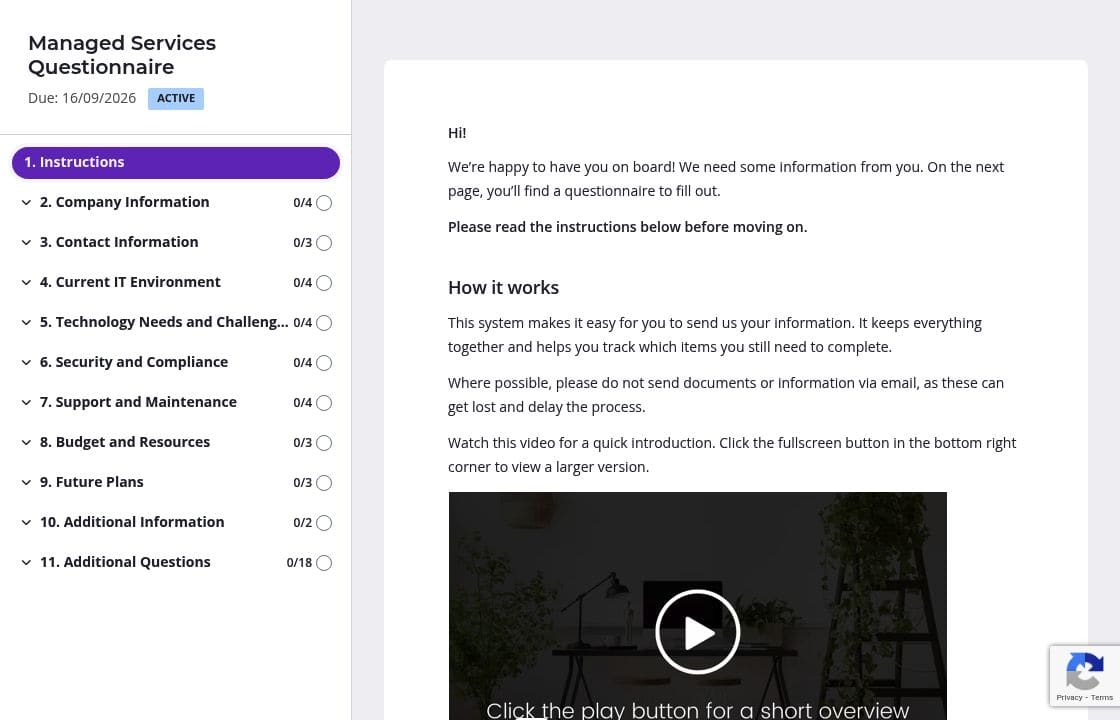
A managed services questionnaire covers a lot of ground - from infrastructure details to security protocols to future planning. Chunk it into logical pages: one for Current IT Environment, another for Security and Compliance, a third for Budget and Resources. Your clients can complete one section at a time without feeling overwhelmed by a 40-question form. They'll save progress automatically and return when they've tracked down that disaster recovery documentation or confirmed next quarter's IT budget.
Questions about IT infrastructure or cybersecurity measures can be vague. Use instruction areas to clarify exactly what you're looking for. Under "Can you describe your current IT infrastructure?" add a note like "Include details about physical/cloud servers, operating systems, network equipment, and business-critical software." For the security breaches question, specify a timeframe: "within the last 24 months." Clear guidance means fewer follow-up emails asking clients to elaborate on incomplete answers.
You've probably gathered basic details during discovery calls - company name, industry, contact information, maybe even their current IT setup. Delete those questions or prefill the answers before sending. Your client saves time, and you signal that you've been paying attention. This works especially well for the entire Company Information and Contact Information sections. Just review with them during your follow-up call to confirm nothing's changed.
Clients get busy. That IT manager you're working with has a dozen fires to put out daily. Automatic reminders ensure your questionnaire doesn't get buried in their inbox without you having to send awkward "just checking in" emails. Schedule a gentle nudge after 3 days, then another after a week. Most submissions come in after the second reminder - when clients finally have that 20-minute window to focus.
You could send this questionnaire as a Word document or Google Form. But then you're chasing clients for incomplete responses, deciphering confusing answers, and manually copying information into your systems. Content Snare eliminates that friction with automatic reminders, progress tracking, and integrations that feed responses directly into your workflow - so you can focus on closing deals instead of following up.
Security matters in IT. Content Snare is ISO 27001 certified and trusted by thousands of businesses worldwide, including IT service providers who need to protect sensitive client data. You get enterprise-grade security with none of the complexity.
Hundreds of 5-star reviews across G2, Capterra, and Trustpilot highlight what users love most: clients actually complete forms, the experience feels professional and branded, and everything integrates with tools like Salesforce, HubSpot, and Zapier.
This managed services questionnaire is just one use case. IT professionals also use Content Snare to:


