
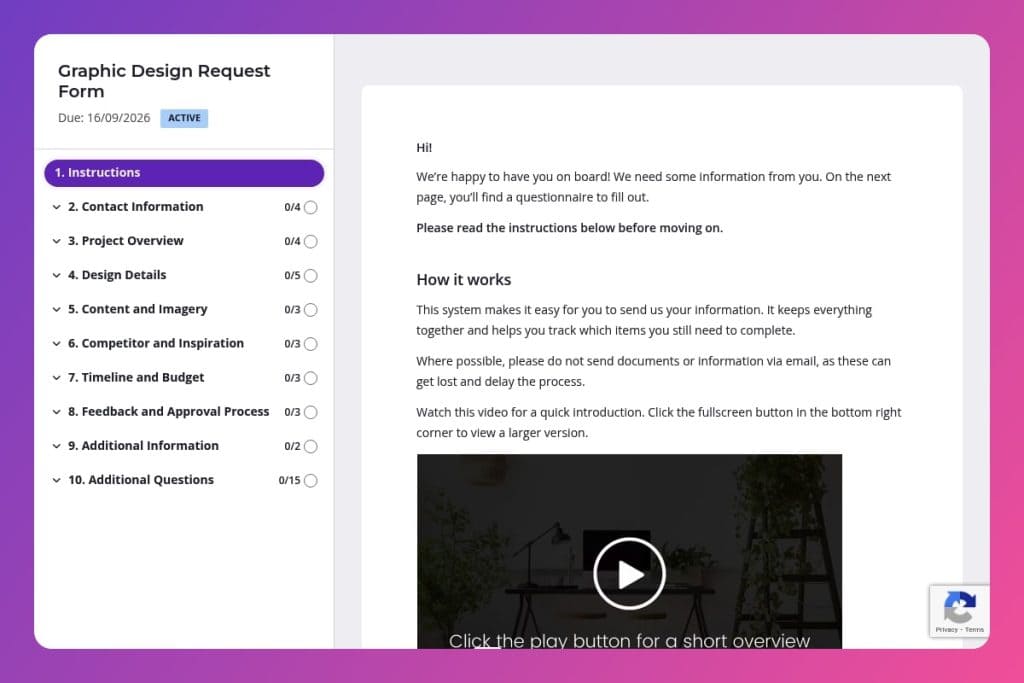


A structured intake form that captures all essential project details - from design type and brand guidelines to deadlines and approval workflows - before creative work begins.

Marketing agencies managing multiple client design requests who need to eliminate scattered briefs, reduce revision cycles, and ensure designers have complete information from day one.

Send this form whenever a client submits a new design request, whether it's their first project or part of ongoing work, to standardize intake and prevent miscommunication before assignment.
Your designers are drowning in Slack messages, email chains, and half-baked briefs. One client forgot to mention the deadline. Another sent "inspiration" as a blurry screenshot with no context. The result? Missed details, endless revisions, and projects that drag on for weeks when they should take days.
A graphic design request form fixes this chaos. It captures every critical detail upfront - project goals, brand guidelines, target audience, deadlines, and approval workflows - before work even begins. This post covers what a graphic design request form should include, how to implement it at your agency, and a free template you can customize today. Let's dive in.
Contact Information
Collect primary contact details to route updates and approvals quickly.
Project Overview
Set the brief at a glance so scoping and creative direction stay aligned.
Design Details
Capture specs and brand constraints that will drive file setup and visual decisions.
Content and Imagery
Clarify content ownership and asset sources to define scope and licensing.
Competitor and Inspiration
Ground creative direction with market context and references.
Timeline and Budget
Set delivery expectations and resource allocation.
Feedback and Approval Process
Define who decides and how feedback cycles run.
Additional Information
Leave space for edge cases and future opportunities.
Attach a visual brief template to your confirmation email: After a client submits the form, send them a one-page visual summary of their responses - especially the design type, target audience, color preferences, and timeline. This gives them a chance to catch anything they missed and ensures everyone's aligned before you assign the project to a designer.
Use the competitor question strategically: When clients fill out "Who are your main competitors and where can we view their designs?", don't just file it away. Share those competitor examples with your design team during kickoff, then actively discuss what to avoid versus what resonates. This turns vague requests like "modern but professional" into concrete direction.
Pre-populate the form for repeat clients: If you're working with a client on multiple projects, send them a pre-filled version with their company name, branding guidelines reference, and approval process details already completed. They'll only need to fill out project-specific sections like design type, deadline, and content requirements - saving time and reducing friction for ongoing work.
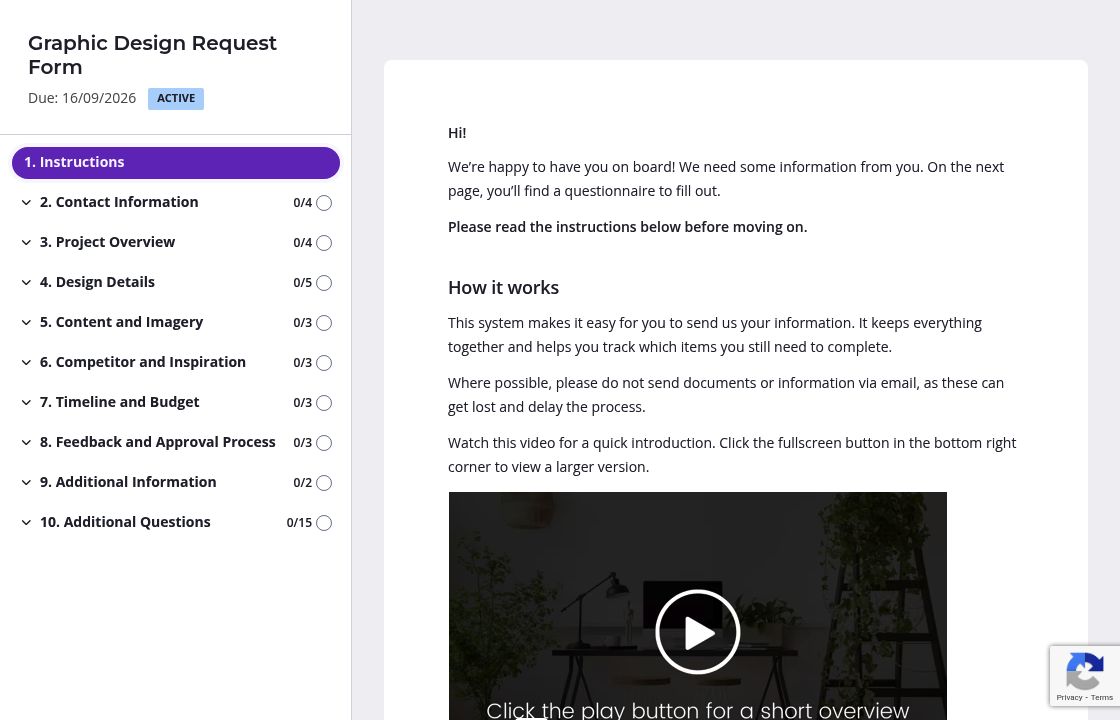
Your graphic design request form covers a lot of ground - from project goals to competitor research to approval workflows. Organize questions into logical pages like "Project Overview," "Design Specifications," and "Timeline & Budget." Clients can focus on one section at a time instead of facing a wall of questions. They'll complete the form faster and with fewer mistakes.
Not every project needs the same information. A logo design requires different details than a social media campaign or print brochure. Set up conditional logic so when a client selects their design type, they only see questions that matter for that specific work. Someone requesting a digital ad won't waste time answering questions about print dimensions or paper stock.
The "Are there any specific designs or styles that inspire you?" question works better when clients see what you mean. Drop in a few sample images or a quick video showing different design styles. Same goes for the file format and dimensions section - upload a visual guide showing common sizes for social posts, banners, or business cards. Clients give you better information when they understand exactly what you're asking for.
You already know the company name, branding guidelines, and approval process for clients you work with regularly. Pre-populate those fields before sending the form so they only answer project-specific questions like design type, deadline, and content requirements. Less friction means faster turnaround and happier clients who appreciate you valuing their time.
Email threads and shared documents turn into chaos when you're collecting design briefs from multiple clients. Information gets buried, deadlines slip, and you waste hours chasing down missing details. Content Snare eliminates the back-and-forth. Clients fill out structured forms, you get automatic reminders to follow up without being the bad guy, and everything stays organized in one place. Thousands of agencies worldwide rely on it to collect information faster and more professionally.
Content Snare is ISO 27001 certified and trusted by marketing agencies managing sensitive client data. It integrates with tools you already use like Slack, Zapier, and Google Drive, so collected information flows directly into your workflow.
This form is just one way agencies use Content Snare. You can also collect:
The platform has hundreds of 5-star reviews across G2, Capterra, and Trustpilot. Agencies love how it transforms client communication from scattered and stressful into smooth and professional.


