
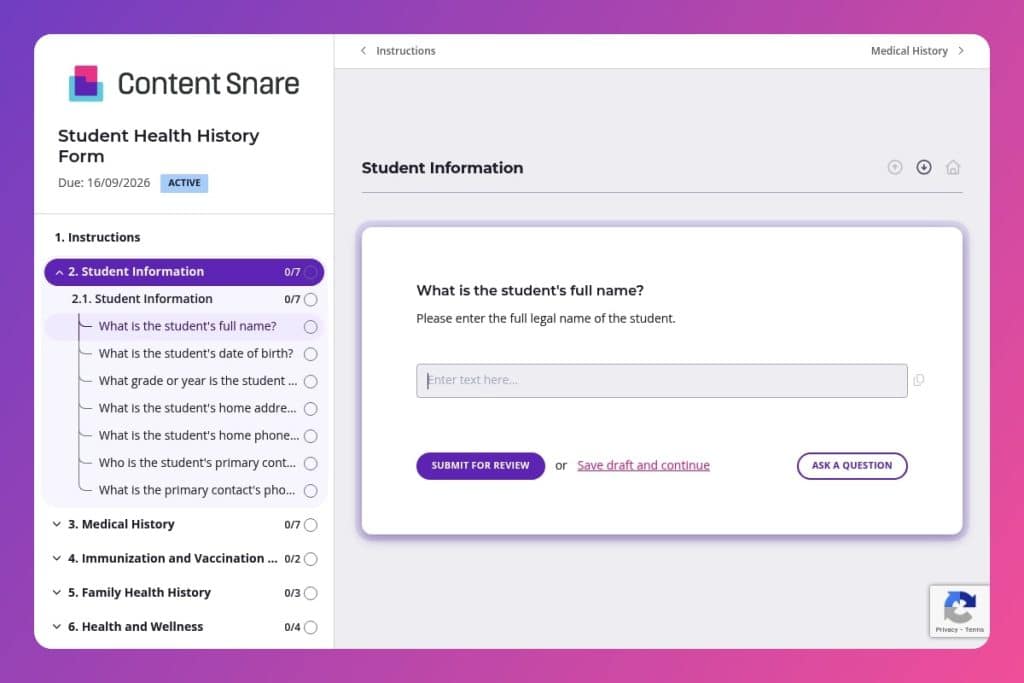


A comprehensive medical information form that collects student health records, emergency contacts, immunization history, allergies, current medications, and family health background.

School administrators, nurses, and enrollment coordinators at K-12 schools and colleges who need to maintain accurate medical records for student safety and compliance.

During summer enrollment before each school year begins and annually each spring for returning students to update changed medications, diagnoses, or emergency contact information.
A student collapses during gym class. Your nurse scrambles through scattered paperwork, searching for allergy information while precious minutes tick away. This scenario happens more often than it should - and it's entirely preventable with the right system in place.
A student health history form solves this problem by centralizing critical medical information in one accessible place. You'll capture everything from chronic conditions and current medications to emergency contacts and immunization records. This post covers what belongs in an effective student health history form, best practices for implementation, and a free template you can customize for your school. Let's break it down.
Student Information
Capture baseline identifiers and the primary emergency contact so staff can link records and reach caregivers quickly.
Medical History
Gather relevant diagnoses, treatments, and past events that affect care plans and risk management.
Immunization and Vaccination Records
Confirm immunization status for compliance and outbreak control.
Family Health History
Screen for hereditary risks that may inform monitoring and accommodations.
Health and Wellness
Document day-to-day needs and limitations to tailor activities, meals, and classroom accommodations.
Emergency and Consent Information
Establish decision-makers, permissions, and preferences to streamline emergency response.
Send the form before the school year starts: Give families at least two weeks to complete it during summer enrollment. Parents need time to gather vaccination records, medication lists, and details about past hospitalizations - information that's not always at their fingertips.
Request physician signatures for complex cases: If a student reports chronic illnesses, mental health conditions, or physical activity restrictions, ask parents to have their healthcare provider sign off on the relevant sections. This confirms accuracy and protects your school if questions arise later about accommodations or emergency protocols.
Create a quick-reference sheet from each submission: Extract critical info - allergies, current medications, emergency contacts - onto a one-page summary that nurses and coaches can access instantly. The full form stays in the file, but this cheat sheet can literally save lives during emergencies.
Flag incomplete immunization records immediately: Don't wait until the first day of school to discover a student is missing required vaccinations. Review submissions as they come in and follow up with families about gaps in their DTaP, MMR, or Meningococcal records while there's still time to schedule appointments.
Schedule annual updates, not just new student forms: Medical information changes - new diagnoses, adjusted medications, updated emergency contacts. Set a reminder each spring to have returning families review and update their submissions rather than carrying outdated information forward.
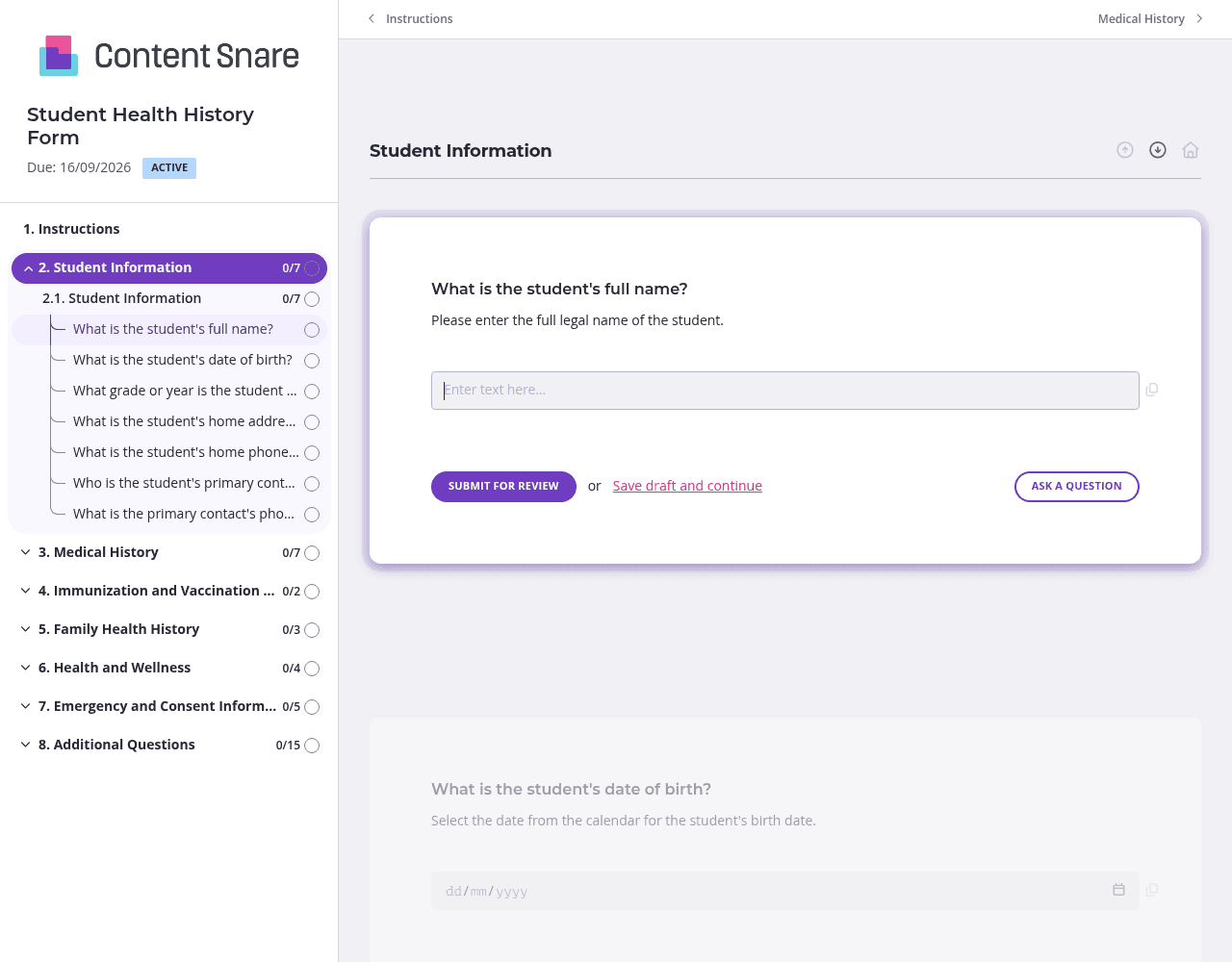
Parents shouldn't wade through questions that don't apply to their child. Set up conditional logic so that if someone answers "no" to "Does the student have any chronic illnesses?", they skip the follow-up details. Same goes for allergies, medications, and family health history. You'll get cleaner data and families will actually finish the form instead of abandoning it halfway through.
You've got basic details like the student's name, grade, and home address in your enrollment system. Pre-fill those fields before sending the form so parents can focus on what matters - the medical information only they can provide. Delete redundant questions entirely if you're confident in your existing data. This cuts completion time significantly and shows families you respect their time.
Vaccination records confuse people. Parents stare at their child's immunization card wondering which shot is "DTaP" versus "DT." Add a brief instruction area above those questions with a simple explanation or even upload a labeled photo showing what to look for on a standard vaccination record. Clear guidance here prevents the back-and-forth emails asking for clarification and reduces errors that could delay enrollment.
Health history forms are critical for compliance, but parents forget or procrastinate. Automatic reminders nudge families without you playing the bad guy. Schedule a gentle follow-up three days after sending, then another one week out. You'll collect submissions faster and spend zero time tracking down who hasn't responded yet.
Email attachments get lost. Paper forms arrive incomplete or illegible. Spreadsheets lack the security health data demands. Content Snare eliminates these headaches with a purpose-built platform that collects student health information efficiently while keeping sensitive medical data secure - it's ISO 27001 certified and trusted by thousands of businesses worldwide.
Parents complete forms at their own pace with automatic reminders handling follow-ups for you. You'll see exactly who's submitted and who hasn't, no spreadsheet tracking required. The platform has earned hundreds of 5-star reviews across G2, Capterra, and Trustpilot for making information collection painless for both administrators and families.
Student health history forms are just the beginning. Schools and colleges use Content Snare for enrollment applications, field trip permission forms, teacher onboarding documents, scholarship applications, parent volunteer information, and alumni updates - any situation where you need accurate information from families, staff, or students without the endless email chains.


