
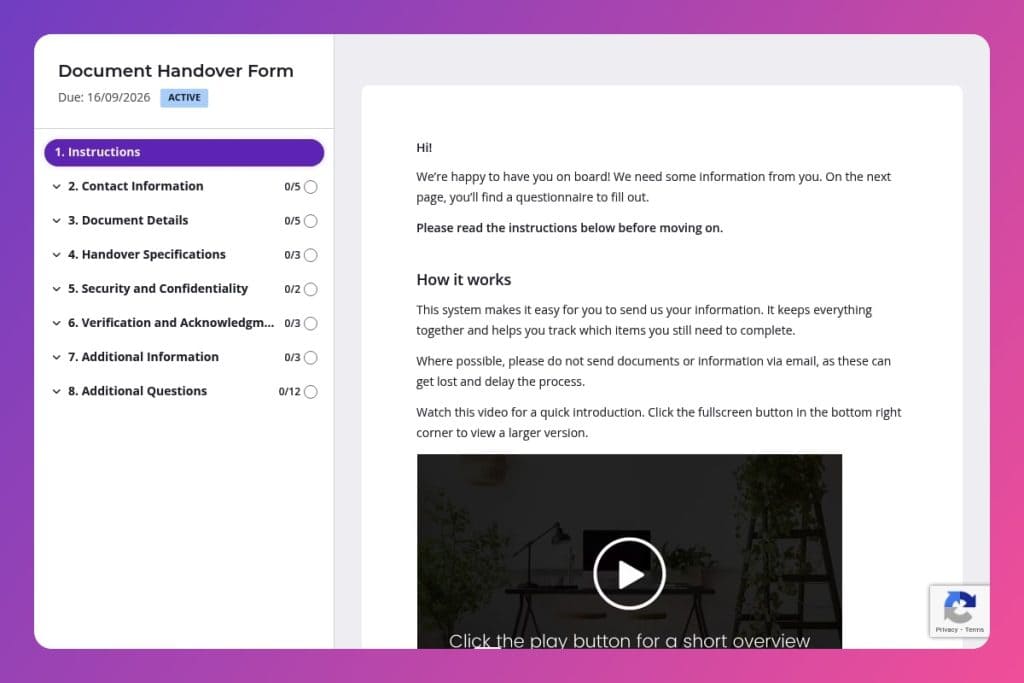


A structured form that captures sender details, document specifications, recipient information, delivery preferences, security requirements, and acknowledgment procedures to create accountability during file transfers.

Operations managers, project coordinators, compliance officers, and administrative teams who need to track document transfers between departments, clients, or stakeholders with clear accountability.

During project closures, client onboarding, departmental handoffs, compliance audits, or any situation where you need a verified record of what documents were transferred, to whom, and when.
Lost documents cost businesses an average of $20,000 per year. Missing files, unclear handoff procedures, and zero accountability create chaos during critical transitions - whether you're onboarding clients, closing projects, or managing internal transfers.
A document handover form fixes this. It creates a clear paper trail, captures essential details about what's being transferred, confirms recipient information, and establishes accountability from sender to receiver. This post covers what a document handover form is, how to use it effectively in your business operations, and includes a free template you can customize immediately. Let's dive in.
Contact Information
Capture primary contact details to route follow-ups and tie the handover to the right stakeholder.
Document Details
Collect core identifiers so your team can catalog, version, and search the asset without ambiguity.
Handover Specifications
Set delivery expectations so operations can choose the right channel and schedule handoff activities.
Security and Confidentiality
Surface security constraints to align handling, storage, and access with policy and client requirements.
Verification and Acknowledgment
Define how receipt is confirmed and what proof is required to close the loop.
Additional Information
Give space for context and attachments that reduce back-and-forth and prevent gaps.
Create a standardized reference numbering system: Before you send your first form, establish a consistent document ID format (like PROJECT-DEPT-001). This makes tracking easier and helps recipients locate files quickly when they need them later.
Be specific about delivery deadlines: Don't just write "ASAP" or leave the deadline field vague. Give recipients a clear date and time, especially for time-sensitive documents. This eliminates back-and-forth emails and sets proper expectations from the start.
Use the additional notes field to explain context: The "background information" section is your chance to add crucial context that isn't obvious from the document title alone. Mention why this document matters, what decisions it informs, or any recent changes the recipient should know about. A two-sentence explanation now saves a 20-minute phone call later.
Confirm the acknowledgment procedure upfront: Tell recipients exactly how you want them to confirm receipt - whether that's a reply email, signed form, or entry into your project management system. The clearer you are in the "acknowledgment procedure" field, the less chasing you'll do.
Follow up within 24 hours of the handover deadline: If you haven't received confirmation by the deadline, reach back out immediately. Reference the specific document title and reference number from your original form so there's no confusion about which handover you're tracking.
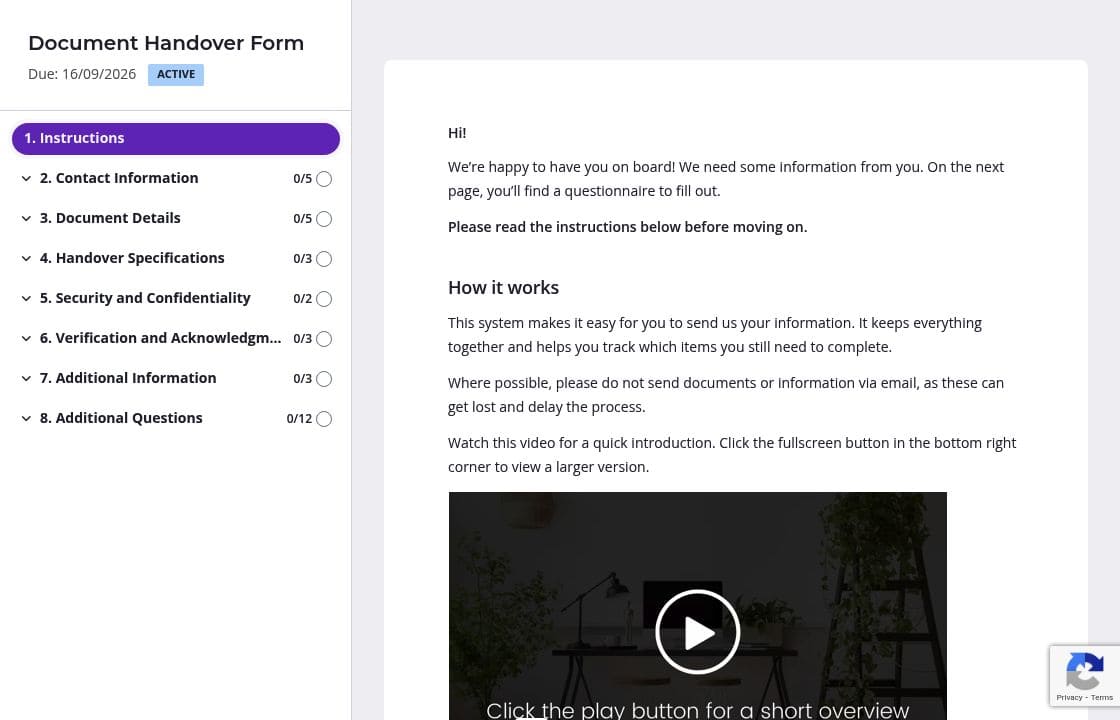
You already know the sender's name, company, and email address. Delete those fields or pre-fill them before you send the form. Your team can focus on the important stuff - document details, recipient information, and handover specifications - instead of typing out basic information you already have in your system.
The confidentiality and encryption questions can confuse people if they're not familiar with your protocols. Use instruction areas to explain exactly what "confidential" means in your organization, or provide examples of when password protection is required. Clear guidance here means fewer incorrectly classified documents and less back-and-forth clarification.
Document transfers are time-sensitive. Content Snare sends automatic follow-ups so recipients don't miss their deadlines, and you don't have to manually track who still needs to acknowledge receipt. The system does the chasing for you, keeping handovers on schedule without awkward reminder emails from your inbox.
Group your form into clear sections: Contact Information on page one, Document Details and Handover Specifications on page two, Security and Verification on page three. Recipients can complete one section at a time without feeling overwhelmed by a long list of questions. It's easier to follow, and you get more complete submissions.
Spreadsheets get lost in email threads. Shared drives create version control nightmares. Content Snare gives you a single, trackable system for document handovers that works every time. You get automatic follow-ups, complete audit trails, and ISO 27001 certified security - critical when you're handling confidential business documents.
Thousands of businesses worldwide trust Content Snare to collect information professionally. The platform integrates with the tools you already use, so handover data flows directly into your project management system or cloud storage without manual data entry.
Document handovers are just one use case. Businesses also use Content Snare for:
The platform adapts to however your business operates. With hundreds of 5-star reviews across G2, Capterra, and Trustpilot, Content Snare delivers the reliability and flexibility businesses need to streamline information collection.


