
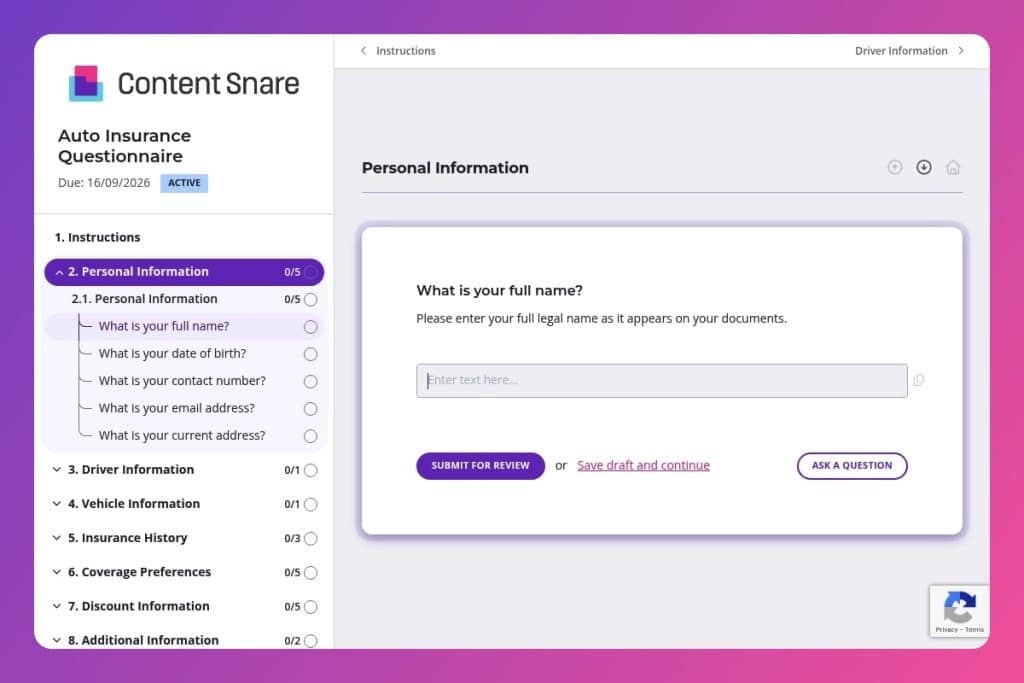


A comprehensive intake form that collects driver details, vehicle information, insurance history, coverage preferences, and discount eligibility to generate accurate auto insurance quotes.

Insurance brokers and agents who need complete client information upfront to provide accurate quotes without multiple follow-up calls or missing critical details like VINs and claim histories.

Send it 24-48 hours before initial consultations to give clients time to gather necessary documents, or during policy renewals to update driver and vehicle information efficiently.
How much time does your team waste chasing down missing VINs, forgotten claim histories, and unclear coverage preferences? Every incomplete client intake means follow-up calls, delayed quotes, and frustrated customers who might walk to a competitor.
An auto insurance questionnaire solves this problem by capturing everything you need upfront - driver details, vehicle information, insurance history, and coverage preferences - in one organized form. This post covers what makes an effective auto insurance questionnaire, practical tips to maximize response rates, and a free template you can customize for your brokerage. Let's dive in.
Personal Information
Collect baseline identifiers and contact details for record matching and follow-up.
Driver Information
Capture all rated operators and license details to support MVR pulls and driver-to-vehicle assignment.
Vehicle Information
Gather unit-level specs and usage to rate accurately and confirm eligibility.
Insurance History
Document prior carrier, tenure, claims, and any lapses to validate continuity and eligibility.
Coverage Preferences
Confirm desired limits, deductibles, and add-ons to align the quote with risk appetite and budget.
Discount Information
Identify discount-eligible factors up front to surface savings and required proof.
Additional Information
Capture timing and any special instructions to plan binding and service.
Send it before the first call: Give clients the questionnaire 24-48 hours before your initial consultation. They'll have time to gather VINs, driver's license numbers, and past claim details without the pressure of answering on the spot. You'll spend less time on basic data collection and more time on actual coverage recommendations.
Break it into stages for complex situations: If a client has multiple drivers or vehicles, consider sending the personal and driver information sections first, then following up with vehicle details once you know the full scope. This prevents overwhelming clients who might abandon a lengthy form halfway through.
Use it as a discovery tool, not just data entry: The discount information section reveals opportunities your clients might not know about - military service, professional memberships, anti-theft devices. Review their answers before your meeting and come prepared with specific savings strategies.
Flag incomplete responses immediately: Check submissions as soon as they come in, especially VINs and claim histories. These are the most commonly skipped or incorrectly entered fields. A quick text or email asking for clarification saves days of back-and-forth later.
Create a follow-up checklist from their answers: Use the "specific needs or concerns" question to personalize your approach. If someone mentions a teen driver or commercial vehicle use, prepare relevant talking points and coverage options before your next conversation.
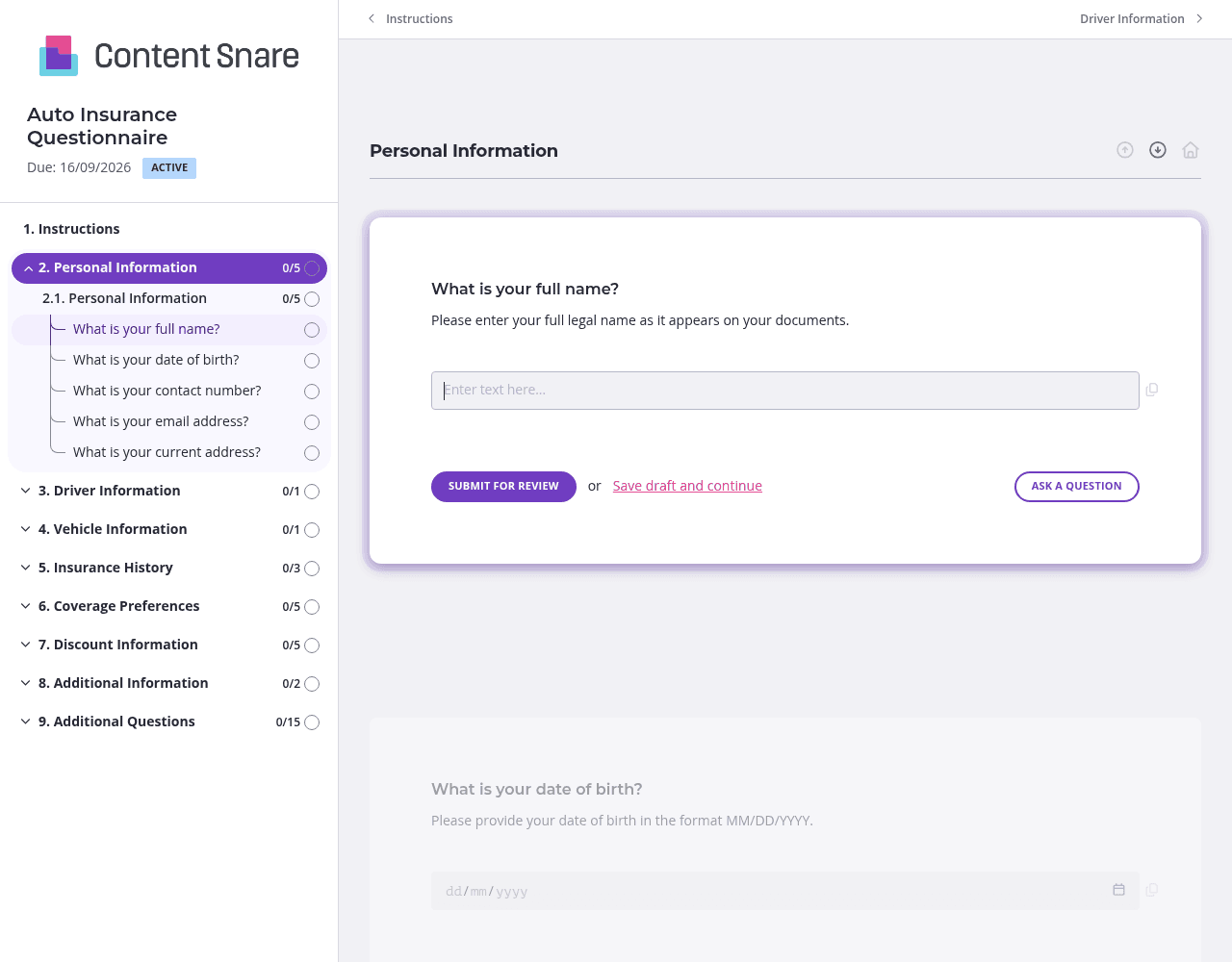
Clients forget to complete forms. It happens constantly with auto insurance questionnaires - they get distracted halfway through entering VINs or can't find their license numbers right away. Content Snare sends automatic reminders on your behalf, so you're not manually following up or feeling like you're nagging. Set the frequency once, and the system handles the rest while you focus on actual client work.
An auto insurance questionnaire covers a lot of ground: personal details, driver information, vehicle specs, insurance history, and coverage preferences. That's overwhelming in one long scroll. Use Content Snare's pages and sections to organize questions into logical chunks. Clients can save progress and return when they have their VIN handy or need to check past claim dates. You'll get more complete submissions and fewer abandoned forms.
Not every question applies to every client. Someone with one vehicle doesn't need to see multiple vehicle fields. A client without current coverage shouldn't wade through questions about their existing provider. Conditional logic hides irrelevant questions based on previous answers. The form stays focused, clients finish faster, and you collect cleaner data.
You likely have basic information on file - name, email, address, maybe even current policy details for renewals. Delete or pre-fill those questions before sending the form. Clients appreciate not re-entering information you already have, and they're more likely to complete the questionnaire when it feels personalized rather than generic.
You could use email, PDF attachments, or paper forms to collect auto insurance information. But those methods create endless back-and-forth, missing details, and manual data entry. Content Snare eliminates the chaos with automatic reminders, organized submissions, and a professional client experience that builds trust from the first interaction.
Insurance brokers handle sensitive information. Content Snare is ISO 27001 certified and trusted by thousands of businesses worldwide. Your clients' personal details, driver's license numbers, and VINs stay secure. You look professional, and clients feel confident sharing their information.
The platform integrates with the tools you already use - your CRM, email systems, and workflow apps. No duplicate data entry. No switching between platforms to track who's submitted what.
Hundreds of 5-star reviews across G2, Capterra, and Trustpilot highlight one consistent theme: Content Snare saves hours every week while improving client relationships.
This form is just one application. Insurance brokers use Content Snare for:
Any time you need information from clients, Content Snare handles it better than email attachments or phone tag.


