
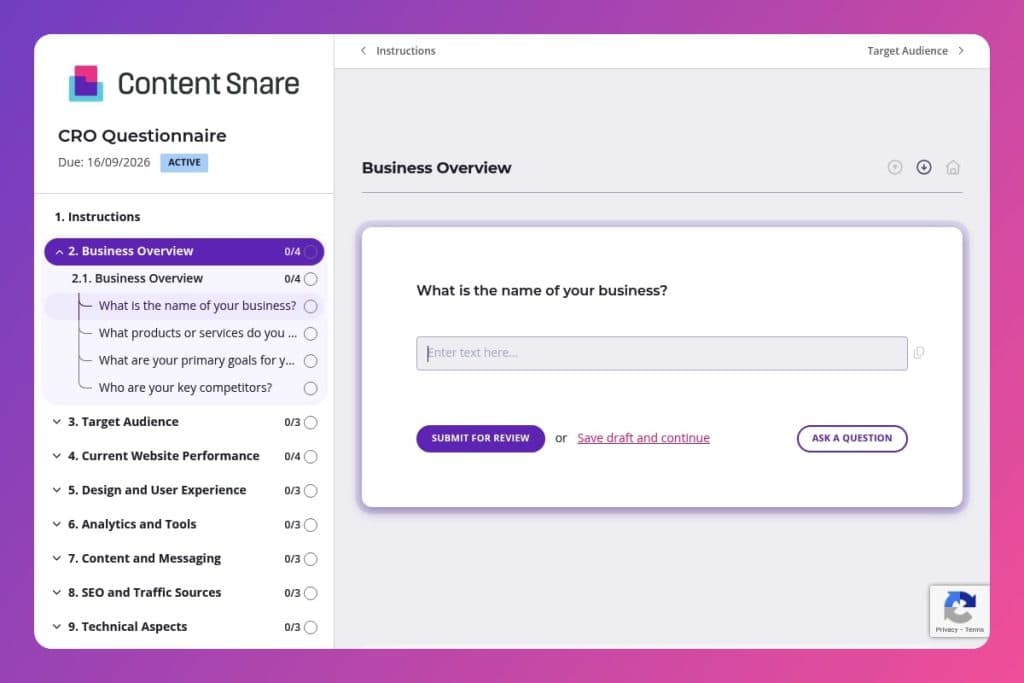


A comprehensive client intake questionnaire that captures analytics data, conversion metrics, technical performance, audience insights, and business goals to plan conversion rate optimization projects.

Digital agency CRO specialists, conversion strategists, and account managers who need structured client discovery before launching optimization audits and testing programs.

Send it 2-3 days before kickoff calls with new CRO clients so they can gather analytics access, conversion data, and technical details you need to build your audit roadmap.
Your agency lands a new client who needs conversion optimization - fast. You schedule the kickoff call, but within minutes you're scrambling to capture critical details about their analytics setup, traffic sources, and past CRO efforts. Sound familiar? Without a structured CRO questionnaire, you're left piecing together information across multiple emails and calls, delaying strategy and frustrating clients.
A well-designed CRO questionnaire solves this. It captures everything you need upfront - from current conversion rates and user feedback to technical issues and business goals. This post covers what makes an effective CRO questionnaire, how to use it during client onboarding, and includes a free template you can customize immediately. Let's dive in.
Business Overview
Use this group to capture core business context that frames goals and competition.
Target Audience
Use these questions to define who needs to convert and how they arrive.
Current Website Performance
Establish the baseline and pinpoint where conversion friction concentrates.
Design and User Experience
Collect qualitative signals that guide UX hypotheses and design priorities.
Analytics and Tools
Confirm the tracking stack, data availability, and reporting expectations.
Content and Messaging
Map persuasive themes and guardrails for copy and offer testing.
SEO and Traffic Sources
Understand acquisition mix and constraints that affect intent and test viability.
Technical Aspects
Surface technical risks that can depress conversions or pollute results.
Improvements and Goals
Align on priorities, outcomes, and potential solutions to explore.
Past Experience and Results
Leverage prior learnings to avoid repeating missteps and to scale what worked.
Decision-Making and Collaboration
Set decision rights, feedback cadence, and delivery timelines.
Other Considerations
Capture context that does not fit elsewhere but could affect scope or execution.
Send it before the kickoff call, not after: Give clients 2-3 days to complete the CRO questionnaire before your first meeting. They'll need time to pull conversion rates, gather analytics access, and check with their team about past CRO efforts. You'll arrive prepared with a real strategy, not just introductions.
Flag the analytics section as a priority: Most clients underestimate how much detail you need about their current setup. In your email, specifically highlight the Analytics and Tools section - mention you'll need their Google Analytics login, heatmap tools they're using, and which KPIs they track. This saves you from chasing credentials later.
Use their answers to build your audit roadmap: Don't let responses sit in your inbox. Map their high drop-off pages, technical issues, and design concerns directly into your CRO audit checklist. If they mention mobile optimization problems or slow loading speeds, those become your first investigation points.
Circle back on vague answers with follow-up questions: Clients often write "increase conversions" as their primary goal or leave competitor fields blank. Schedule a quick 15-minute call to dig deeper on these sections - ask about specific conversion targets, revenue goals, and who they're actually losing business to.
Turn their content and messaging answers into hypothesis fuel: Pay close attention to how they describe their brand voice, what content resonates, and their value propositions. These answers reveal what they think works versus what your data might show. Use the gap between perception and performance to frame your testing strategy.
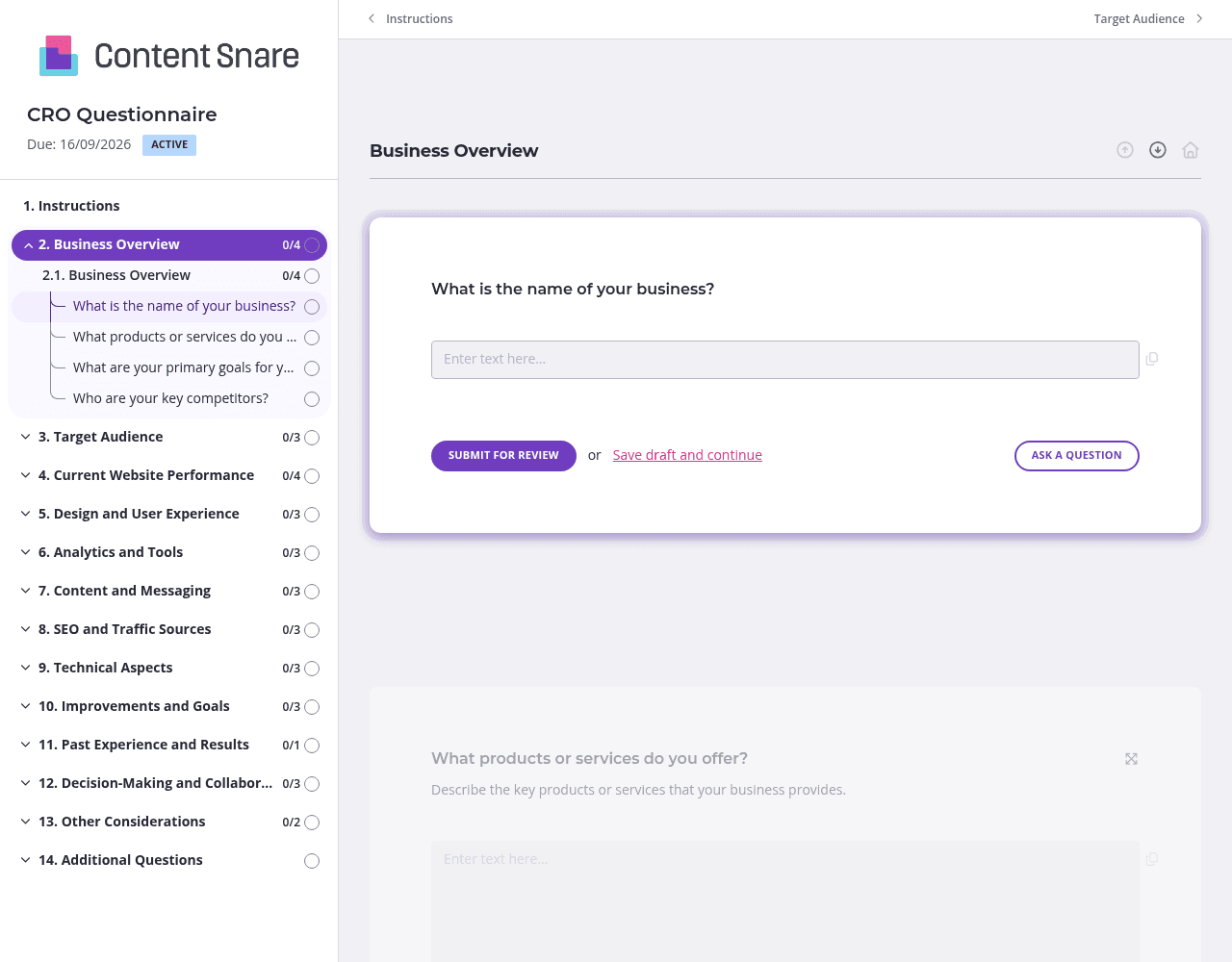
A CRO questionnaire covers a lot of ground - from analytics tools to brand messaging to technical performance. Divide your form into clear sections like "Business Overview," "Current Website Performance," and "Analytics and Tools." Clients can tackle one area at a time instead of facing 40+ questions on a single page. They're more likely to finish, and their answers will be more thoughtful.
The analytics section trips up most clients. They're not sure which conversion rates you need, or they don't know how to find their Google Analytics data. Add a short instruction box above those questions: "Find your conversion rate in GA4 under Reports > Engagement > Conversions for the last 90 days." A quick screenshot or screencast showing exactly where to click saves you both time.
Not every client has run CRO initiatives before. Set up your "Past Experience and Results" section to only appear if they answer "yes" to having previous CRO efforts. Same goes for follow-up questions about heatmaps - if they're not using any tools, skip asking which specific metrics they track. Clients see fewer questions, you get cleaner data.
CRO projects have tight timelines, but clients often need a nudge to complete questionnaires. Schedule automatic reminders at 3 days and 7 days after sending. You're not chasing anyone manually, and clients appreciate the gentle prompt when they've genuinely forgotten. The form does the follow-up work while you focus on strategy.
Google Forms and email chains don't cut it for client onboarding. You lose track of responses, clients forget what you asked for, and nothing looks professional. Content Snare was built specifically for collecting information from clients - with automatic reminders, progress tracking, and a polished experience that reflects well on your agency.
Thousands of agencies worldwide trust Content Snare to handle their client intake. It's ISO 27001 certified, so you can safely collect sensitive analytics credentials and business data. Plus it integrates with tools you already use, making it easy to plug into your existing workflow.
This CRO questionnaire is just one application. Digital agencies also use Content Snare for:
Content Snare has hundreds of 5-star reviews across G2, Capterra, and Trustpilot. Agencies love it because it eliminates the back-and-forth that slows down projects and frustrates clients.


