
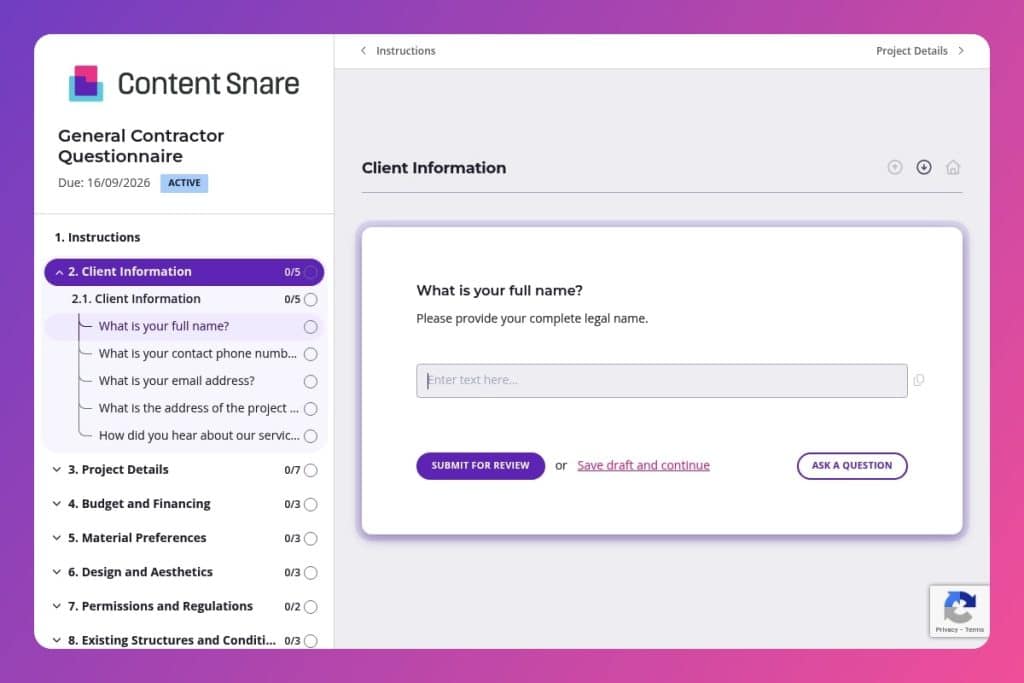


A comprehensive intake form that collects project specifications, budget parameters, timelines, material preferences, site conditions, and permit status from potential clients before starting construction work.

General contractors who need to qualify leads, assess project feasibility, and gather detailed information before committing to proposals or initial consultations with residential or commercial clients.

Send this 24-48 hours before first client meetings to replace basic fact-finding with strategic discussions, identify budget-timeline misalignments early, and flag incomplete responses that signal potential problem clients.
The wrong contractor can derail a six-figure project before the first permit is pulled. Mismatched expectations, vague budgets, and missing details create delays that cost you time and money. A general contractor questionnaire eliminates that risk by capturing every critical detail upfront - from project scope and timelines to material preferences and site conditions.
This post walks you through what a solid questionnaire includes, how to use it effectively in your vetting process, and gives you a free template to start with. You'll learn which questions separate serious contractors from mismatches and how to streamline communication from day one. Let's break it down.
Client Information
Collect essential contact and project location details to set up the job file and route communications.
Project Details
Define scope, program, and schedule anchors to frame estimating, phasing, and procurement.
Budget and Financing
Confirm funding, budget range, and contingencies to align scope, allowances, and draw requirements.
Material Preferences
Capture brand and material requirements and exclusions to guide specs and procurement.
Design and Aesthetics
Document style direction and finish expectations to align selections and mockups.
Permissions and Regulations
Surface permitting needs and governing constraints that affect method, cost, and schedule.
Existing Structures and Conditions
Identify site conditions and data that drive engineering, means and methods, and risk.
Subcontractors and Vendors
Note preferred or restricted parties to plan bid lists, compliance, and coordination.
Communication and Updates
Set communication cadence and authority so decisions move without delay.
Additional Services
Scope adjacent services to coordinate trades and closeout in one plan.
Final Considerations
Leave space for constraints, risks, or must-haves that do not fit elsewhere.
Send it before the first meeting: Get the questionnaire to potential clients 24-48 hours before your initial consultation. You'll show up prepared with informed questions about their timeline, budget range, and site conditions - turning that first conversation into a productive strategy session instead of basic fact-finding.
Use incomplete responses as red flags: If a client skips budget questions, leaves permit status blank, or provides vague project scope details, that's valuable information. Address these gaps directly in your follow-up. Clients who can't or won't clarify fundamentals often create headaches down the line.
Look for alignment between timeline and complexity: A client who wants a full renovation completed in eight weeks with multiple design elements and no permits in place needs a reality check. Their questionnaire responses give you the data to explain why their schedule doesn't match their scope - backed by their own stated requirements.
Create a decision-making profile from communication preferences: The questions about update frequency, contact methods, and primary decision-makers reveal how hands-on (or difficult) a client might be. Someone who wants daily texts and lists three equal decision-makers will require more project management than someone who trusts weekly email updates with a single point of contact.
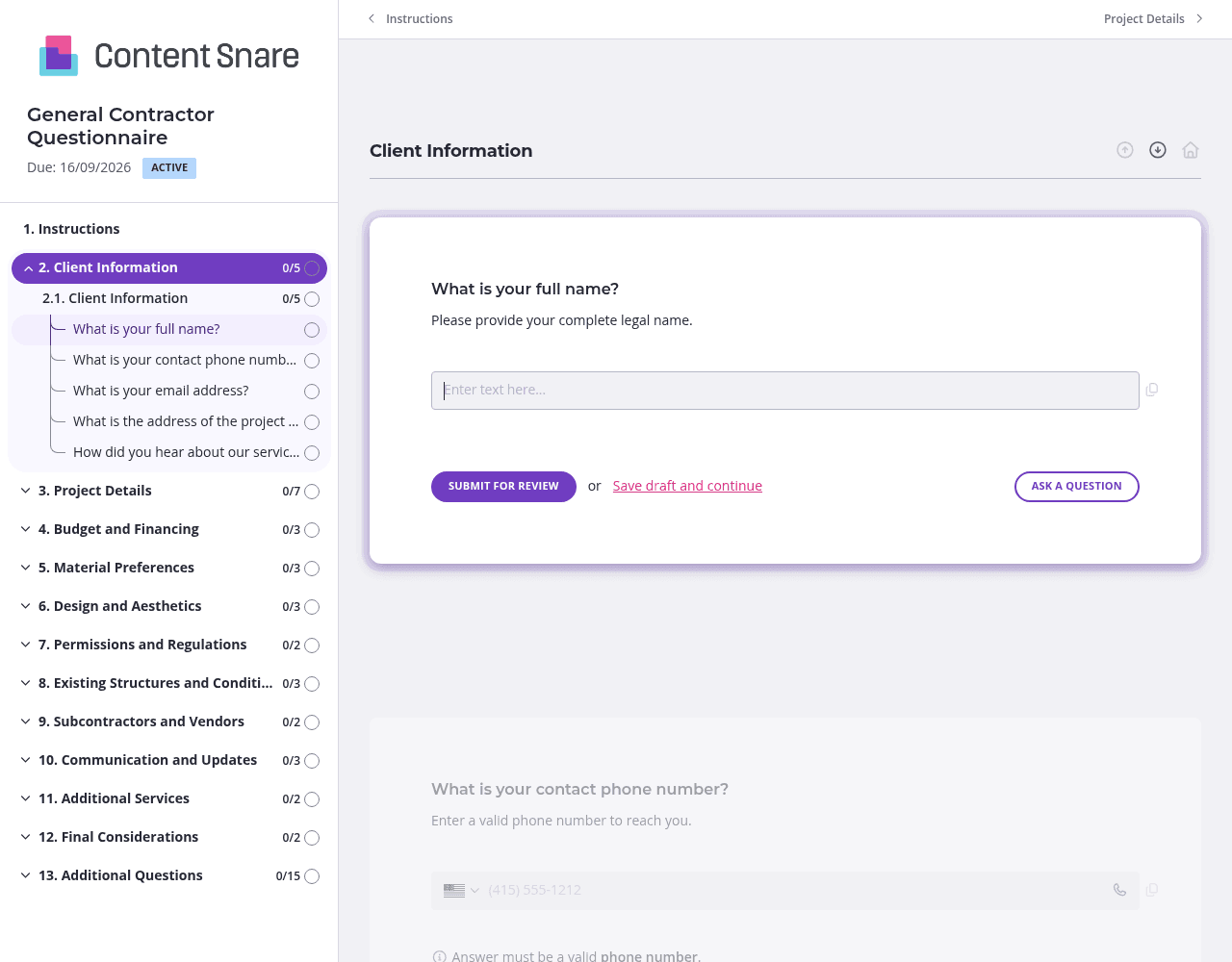
This questionnaire covers a lot of ground - budget, permits, site conditions, material preferences, and more. Split it into logical sections using separate pages: one for project basics, another for budget and financing, a third for design preferences, and so on. Clients feel less overwhelmed when they tackle five questions at a time instead of staring down a 40-question marathon. They're more likely to finish, and you'll get more complete answers.
Not every question applies to every project. Use conditional logic to hide irrelevant sections based on earlier answers. If a client selects "new construction" as their project type, skip questions about existing structural issues or demolition needs. If they indicate they already have permits, hide the permit assistance questions. You'll respect their time and avoid confusion - clients appreciate forms that feel tailored to their specific situation.
Questions about budget contingencies, soil reports, or HOA regulations can trip up clients who aren't sure what you're asking for. Add brief instruction text to clarify: "A soil report identifies ground stability and drainage - check with your surveyor or local planning department." Clear guidance upfront means fewer vague responses and follow-up calls asking clients to re-explain what they meant.
You've probably collected basic contact information before sending this questionnaire - name, email, phone number, project address. Prefill those fields so clients don't waste time re-entering details you already have. It shows you're organized and makes the form feel shorter. Delete irrelevant sections entirely for returning clients or specific project types before you hit send.
Email chains and basic online forms fall apart fast when you're managing multiple contractor bids or juggling renovation projects with dozens of decision points. Emails get buried, clients forget what you asked for, and you waste hours chasing the same information from different people.
Content Snare keeps everything organized in one place. Clients see exactly what you need, what they've already provided, and what's still outstanding. No digging through reply threads or trying to remember if they ever answered your permit question.
Automatic reminders do the follow-up for you. You don't have to send "just checking in" emails or feel like you're nagging clients. The system handles it professionally, so projects keep moving without you playing email cop.
It's built for complex information gathering. You can collect site surveys, architectural plans, HOA documentation, and budget spreadsheets alongside written responses - all in one submission. Try doing that cleanly over email.
Content Snare is ISO 27001 certified and handles sensitive client data securely. That matters when you're collecting financial information, property details, and personal contact data for six-figure projects.
Thousands of businesses trust it worldwide, with hundreds of 5-star reviews across G2, Capterra, and Trustpilot.
This general contractor questionnaire is just the start. You can use Content Snare throughout your project lifecycle:
The platform integrates with tools you likely already use - project management software, CRMs, accounting systems. Customize every form to match your brand and workflow. It's flexible enough to handle whatever information you need to collect, without forcing clients through a generic survey experience.


