
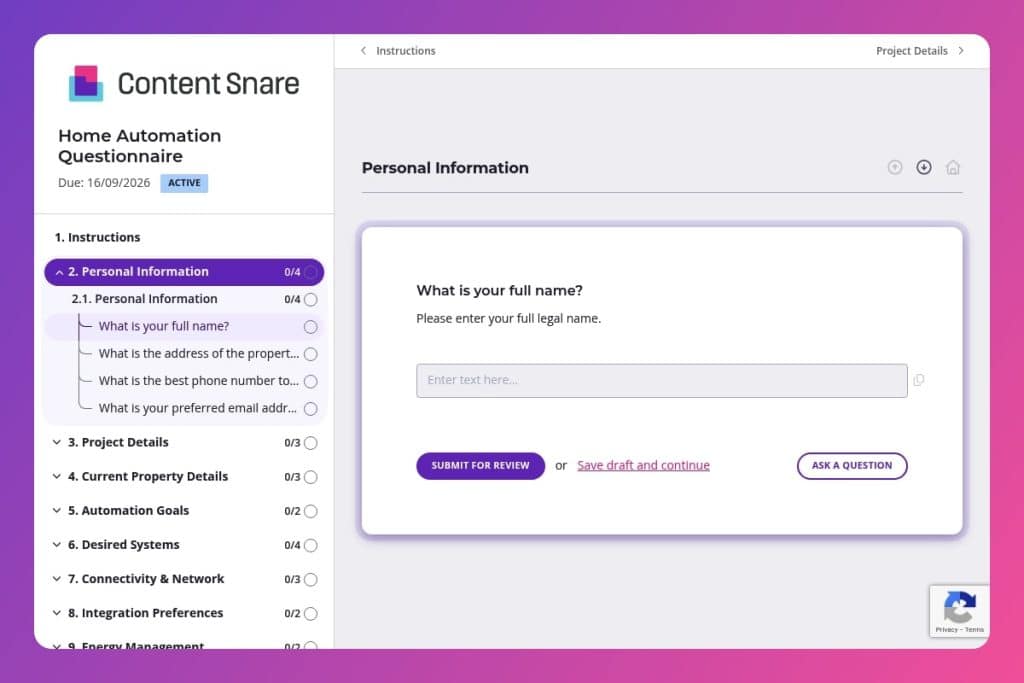


A pre-consultation questionnaire that captures a client's smart home preferences, budget, property details, desired systems (lighting, security, climate control), network capabilities, and integration requirements before you scope the project.

General contractors, custom home builders, and residential construction firms offering smart home integration services who need to assess client expectations and technical feasibility before site visits or proposals.

Send it immediately after a client commits to exploring home automation - ideally 48 hours before your first site visit - so you can qualify their budget, identify network limitations, and prepare a strategic consultation instead of a fact-finding meeting.
Your client just said "yes" to smart home integration - but do you know if they want voice-controlled lighting, a full security overhaul, or just a smart thermostat? Misreading automation expectations costs you time in revisions, budget overruns, and frustrated homeowners. A home automation questionnaire cuts through the confusion by capturing every detail upfront: their timeline, budget, preferred platforms, network capabilities, and privacy concerns.
This post walks you through what makes an effective home automation questionnaire, how to use it during initial consultations, and where to grab a free template. You'll learn which questions uncover hidden challenges - like weak Wi-Fi coverage or energy management goals - so you can scope projects accurately and avoid costly surprises. Let's dig in.
Personal Information
Collect core client and site contact details for proposals, scheduling, and on-site access.
Project Details
Frame scope, constraints, and feature priorities to qualify the project and set expectations.
Current Property Details
Establish physical scope and existing smart gear to plan wiring, loads, and integration paths.
Automation Goals
Clarify outcomes to drive system design and feature selection.
Desired Systems
Confirm subsystem interest to shape bill of materials and labor estimates.
Connectivity & Network
Assess network baseline and upgrade willingness to ensure reliability and performance.
Integration Preferences
Align platform choice and third-party requirements early to avoid incompatibilities.
Energy Management
Identify sustainability features and monitoring needs that influence hardware, wiring, and utility coordination.
User Access & Control
Define users and control methods to plan accounts, roles, and interface hardware.
Privacy & Security
Capture risk tolerance and security expectations to choose architectures and policies.
Post-Installation Support
Set support scope to plan training, handover, and service agreements.
Additional Notes
Give space for edge cases, site constraints, or preferences that affect design or logistics.
Send it before the first site visit: Get the questionnaire completed at least 48 hours before you walk the property. You'll already know how many rooms need coverage, whether they have existing smart devices, and if their Wi-Fi can handle the load. This turns your site visit into a strategic consultation instead of a fact-finding mission.
Use the budget and timeline responses to qualify early: If someone selects a modest budget range but lists solar integration, whole-home security, and entertainment automation, you've spotted a mismatch. Address it upfront in your follow-up call. It saves everyone time and sets realistic expectations before you invest hours in a proposal.
Flag network and integration answers for your tech team: The responses about internet connection type, Wi-Fi coverage, and preferred platforms (Google Home, Alexa, Apple HomeKit) should go straight to whoever's handling the technical scope. Weak signal across multiple floors or a client locked into a specific ecosystem affects equipment specs and installation complexity - details that need to surface before you finalize pricing.
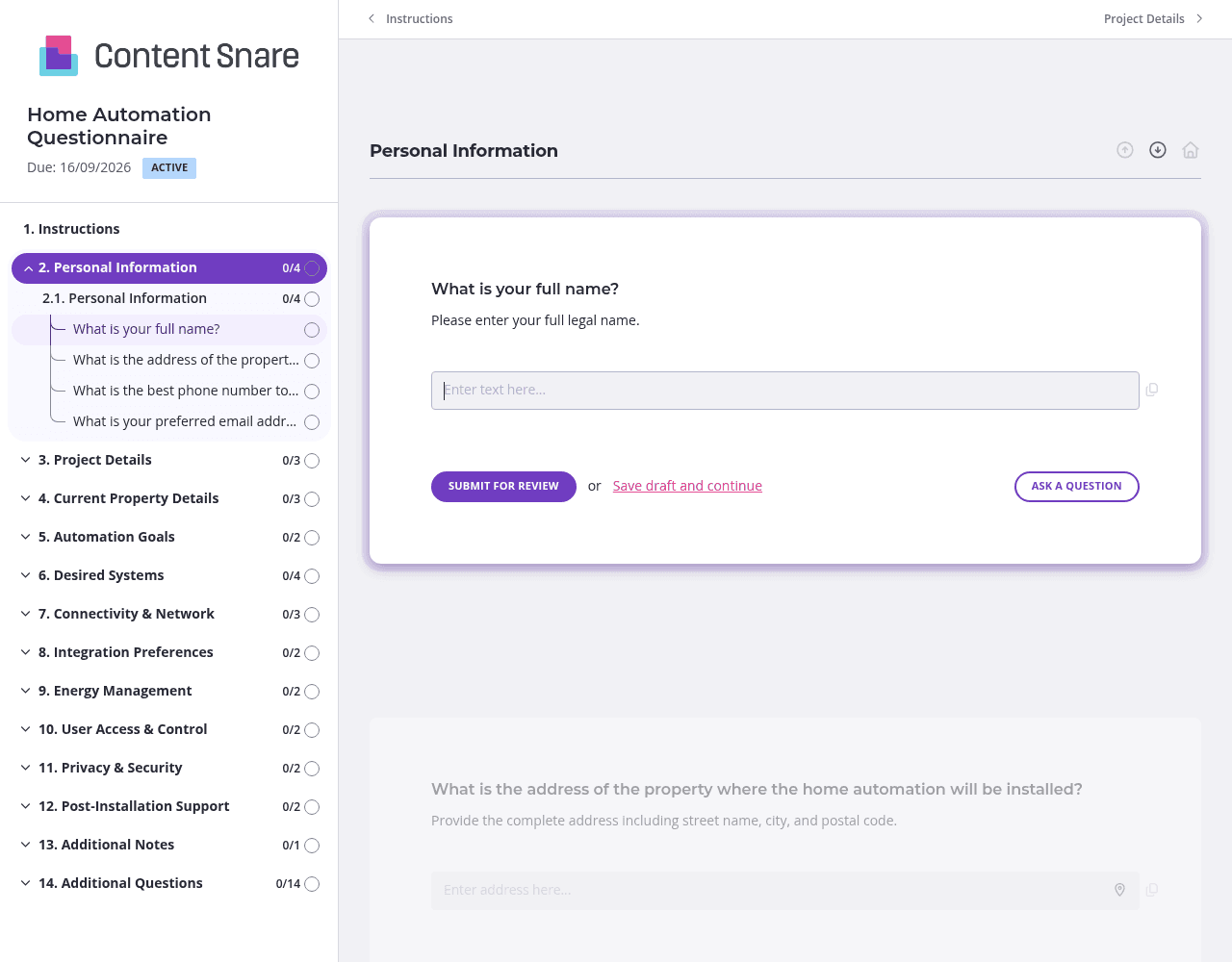
Not every client needs questions about solar panel integration or network extenders. Set up conditional logic so follow-up questions only appear based on earlier answers. If they say "no" to smart security features, skip the questions about cameras and sensors. If they're not interested in energy management, hide the solar and monitoring questions. Clients see a shorter, more focused form - and you get cleaner data without the "N/A" responses cluttering your intake.
You likely have basic details before sending this form: the property address, contact info, maybe even square footage or number of floors from initial conversations. Pre-fill those fields so clients don't re-enter information they've already shared. It shows attention to detail and speeds up completion. You can also delete entire sections - like "Current Property Details" - if you've already gathered that during a site assessment.
Clients often underestimate costs or don't realize what "whole-home automation" actually includes. Use instruction boxes in the budget range question to provide rough benchmarks ("Basic lighting and thermostat: $3K–$8K" or "Full security + climate + entertainment: $15K+"). In the "Desired Systems" section, add brief explainers for terms like "network extenders" or "data encryption." Clear guidance upfront means fewer confused responses and follow-up calls to clarify what they actually want.
Home automation projects have long sales cycles, and your questionnaire can get buried in a client's inbox. Automatic reminders ensure the form gets completed without you having to send awkward follow-ups. Schedule a gentle nudge after three days, then another after a week. Clients appreciate the prompt, and you avoid the bottleneck of waiting on information before you can scope the project.
Most contractors still collect home automation details through email threads, PDFs, or phone calls. Information gets lost, answers are incomplete, and you're stuck chasing clients for clarification. Content Snare centralizes everything in one organized form, tracks what's missing, and automatically reminds clients to finish - so you can move projects forward without the back-and-forth.
It's trusted by thousands of businesses worldwide and has hundreds of 5-star reviews across G2, Capterra, and Trustpilot. The platform is ISO 27001 certified, which matters when you're collecting sensitive details about clients' home networks, security preferences, and budget information.
Content Snare integrates with the tools you already use - your CRM, project management software, and communication platforms - so client responses flow directly into your workflow without manual data entry.
This form is just one way to streamline client intake. Construction professionals use Content Snare for:
The platform is highly customizable, so you can adapt it to any information-gathering process in your business.


