
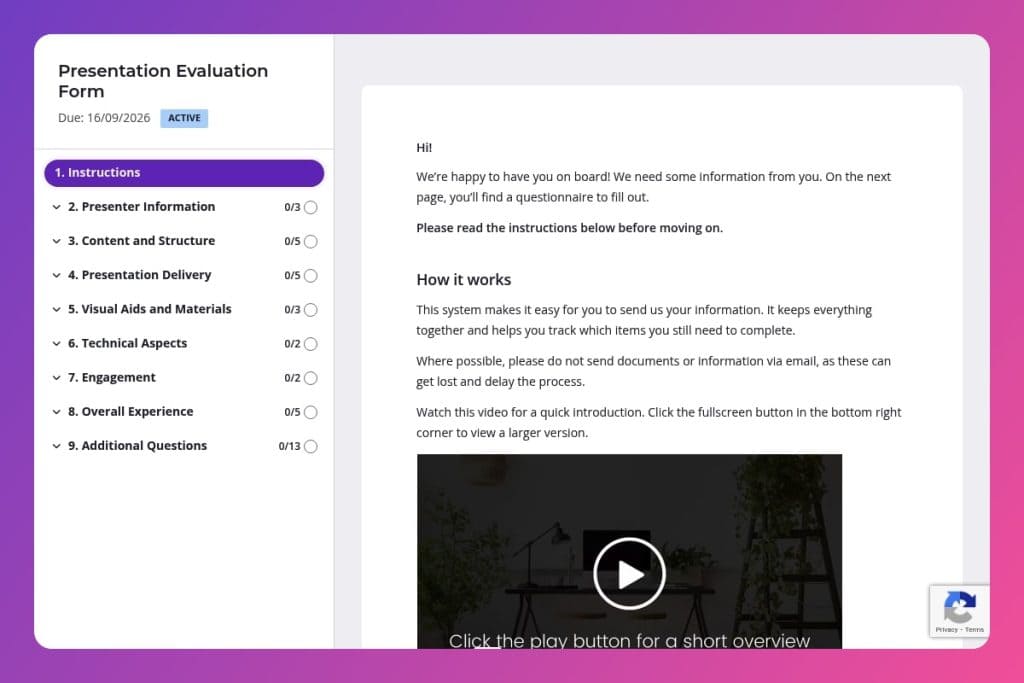


A feedback collection tool that captures specific ratings and comments on presentation content, delivery skills, visual aids, audience engagement, and overall effectiveness after a training session.

Corporate trainers, workshop facilitators, and training consultants who deliver presentations and need structured participant feedback to improve their sessions and demonstrate impact to clients.

Immediately after completing any training session or presentation, before participants leave or within an hour of finishing, while their impressions of your delivery, content clarity, and engagement techniques are still fresh.
You just delivered what felt like your best training session yet - but how do you actually know? Without structured feedback, you're guessing at what worked and what didn't. That leaves gaps in your content, missed opportunities to refine your delivery, and no way to prove your impact to clients.
A presentation evaluation form solves this. It captures specific, actionable feedback on everything from content clarity to engagement levels, helping you improve faster and build a portfolio of proven results. This post covers what makes an effective evaluation form, how to use it after every session, and a free template you can customize right away. Let's break it down.
Presenter Information
Collect session identifiers for accurate attribution and segmentation.
Content and Structure
Assess relevance, coherence, and depth to guide content tuning and sequencing.
Presentation Delivery
Gauge delivery effectiveness and audience connection to refine facilitation skills.
Visual Aids and Materials
Verify whether supporting assets aided comprehension and post-session utility.
Technical Aspects
Confirm production quality and surface issues that may have hindered delivery.
Engagement
Measure participatory dynamics to calibrate interaction design.
Overall Experience
Capture holistic sentiment and priorities to steer improvements and positioning.
Send it immediately after the session: Feedback is sharpest when it's fresh. Distribute your presentation evaluation form within an hour of wrapping up - participants remember specific moments, like whether your Q&A felt rushed or if a particular slide clarified a tricky concept. Wait too long and responses become vague or never arrive.
Make the objectives crystal clear upfront: Before you even start your presentation, tell participants what you're aiming to achieve and mention they'll have a chance to evaluate how well you delivered. This primes them to pay attention to structure, pacing, and whether you actually covered what you promised - which means better, more focused feedback on those "objectives clearly stated" and "key points summarized" questions.
Use a mix of rating scales and open-ended questions: Your form should balance quick ratings (communication skills, visual aid quality) with space for written feedback (strengths, areas for improvement). The ratings give you trackable data over time, while the open-ended responses reveal the "why" behind the scores - like discovering your slides were clear but you talked too fast through them.
Review feedback before your next session: Don't let responses pile up unread. Pull out recurring themes - maybe three people mentioned needing more depth on a specific topic, or several noted technical audio issues. Address these patterns in your next presentation and mention the improvements you've made. Clients notice when you actually listen.
Share positive feedback strategically: When evaluations highlight your strengths - engaging delivery, useful materials, or expert question handling - use those testimonials in proposals and marketing. Ask top-rated participants if you can quote their comments. Real feedback from actual attendees builds credibility faster than any self-written bio.
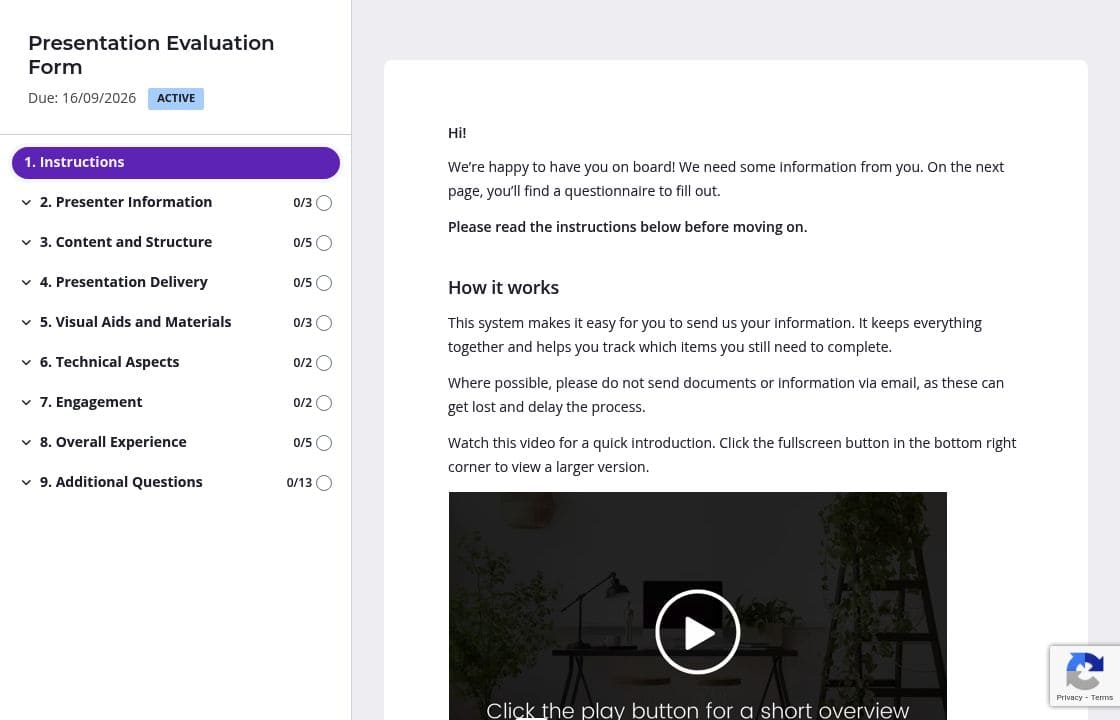
You already know the presenter's name, presentation topic, and date. Fill these in before sending the form so participants can jump straight to the feedback that matters. They'll spend their time evaluating your delivery and content instead of hunting for basic details - and you'll get responses faster.
Group your evaluation questions into clear sections: Content and Structure, Presentation Delivery, Visual Aids, and Overall Experience. Participants can focus on one aspect at a time rather than facing a wall of questions. The form feels shorter and more manageable, which means higher completion rates and more thoughtful answers.
Participants want to help, but feedback slips down their priority list fast. Automatic reminders nudge them without you having to send awkward follow-up emails. Schedule one reminder for 2-3 days after the session - you'll collect responses from people who meant to respond but forgot, without any extra effort on your end.
Drop a brief instruction at the top of technical or engagement sections explaining what you're looking for. For "Did the presenter engage with the audience effectively?" you might add: "Consider eye contact, use of questions, and how well the presenter responded to audience cues." Clear guidance means better, more specific feedback you can actually act on.
Google Forms and SurveyMonkey get the job done, but they don't chase responses for you or integrate with your workflow. Content Snare handles the follow-up automatically, looks professional with your branding, and connects to the tools you already use. You collect better feedback without the admin headache.
Content Snare is trusted by thousands of businesses worldwide and has hundreds of 5-star reviews across G2, Capterra, and Trustpilot. It's ISO 27001 certified, so your client data stays secure - critical when you're collecting feedback from corporate training sessions.
This presentation evaluation form is just one way trainers use Content Snare. You can also:
Content Snare adapts to however you work, with integrations for your CRM, project management tools, and communication platforms.


