
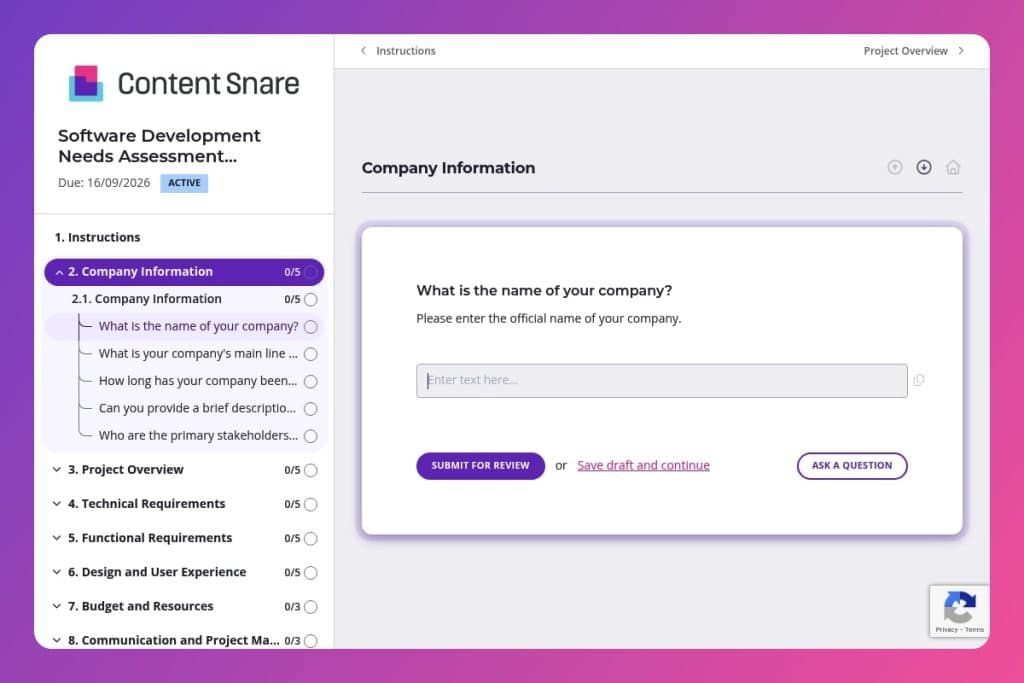


A comprehensive intake form that captures technical specifications, business objectives, stakeholder requirements, platform needs, budget constraints, and success metrics before development begins.

Software development agencies and consultancies who need to gather detailed project requirements from new and existing clients before scoping proposals or starting development work.

Send this immediately after a prospect commits to moving forward - before the kickoff meeting - so you can walk in prepared with their tech stack, compliance needs, and integration requirements already documented.
Your prospect just said yes to the project. Now comes the tricky part: extracting every critical detail before a single line of code gets written. Miss their compliance requirements or integration needs now, and you're looking at scope creep, budget blowouts, and tense client calls later.
A software development needs assessment questionnaire solves this. It captures everything upfront - technical specs, stakeholder goals, design preferences, timelines, and success metrics - so nothing falls through the cracks. This post covers what the form should include, how to use it effectively with clients, and a free template you can customize and deploy today. Let's break it down.
Company Information
These questions establish organizational context and identify decision-makers.
Project Overview
Clarify purpose, outcomes, audience, and timing to ground scoping.
Technical Requirements
Surface architectural constraints, integration needs, and compliance expectations.
Functional Requirements
Define the product’s core behaviors, roles, and data flows.
Design and User Experience
Align the build with brand, usability standards, and accessibility goals.
Budget and Resources
Frame investment and available collaboration to calibrate scope and delivery approach.
Communication and Project Management
Set cadence and tooling for coordination and transparency.
Success Criteria and Metrics
Anchor delivery to measurable outcomes and a feedback loop.
Additional Information
Catch remaining requirements, risks, or constraints that influence planning.
Send this before the kickoff meeting, not after: Get the questionnaire to prospects as soon as they express serious interest. You'll walk into your first meeting already knowing their tech stack preferences, compliance requirements, and budget range - which means you can spend that time solving problems instead of gathering basic information.
Flag incomplete technical sections early: Clients often breeze through high-level questions about goals and timelines but leave critical technical details blank - like integration needs, platform requirements, or security compliance. When you receive the form back, scan the Technical Requirements and Functional Requirements sections first. If anything's missing or vague, follow up immediately with specific questions. Waiting until mid-project to discover they need HIPAA compliance or legacy system integration will derail your schedule and budget.
Use their answers to build your proposal: Don't let this questionnaire gather dust after submission. Reference their stated success criteria and KPIs directly in your project proposal. Quote their own words about core functionalities and design preferences. This shows you listened, keeps everyone aligned on deliverables, and gives you a documented baseline if scope discussions come up later.
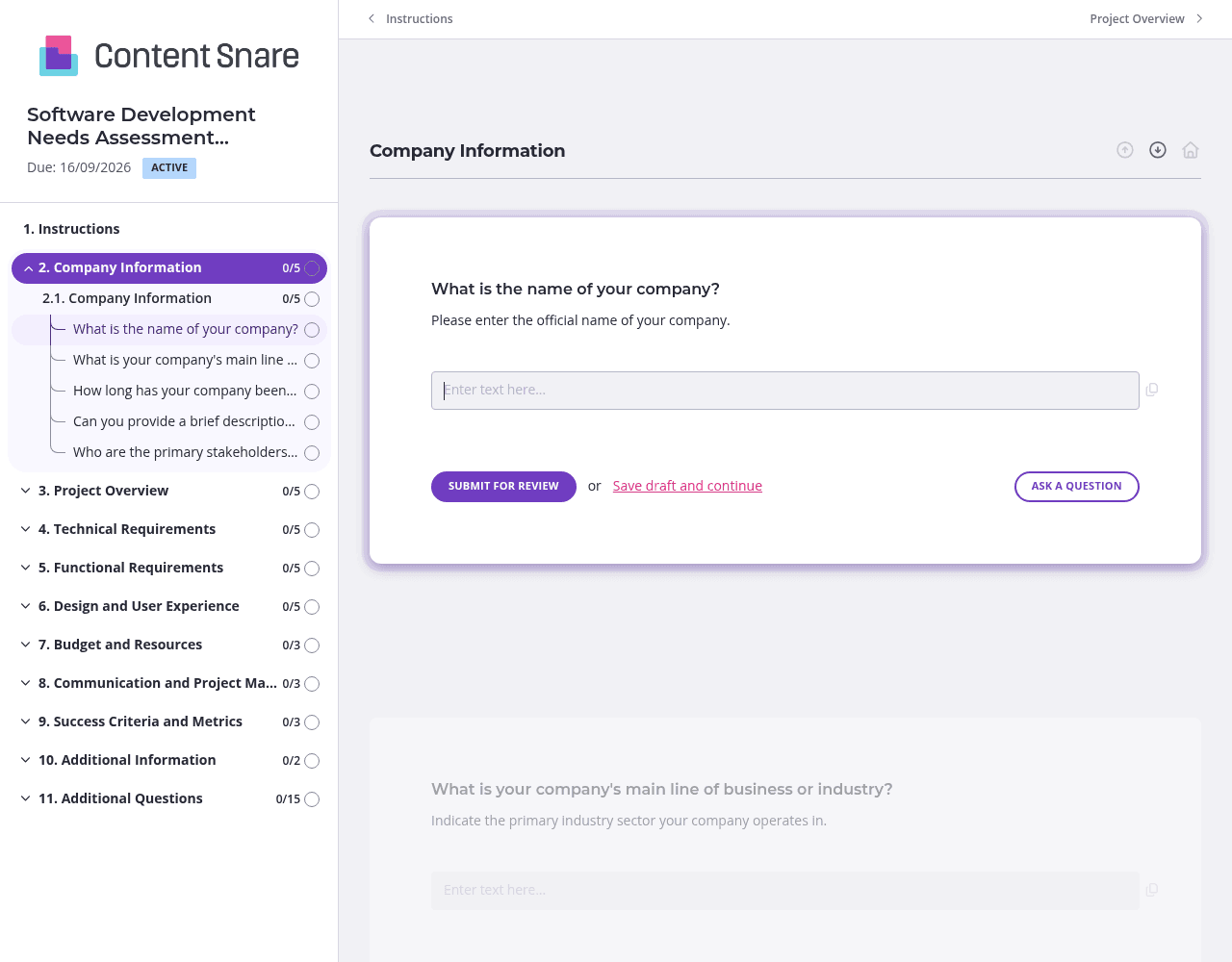
This questionnaire covers a lot of ground - from company background to technical specs to budget discussions. Split it into separate pages: one for Project Overview, another for Technical Requirements, a third for Budget and Resources. Clients won't feel overwhelmed by a wall of questions, and they can complete sections as information becomes available. The technical lead can handle platform and integration questions while the project sponsor tackles budget and stakeholder details.
Technical requirements can be confusing for non-technical stakeholders. Upload a quick screenshot showing what you mean by "technology stack preferences" or add a short video explaining why you need to know about existing systems and integrations. A simple banner at the top of the Technical Requirements section clarifying "Your dev team can help answer these questions" prevents blank submissions and back-and-forth emails.
Not every client needs the same level of detail. Set up conditional questions that appear based on earlier answers. If they indicate they need mobile support, show platform-specific questions about iOS and Android. If they mention compliance requirements, reveal detailed fields about data privacy and security certifications. Clients see a streamlined form tailored to their project, and you get precisely the information you need without the clutter.
You've probably already discussed company name, industry, and basic project goals before sending this form. Prefill those fields so clients don't waste time re-entering information. Delete questions that don't apply to their specific engagement. A returning client doesn't need to re-explain their brand guidelines or preferred communication tools. This shows you're paying attention and respects their time.
You could send this questionnaire as a Word doc or Google Form. But then you're chasing clients for incomplete answers, reformatting messy submissions, and manually following up on missing technical details. Content Snare handles all of that automatically while keeping you looking professional. Clients get a branded experience with clear instructions, and you get complete, organized responses without the back-and-forth.
Content Snare is trusted by thousands of businesses worldwide and has hundreds of 5-star reviews across G2, Capterra, and Trustpilot. It's ISO 27001 certified - critical when you're collecting sensitive project and budget information from enterprise clients.
This needs assessment questionnaire is just one way to use Content Snare. Software development agencies also use it to:
The platform integrates with tools you already use - your project management software, CRMs, and communication platforms. Set it up once, customize it for your agency's workflow, and reuse it for every new client engagement.


