
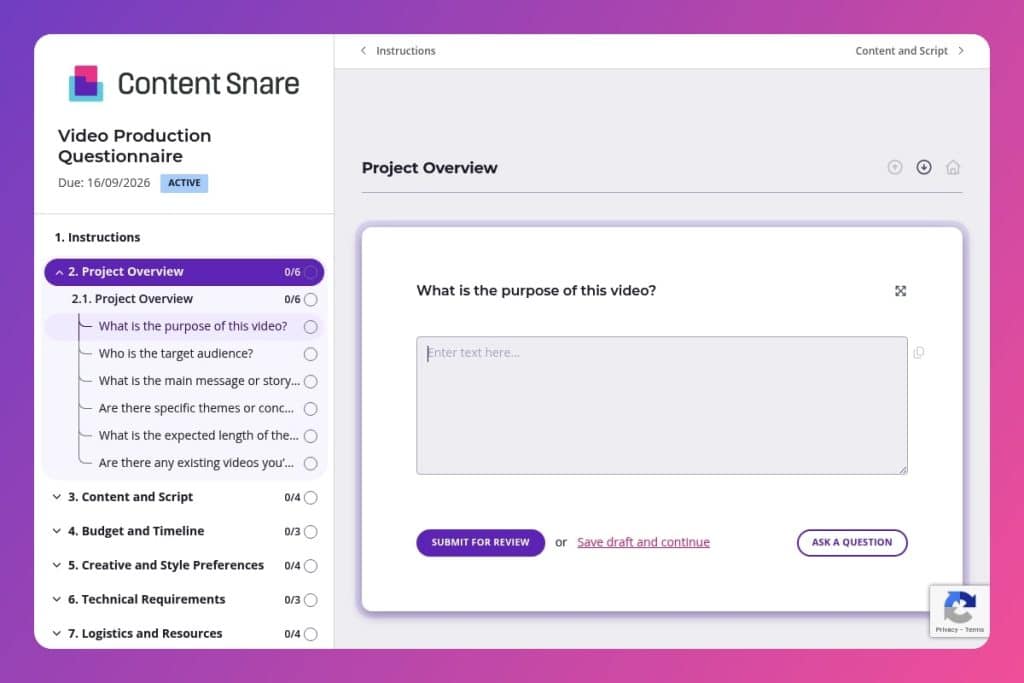


A comprehensive intake form that captures creative vision, target audience, budget, timeline, technical requirements, and approval processes before video production begins.

Digital agencies managing video projects for clients who need to align on scope, creative direction, and deliverables upfront to prevent miscommunication and scope creep.

Send it before the kickoff call when a client requests video work, so they arrive with budget approvals, stakeholder input, and creative references already prepared.
Miscommunication kills video projects before they even start. Your client says they want a "quick promo video," but they're imagining a cinematic brand story while you've scoped out a 30-second social cut. Budget blowouts, endless revision rounds, and missed deadlines follow - all because the brief wasn't locked down upfront.
A video production questionnaire solves this. It captures everything from creative vision and target audience to budget, timeline, and approval processes before production begins. This post covers what questions to include, how to use the form effectively with clients, and gives you a free template to customize. Here's what you need to know.
Project Overview
These define scope and creative direction up front.
Content and Script
Align authorship, messaging priorities, VO, and text needs.
Budget and Timeline
Set practical guardrails for bids, resourcing, and scheduling.
Creative and Style Preferences
Capture stylistic constraints and taste to align art direction early.
Technical Requirements
Map deliverables to platforms and specs to avoid rework in post.
Logistics and Resources
Clarify what the client supplies versus what you must source and produce.
Approvals and Feedback
Define the decision path to keep reviews efficient and authoritative.
Additional Notes
Surface risks, constraints, and context that could affect scope or execution.
Send it earlier than you think: Get the questionnaire to clients before your kickoff call, not after. This way, they arrive prepared with budget approvals, stakeholder input, and creative references already sorted. You'll spend the call solving problems instead of gathering basic information.
Flag the budget question as critical: Clients often skip or lowball the budget section, then expect Hollywood production values. Make it clear upfront that their budget range directly shapes what's feasible - animation style, shoot days, talent, locations. Consider adding examples like "€5k-10k: Single location, stock music" so expectations align with reality from day one.
Ask for video examples they love: The question about existing videos isn't filler. Clients struggle to articulate "documentary style" or "energetic," but they can share a Vimeo link. Those references reveal tone, pacing, and production quality expectations far better than adjectives ever will.
Clarify the approval chain immediately: The approval section prevents nightmare scenarios where you deliver a final cut, then discover the CMO - who's seen nothing until now - hates the direction. Map out who reviews at each stage (script, rough cut, final) and get sign-off authority in writing.
Use responses to build your project brief: Don't let completed questionnaires sit in your inbox. Transform answers into a one-page creative brief that you send back to the client for final confirmation. This becomes your scope protection - when requests creep beyond "target audience: C-suite executives" or "length: 60 seconds," you have documentation to reference.
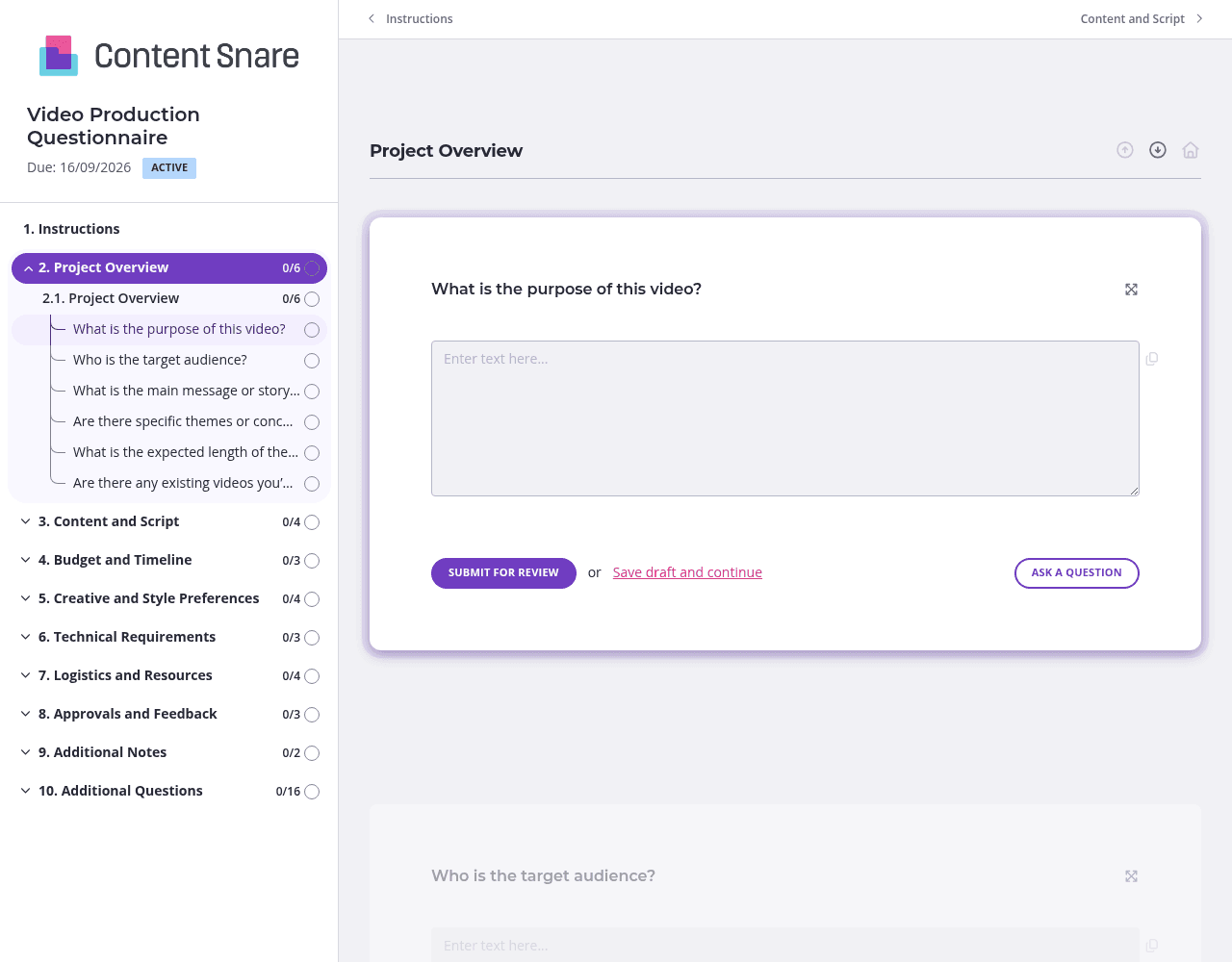
Video production questionnaires are lengthy by nature - you're covering creative direction, budget, timeline, technical specs, and logistics all at once. Split questions into clear pages like "Project Overview," "Budget & Timeline," and "Creative Preferences." Clients won't abandon halfway through when they can see progress, and grouping related questions helps them think through each area properly instead of jumping randomly between budget and brand colors.
Clients freeze on questions like "What style of video are you looking for?" because they don't know industry terminology. Use the instructions area to embed quick examples: "Animated (like Dropbox explainers), live-action (interviews and B-roll), or motion graphics (kinetic text and icons)." You can even drop in YouTube links or reference images so everyone's speaking the same language. The clearer your examples, the fewer revision rounds you'll need later.
Video projects have tight deadlines, and you can't start scoping until you have complete answers. Automatic reminders nudge clients without you having to send "just following up" emails every other day. Set reminders at intervals that match your timeline - maybe day 3 and day 7 for urgent projects. Clients get a friendly prompt, you stay on schedule, and nobody feels like the bad guy chasing down information.
Not every client needs the same questions. If they already have a script, skip the entire "Do you need help creating one?" thread. If they're doing animation, hide questions about location scouting and actors. Conditional logic keeps the form relevant to each project type, so clients aren't wading through irrelevant fields wondering why you're asking about things that don't apply to them.
Email threads and shared Google Docs turn video briefs into chaos. Clients miss questions, answers get buried across multiple messages, and you're left piecing together requirements from scattered replies. Content Snare puts everything in one place with automatic reminders, progress tracking, and a professional client experience that matches the quality of work you deliver.
Thousands of agencies trust Content Snare to collect information without the back-and-forth. It integrates with tools you already use and comes with hundreds of 5-star reviews across G2, Capterra, and Trustpilot. Plus, it's ISO 27001 certified, so you can confidently handle sensitive client information.
Video production questionnaires are just the start. Digital agencies use Content Snare for:
The form adapts to your process, not the other way around.


