
If every team member handles new clients differently, your firm is more likely to skip important steps and eventually lose some of its clients. On the other hand, companies with effective onboarding processes generate 2.5x more revenue growth and 1.5x better profit margins than those with subpar programs.
A new client checklist won't eliminate every hiccup, but it will give your team a reliable system that makes onboarding predictable and professional. In this post, we'll walk you through a template checklist that works for any client-facing business, so you can onboard clients with more confidence.

Ready-made new client checklist
Your team will use this checklist to move each new client from "contract signed" to "fully set up and ready to go." It's designed to run in the background so your clients experience a frictionless start without seeing the workflows that make it happen.
Client information collection
The first section ensures you have everything you need to set up the client properly in your systems and avoid back-and-forth requests later.
1. Collect full legal business name
2. Collect primary contact name and title
3. Collect business address
4. Collect email address(es) for key contacts
5. Collect phone number(s)
6. Collect website or relevant online presence
7. Record preferred communication method
8. Record time zone (if working across regions)
Internal setup and systems
Here's where you prepare your internal infrastructure so the client experience feels good from day one.
9. Create client record in CRM or project management system
10. Set up client folder in document storage
11. Add client to billing or invoicing system
12. Assign account manager or primary point of contact
13. Grant necessary team access to client files
14. Set up tracking for key dates (contract renewal, milestones, etc.)
Team coordination
This step makes sure everyone who touches the account knows their role and has the context they need.
15. Brief account manager on client background and expectations
16. Introduce relevant team members internally
17. Share any known preferences, sensitivities, or past issues
18. Clarify internal roles and responsibilities
19. Schedule internal kickoff or handoff meeting if needed
Expectations and scope documentation
Another important detail is to set clear boundaries up front. The following tasks will help you prevent scope creep and frustration on both sides.
20. Confirm scope of work or services
21. Define deliverables and timelines
22. Clarify what's included vs. what's extra
23. Document communication protocols (response times, meeting cadence)
24. Record any special requests or accommodations
25. Confirm pricing, payment terms, and invoicing schedule
Legal and administrative
These to-do items protect your business and make sure you're operating within proper boundaries.
26. Collect signed contract or service agreement
27. Collect signed NDA (if applicable)
28. Verify insurance requirements are met
29. Confirm any licensing or certification needs
30. Record tax status or exemption details (if relevant)
31. Store copies of all executed documents
Service kickoff
Finally, this set of tasks is where you need to set the tone and show the client they're in capable hands.
32. Schedule client kickoff call or meeting
33. Send welcome email with next steps
34. Share onboarding materials or guides
35. Confirm access to any required platforms or tools
36. Set first milestone or checkpoint
37. Send initial invoice or payment request (if applicable)
Turn your new client checklist into a consistent workflow with Content Snare
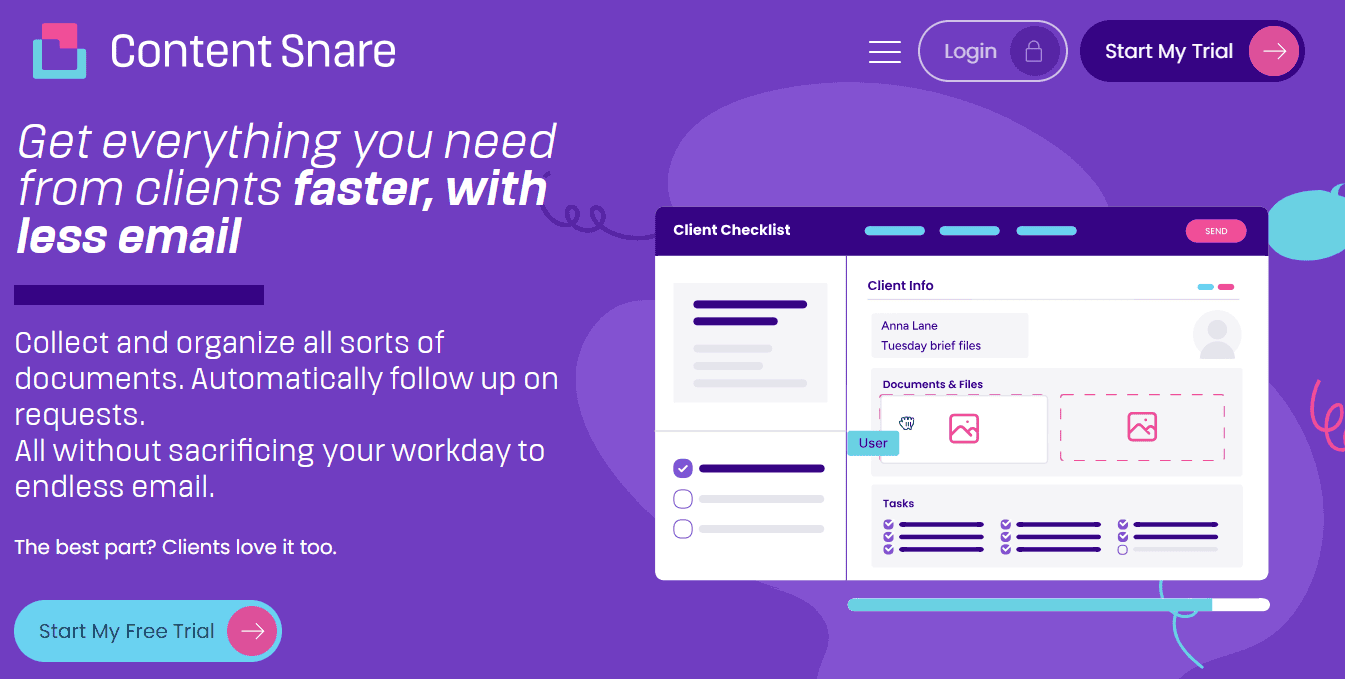
A checklist in a Google Doc or spreadsheet is better than nothing, but it makes it a bit too easy to skip important steps, lose track of what's done, and forget to follow up. In contrast, Content Snare turns your new client checklist into a trackable and repeatable workflow that your team will gladly use.
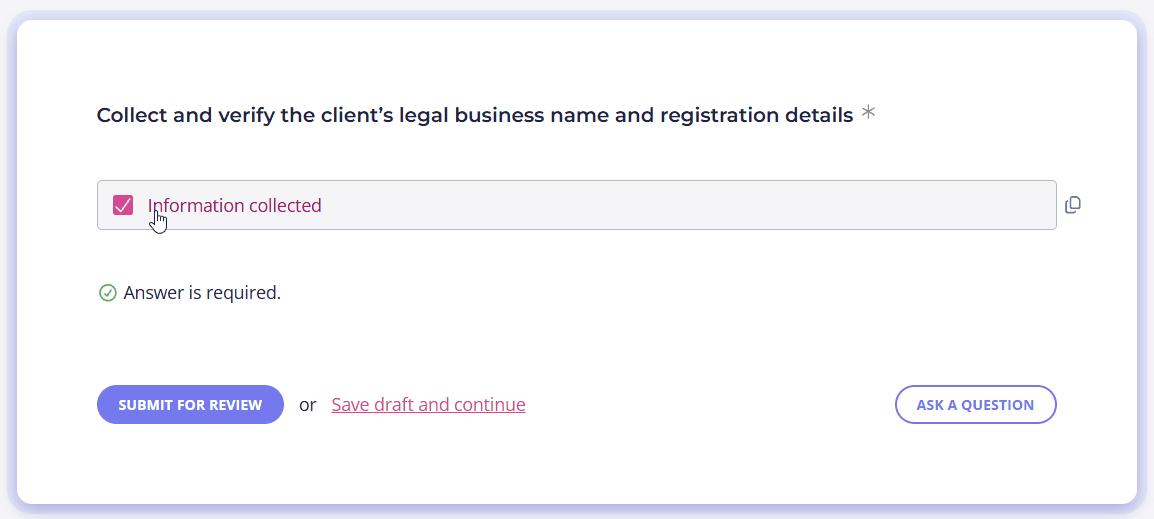
You can build the checklist from scratch, customize a template, or describe what you need and let Content Snare's AI generate a structured process in minutes. You can even upload an existing PDF or document and have it converted into a working system you can refine. With Content Snare's task list field, team members can check off completed steps directly inside the platform, so everyone knows what's been handled and what still needs attention:
Using Content Snare helps you avoid:
- Forgotten steps that create rework or embarrassing gaps
- Inconsistent onboarding experiences across clients
- Wasted time chasing missing information
- Confusion about who's responsible for what
- Looking disorganized or unprepared
Stop winging it
Track every onboarding step so nothing gets missed and nothing falls on one person's memory.
FAQ
Should every client go through the same checklist?
Most clients should follow the same core process to ensure consistency, but you can adapt the checklist based on client type, service level, or complexity. For example, you can use Content Snare because this tool makes it easy to create variations of your checklist for different scenarios while keeping your process structured.
What's the biggest mistake teams make with new client checklists?
The most common mistake is creating a checklist and then not actually using it. Teams often default to informal processes or rely on individual memory, especially when they're busy. The checklist only works if it's embedded into your everyday workflow, not sitting in a document that gets referenced once and forgotten.
When should the new client checklist start?
Start your checklist the moment a contract is signed or a client commits to working with you. Don't wait until the official start date or first deliverable. The earlier you begin the internal setup process, the more time you have to handle complications and make sure everything is ready when the work begins.