





Web design is complex and multidimensional. Even the smallest decision impacts the final product in more than one area — from aesthetics and user experience to functionality and branding.
But the job gets harder if you build a slow and messy process of collecting information from clients before starting projects.
No one can completely eliminate bottlenecks, but you can drastically reduce them with a well-structured website design questionnaire.
In this post, we’ll explain:
- What a web design questionnaire is
- Questions to ask your clients
- Tools that can help you build a good questionnaire template
- What makes a questionnaire so critical for the design process
Let’s dive in!
| Short on time? Start a free 14-day Content Snare trial to use our ready-made web design questionnaire template. |
What is a website design questionnaire?

A website design questionnaire is a series of questions you ask your clients (or prospects) for research and determining your direction before you start on their website. It’s arguably the most important thing to get right in the entire web design process.
The website questionnaire helps you understand your client’s wants and needs to make sure what your web designers deliver in the end is an exact match.
You can use a website questionnaire as a handy checklist to clarify the following things about your clients’ business:
- Products & services
- Audience & clients
- Competitors
- Unique Selling Proposition (USP) (their competitive advantage)
- Branding guidelines
- Budget
It’s up to you how deep you want to go with your questions. You can even include some that uncover their specific:
- Problems
- Fears
- Goals
- Biggest motivations behind wanting a new site
In our experience working with over 1,600 businesses globally, a structured website design questionnaire is one of the most effective tools to improve project outcomes. According to a survey, agencies using Content Snare to gather website requirements report a 67% reduction in stalled projects and a 71% reduction in time spent collecting information.
u003cspan style=u0022font-weight: 400;u0022u003eContent Snare has 50+ ready-made templates that you can try free of charge. These include Web Design Questionnaire and Starter Website templates. u003c/spanu003e
Questions to ask when building a website for a client

Now you know the why, what, and how, let’s dig into a list of web design questions to ask in your web design client questionnaire.
How long your web design questionnaires are depends on your strategy. If you’re trying to do lots of websites at a lower price, you might want to get all the info for their entire website upfront.
If you are doing higher priced sites where you include strategy discussions, the questionnaire might just be an initial filter to weed out bad clients and to arm yourself with enough info for an in-person meeting.
Here are our favourite web design questions and why we ask them.
| Note: Screenshots are taken from our website design questionnaire template, so make sure to check it out — you’ll find many more questions in there. |
1. How did you find out about us?
This is a great question to ask for a couple of reasons:
- It may present a marketing channel you’d never thought of investing in
- If they mention someone’s name, you can do something special for that person or client (referrals are your best friend)
2. Do you have your web content ready?
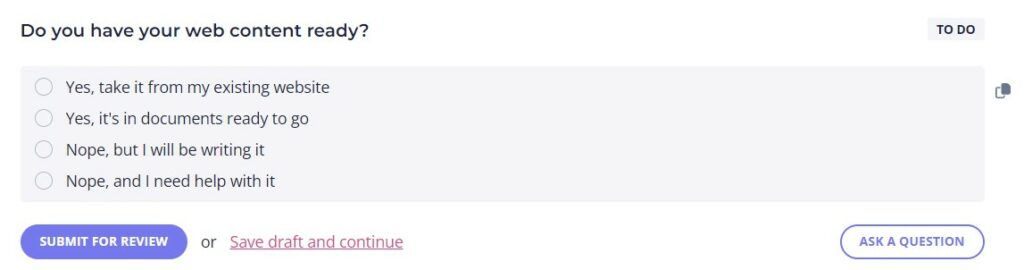
We like this question because it helps get an idea of where they are at right now, what state their existing website is in, and to gauge how much work is required from your agency. It’s also an upsell opportunity if they want help with their content or website audit.
Our survey has a multi-choice answer with the following options:
- Yes, take it from my existing website
- Yes, it’s in documents ready to go
- Nope, but I will be writing it
- Nope, and I need help with it
3. What are your products and services?
Probably the most obvious question of the entire brief. You’ll need an understanding of what exactly their business does to start planning out the content marketing elements on the new site.
4. Who are your ideal customers?
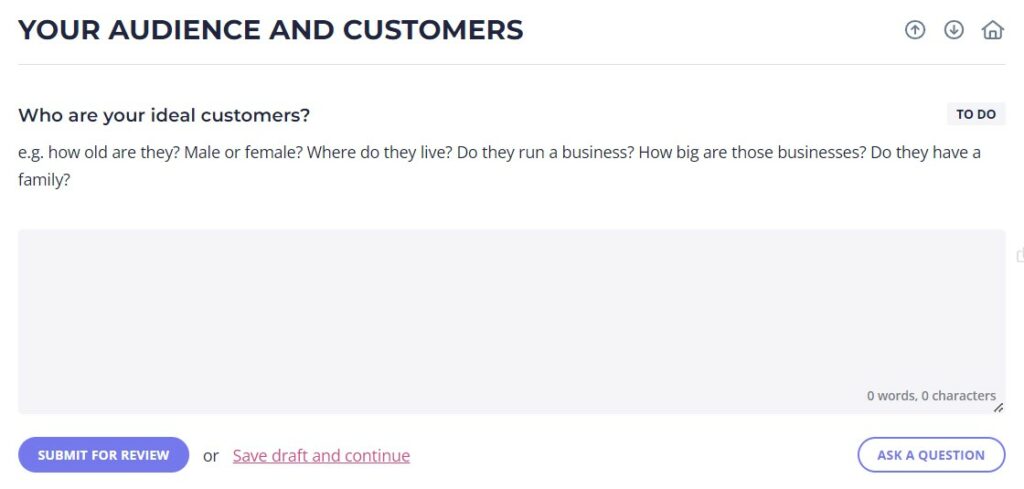
This question helps you get a description of the types of customers your client is after.
It will help you understand the needs and wants of who you’re targeting, which also helps come up with a unique selling proposition.
5. Why are they visiting your website? What’s their #1 goal?
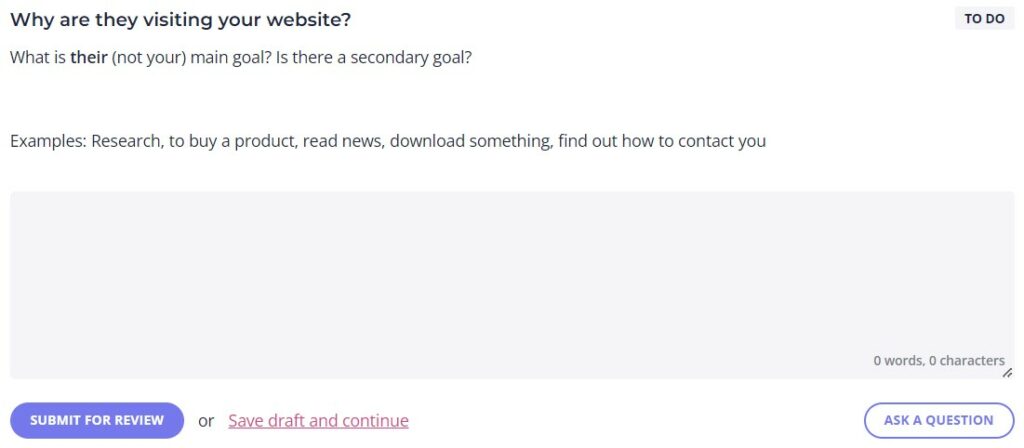
You might split this into several questions, but this one is important as every business is different.
Some just want to get the customer on the phone, some want their customers to purchase online or simply enter their email somewhere. This question helps you narrow down what they’re looking to achieve by visiting the website.
6. What’s your average sale value (approx) - OR - What is the lifetime value of your customer?
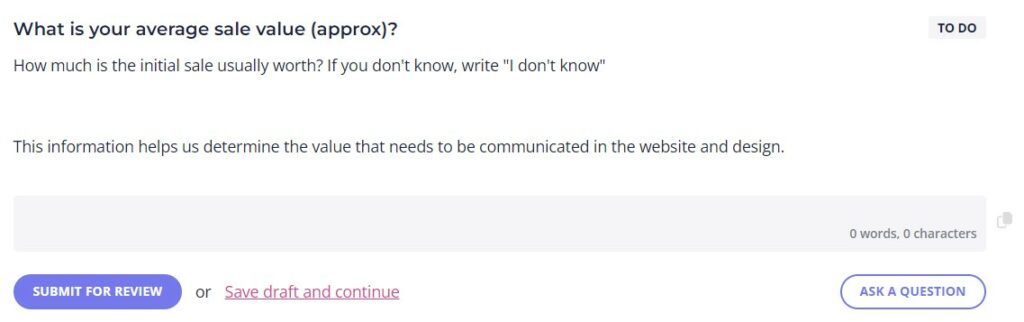
This question is a sneaky one.
If you know someone makes $20k from a customer, that’s something you can use to quantify the value in the site you are building. If the website helps them get just one more customer a year, it’s much easier to justify a $10k site price tag.
Smart, right?
7. List 3 websites you like, preferably in different industries, and include dot points for what you do and don’t like for each
Everyone asks for comparable websites, but it’s important to find out what they do and don’t like. So many times the client might say they like a site, but it turns out they only like the header and hate the rest.
If you based your design on just that, you’re in trouble. Better to find out exactly what they do and don’t like, in detail, and early so you can give helpful direction to your web designer.
8. List out the pages you want on your website
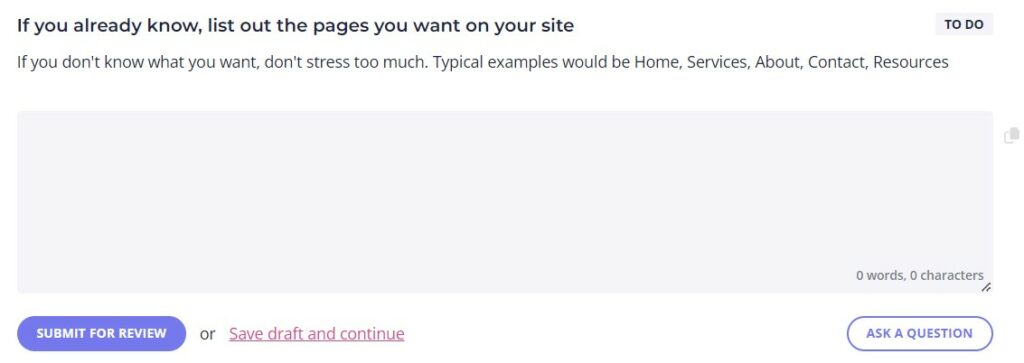
This one is for the clients that already have a pretty good idea of what they want, or to help less aware clients think about it some more. What they write here doesn’t have to be set in stone, but it can be used to guide your next steps in developing their website content.
9. Would you like to add other features on your website?
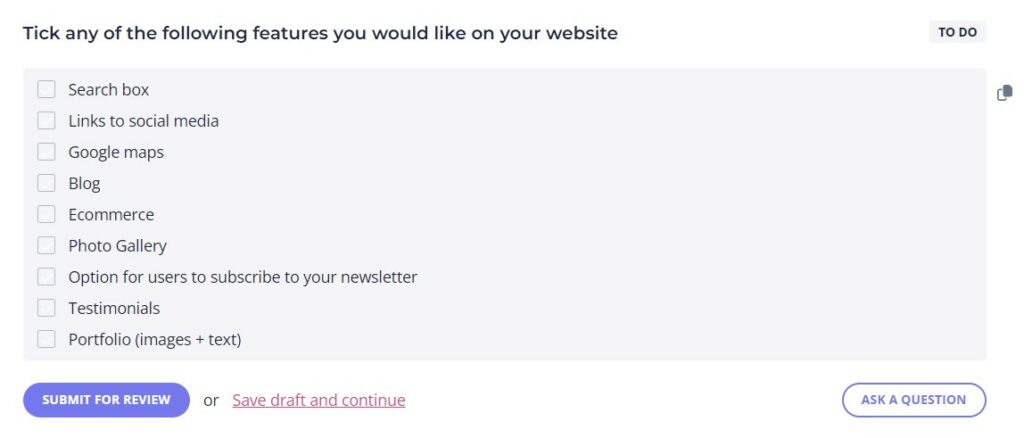
This question is important because it impacts your workload, resources, and the total price of the project.
As you can see from the image above, we give our clients multiple options, but they can also ask questions or add features of their liking.
10. Do you have any concerns or worries design-wise?
This one is gold.
This is where they tell you exactly what you need to address when you talk to them later. It will help you prep for your conversations. Make a checklist of their worries and come back to address them at every step of the web development process.
11. To call your website a success, what would need to happen?
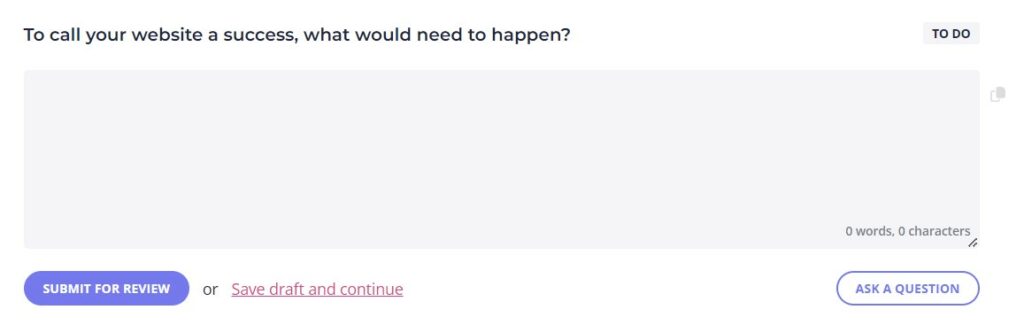
Just like the above question, this is also precious. It helps you craft your pitch and make sure the website achieves their exact goals. It can also help bring out hidden things that wouldn’t have come up otherwise.
12. What is your budget?
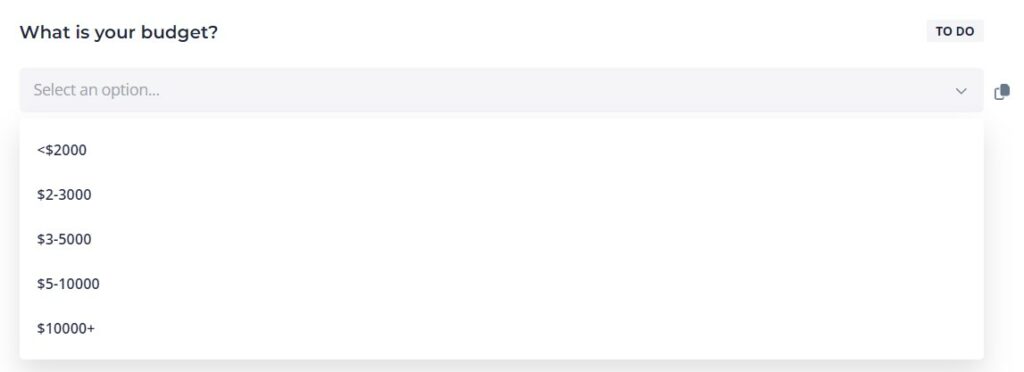
The ultimate filter.
We use a dropdown list where the smallest amount is “<$2000”.
Generally, you’d set the bottom level as the budget you don’t want to work with. You can always refer them to someone else if the budget is too low for what you generally accept for website design projects.
13. What is your timeframe/launch date?
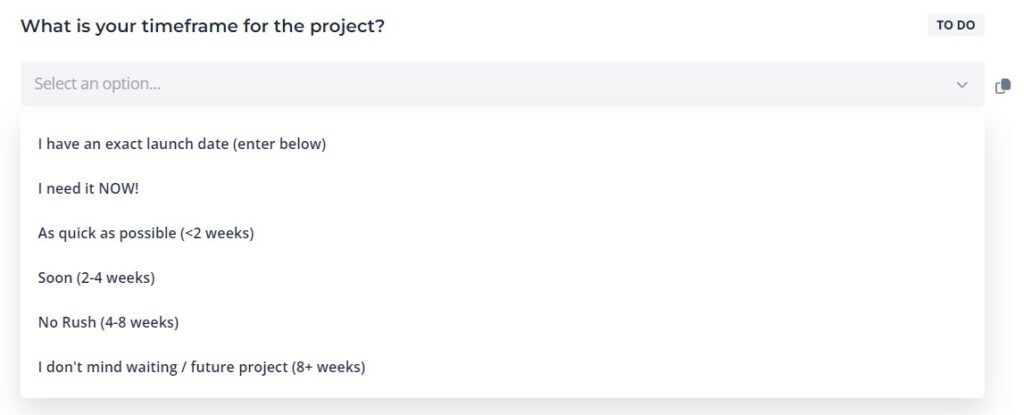
Just in case you get a surprise 2 weeks in that everything needs to be finished in 3 more days.
14. (Anything else that is a dealbreaker for you)
Include some more questions on specific things that don’t work for you in a client relationship. If you get answers that come across as red flags, you can make the decision not to work with them sooner.
What tools can I use to create a web design questionnaire?
A website design questionnaire is basically a form and there are a few methods that you can use:
- Printable PDFs (definitely not recommended any more)
- Fill-able PDFs
- Documents
- Online forms (popular, but they have their shortcomings)
- Content Snare (more on this in a bit)
We highly recommend using some kind of online forms tool for creating your website design client questionnaire. Partly because we hate printing things (save the environment!) and partly because we like keeping processes as tight and automated as possible.
You’ve always got to think of the client experience as well. It can be a giant pain for your clients to have to print things, fill them out, and scan it back, so you want to avoid headaches for them too.
Keeping things easy for your client means things get done faster!
Online forms tools to build your questionnaire
If you don’t already have a forms tool of choice, there are a few options.
1) Google Forms
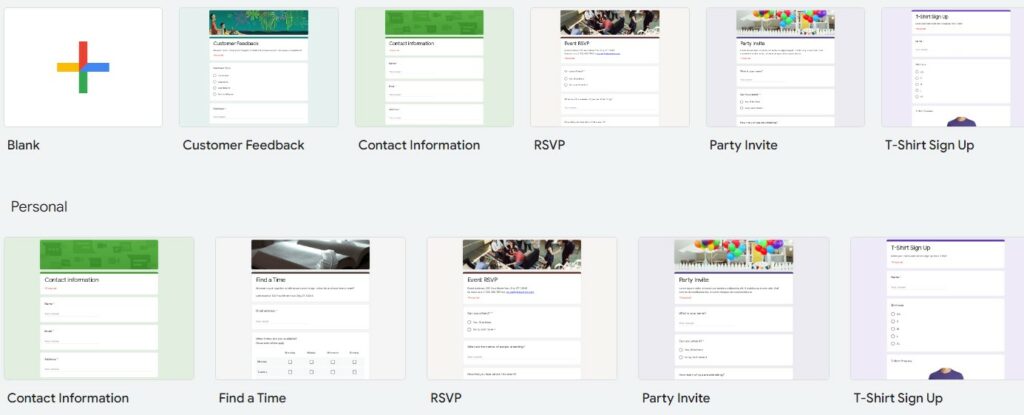
Google Forms is a simple way to get started. It works no matter what platform you are using, it’s easy to set up and it’s free. If you have a Google account, just go to drive.google.com and create a new form.
The designs are basic, but it’s easy to get something done quickly.
On the downside, Google Forms doesn’t auto-save inputs, and it makes it difficult for respondents to save progress. It also doesn’t offer specific design-related templates.
2) Gravity Forms
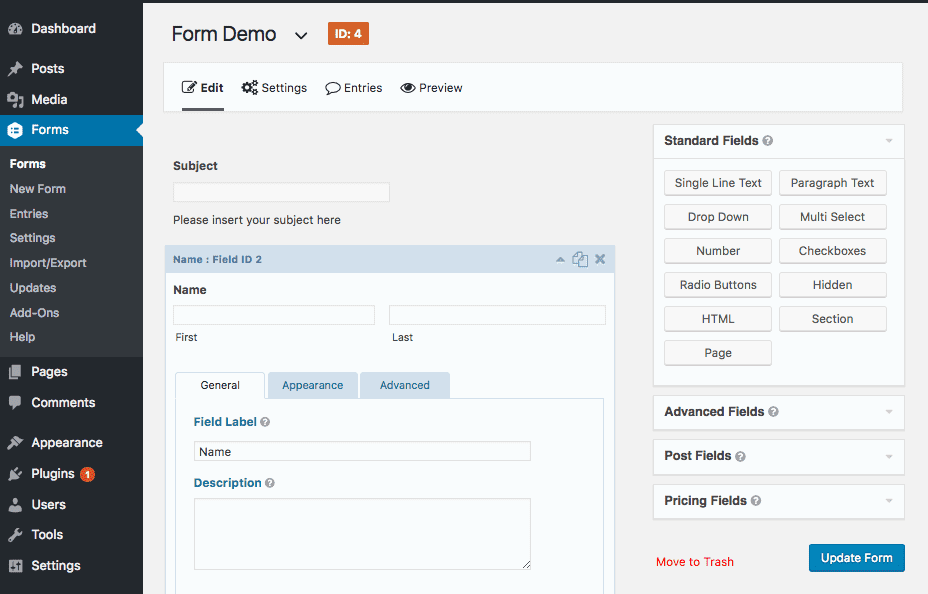
Gravity Forms is a WordPress plugin that is more versatile than most. You can use it if you have a WordPress-powered website.
However, filling out a large form can intimidate clients and take a long time for them to get around to. If your clients can’t complete the form in one sitting, they’ll have to save progress manually.
But if they fail to do that and exit out of the form for any reason, they’ll lose all their work and have to re-do it again when they come back.
A way to fix this is to use a system that allows clients to complete their questionnaire in a few sittings.
And that’s how we get to the third form-building option.
3) Content Snare
Content Snare is a tool that allows clients to fill things out in their own time. If they can’t do it all in one go, they click their link anytime to come back and resume where they left off.
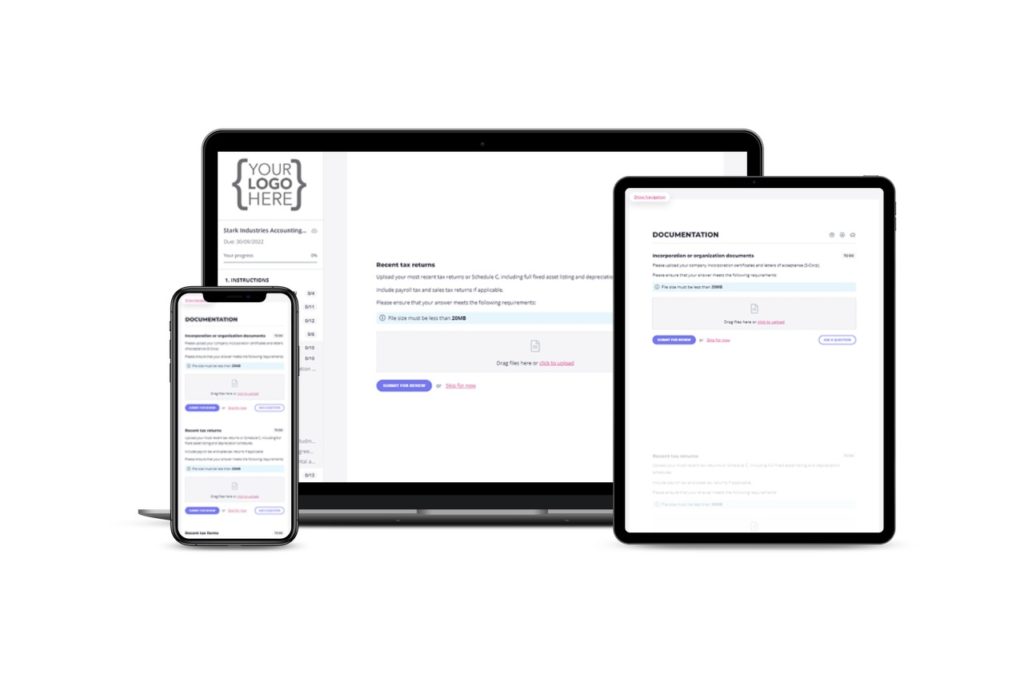
To make sure they don’t forget to complete the form, Content Snare automatically sends them reminders until they’ve finished everything.
Because it’s so easy to use and barrier-free for clients, they complete the web design questionnaire much faster, and you get all the information you need to get your web designer started in no time at all.
The below video walks you through creating a web design questionnaire using Content Snare.
Content Snare helps with much more than that though.
Collecting content from clients is the biggest bottleneck in web design. It will usually hold up projects for your web designers and cause delays in getting you paid too.
Our platform makes the process of collecting info from clients easy, so you get more of your time back, complete more web design projects, and get paid faster.
u003cspan style=u0022font-weight: 400;u0022u003eGive your clients a better experience submitting information through Content Snare. Create the ultimate website design questionnaire in minutes.u003c/spanu003e
Why should I create a client website design questionnaire?
You know you can speed up your next website design project by creating a comprehensive questionnaire, but that’s just the tip of the iceberg. For one, a well-designed questionnaire is a massive time saver. For instance, Ranskey Digital Marketing says Content Snare’s content gathering solutions save “at least 4 to 5 hours per client, which equates to 40 or 50 hours per month.”
This form will help you improve client relationships, but you can also count on other benefits.
Here are some of them.
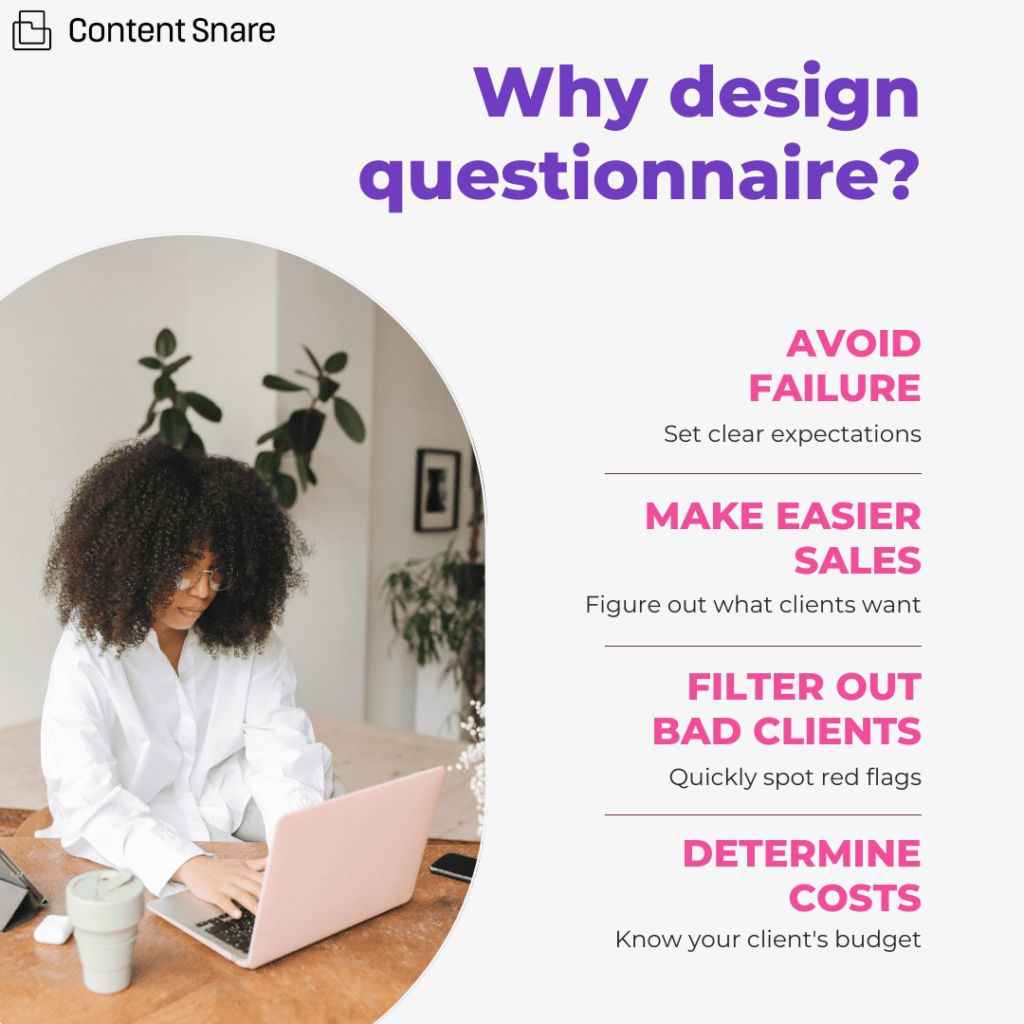
1. Avoiding project failure
The main benefit of creating a website design questionnaire is that the questionnaire helps define specific expectations to ensure that the project isn’t a giant failure.
That sounds extreme, but it’s the truth.
If you and your client aren’t on the same page from the very beginning, you (or your designer) could end up building a website that doesn’t even come close to their expectations.
The standard assumption is that clients want a new website to generate more business… but even that can mean a few different things.
Do they need to rank on Google? That would mean focusing on SEO. Do they plan on running ad campaigns? That would mean creating landing pages.
In this story, an agency had a totally hidden reason for needing their new website, and it was to look good so they could sell their business.
Without knowing this information, the agency could have ended up with a very different project that was doomed before it even started.
Always, always, always make sure your client and your designer are on the same page from the get-go.
2. Making easier sales
Helping a client understand what they want makes it easier for you to sell them a solution. When you can talk about their fears, wants and needs, you can use the right language to motivate them towards a sale.
Understanding needs is so important that you’ll find people talking about it everywhere – like the classic 5 whys technique or what WP Elevation calls “go wide, go deep.”
When you develop a client questionnaire, you’re developing a research tool and a sales tool. So use it to your advantage!
3. Filtering out bad clients
One of the fastest ways to kill your passion for your business is to end up working with a bunch of terrible clients — the unresponsive ones, the needy ones, the overly demanding ones. Even just one can ruin your mood for an entire month.
Your client questionnaire can be a tool for helping you spot red flags and filter out prospects that might potentially be difficult clients.

When you’re thinking of questions to ask when building a website for a client, add a few that can pinpoint a difficult client. Here are some things you can look out for in your prospects’ answers that can indicate they might become a pain in the a**.
- If they are highly critical of other websites or previous developers. Sometimes this may be well-founded criticism, but sometimes it’s just a reflection of the client.
- If they go into excessive detail about what they want. If they aren’t leaving anything open to you, there’s a real chance they are going to pick apart everything you do.
- If they leave answers like “I’ll know what I want when I see it”. Em, how does that help your designer?
- If they use silly words like “to pop”, “to have more pizzazz” or “to be maybe 20% more playful” to describe what they want.
- If they say their target audience is “everyone”. This might just mean they need some business lessons.
- If they’ve written essays in the free-text boxes.
- If they’ve asked for 25 website pages and put down an absurd budget of $500.
- If you just get that bad gut feeling about them. Yes, it’s OK to trust your gut. That bad feeling you get is the result of hundreds of thousands of years of decision-making evolution
4. Setting cost expectations
Website design questionnaires can also be a sneaky tool for showing your clients just how much is really involved in designing a website so that they can appreciate the value your agency brings to the table.
While the questions ultimately help you do a better job, the process of filling them out gets your client thinking about their website. It forces them into understanding their target audience, goals, needs, and hopefully how much this all might cost.
You can even use your survey to ask for their budget for the website directly in the form.
Bonus Tip: Automatic Quote or Estimate Generation
Here’s a little something to consider. It may or may not fit into your workflow, and it completely depends on your strategy.
We know some agencies and web designers that have all their clients run through a questionnaire that generates an estimate or even a fixed quote.
Others choose never to do this because they want the opportunity to chat to the client in person about their overall strategy and then make the sale.
If you’re using a forms tool that supports calculations and conditional logic, you can build quote generation into it. The process depends on the form tool you are using, but try searching for something like “[TOOLNAME] conditional logic” or “calculations” to find some options.
As an example, you might require your clients to put in the number of pages that they want developed and select a box if they want a contact form, a Facebook tracking code, or a popup. These might add fixed amounts to your quote, so you can deliver them an instant quote with the form.
Totally up to you if you want to explore this or not! Chat with the rest of your team to get a feel for whether it’s a good idea or not for your specific agency.
Grab your design questionnaire now
Now that you know so much about website design forms, you have two options:
- Create a design questionnaire on your own
- Use one of our ready-made templates
If you prefer the latter, make sure to check out Content Snare’s web design questionnaire. Content Snare is trusted by thousands of professionals and has been featured on platforms such as GoDaddy, Indie Hackers, WP Engine, and Future Firm.
And just in case you need more templates, we got you covered — our library of templates will help you with everything from starter websites to landing page design.