
Most accounting firms don't have a security problem so much as a habits problem. Clients email tax file numbers, text bank details, or just drop everything into a shared Dropbox folder with no clear idea of who else has access.
On the firm's side, someone downloads the file, moves it to a local drive, maybe forwards it internally, and by the time a tax return is done, that client's most sensitive financial information has passed through four different systems, none of them built with compliance in mind. One accountant on a Content Snare sales call put it plainly:
“Our industry is very critical - one small leak and I'm responsible, even if it's gone to somebody else.”
This is the actual risk. Not a dramatic data breach, just the slow accumulation of bad file-sharing habits that leaves firms exposed and clients none the wiser.
What “secure” actually means for accounting file sharing
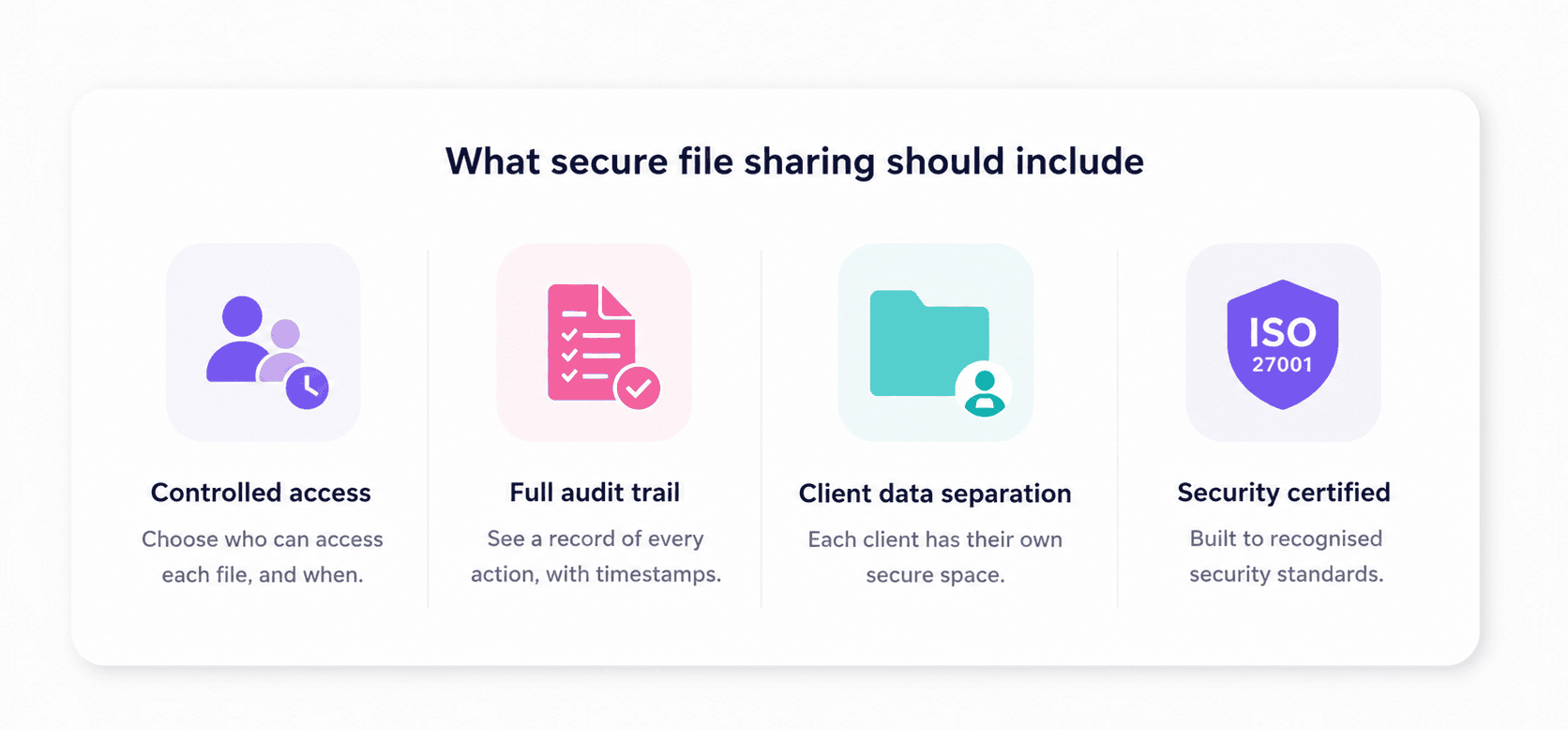
A lot of conversations about file security jump straight to encryption, but for accounting firms the real checklist is broader than that. A secure file sharing setup needs to cover several things at once:
- Who can access a file and when
- Whether there's a record of every action taken on it
- Whether client data is separated at the account level rather than sitting in a shared folder anyone with the link can browse
- Whether the platform itself is certified to a recognised security standard
The baseline most firms should look for is ISO 27001 certification. It’s the international standard for information security management, and it covers not just the technology but the policies, processes, and controls around it. A tool can encrypt data in transit and still have weak internal controls; ISO 27001 certification means those controls have been independently audited.
The other thing worth naming here is audit trail. In an accounting context, this means a timestamped record of who submitted what, when it was approved or rejected, and what changed. If a client later disputes what they sent, or if a regulator asks for evidence that a document was received and reviewed, an audit trail is what makes that answerable.
A shared Dropbox folder does not give you that. Neither does an email thread. More on that in the next section.
Why traditional file sharing methods fall short
Most firms aren't using obviously bad tools. They're using email and Dropbox because those tools work fine for everything else, and nobody stopped to ask whether they were the right fit for client tax data specifically.
Why email is still the biggest security risk in accounting
The problem with email isn't that it's completely unencrypted since most modern email providers encrypt data in transit. The problem is everything else: there's no access control once a file lands in someone's inbox, no way to revoke a document you sent by mistake, no record of whether an attachment was opened or forwarded, and no separation between one client's data and another's.
In practice, this plays out in ways accountants describe pretty consistently: “We have one particular client who sends us tax file numbers on email, so I need to get that stopped straight away,” one accountant told us on a sales call. Another: “A client just emailed an employee's bank details this morning.”
These aren't edge cases, they're the default behaviour of clients who don't know any better and haven't been given a better option.
Related: How secure is email? Hint: not secure enough
The firm's exposure doesn't end at receipt either. A file that arrives by email gets downloaded, moved, maybe printed, maybe forwarded to a colleague. By that point it's left a trail across systems the firm has no visibility into.
Why Dropbox (and Google Drive, OneDrive) fall short
Dropbox is a good product, and so is Google Drive. They're just not built for what accounting firms need from a file sharing tool. The core issue is that they're storage and sync platforms, not structured collection tools, which means they handle the "where does the file live" question but not the "did I get everything I asked for" question.
A few specific gaps matter here:
- No structured requests, so clients decide what to send and in what format, which is how you end up with blurry phone photos of bank statements and a folder named "Docs_final_FINAL"
- No reminders, so chasing still falls on the firm
- No approval workflow, so there's no way to flag an incomplete or incorrect document without going back to email
- No audit trail of who uploaded what and when
- No access control at the client level, so a shared folder is only as secure as whoever has the link
On the compliance question specifically: Dropbox and Google Drive are not built around the kind of data handling requirements accounting firms face. They don't provide the audit documentation a firm would need if a regulator asked how a client's tax file number was handled. As one accountant put it on Reddit, sending sensitive documents over email is something too many accountants still do without thinking twice about it.
What to look for in a secure file sharing tool for accountants
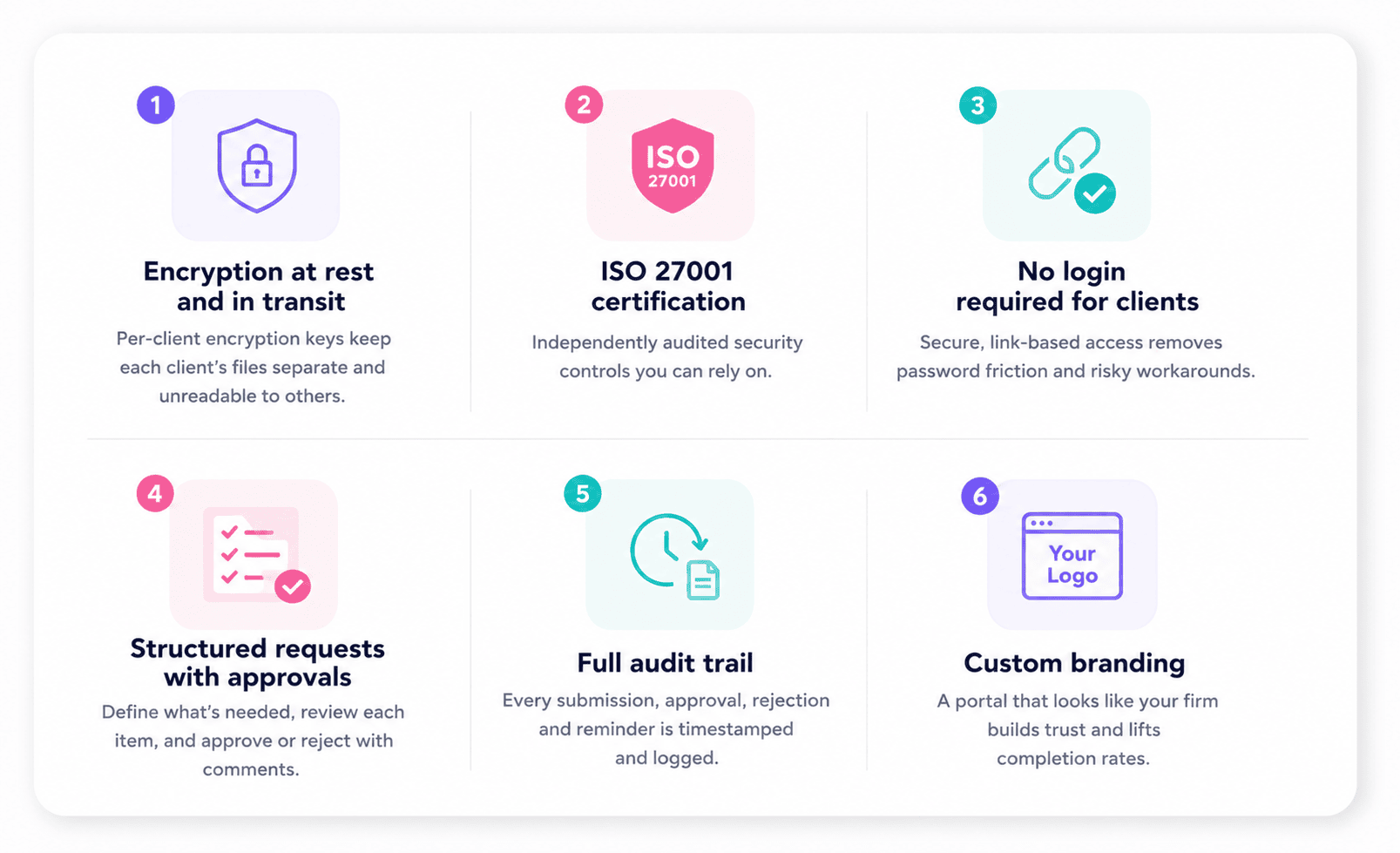
Not every tool marketed as a "secure client portal" is built to the same standard, and the gap between a generic file sharing product and something purpose-built for professional services shows up quickly in practice. When evaluating options, these are the things worth checking:
1. Encryption at rest and in transit, with per-client keys
Encryption in transit is table stakes. What matters more for accounting firms is whether client data is encrypted at the account level, so one client's files are never accessible to another's even in a breach scenario.
2. ISO 27001 certification
This is non-negotiable. It means the vendor's security controls have been independently audited, not just self-declared. A lot of tools will say they take security seriously, but ISO 27001 certification means someone else verified that.
3. No login required for clients
This sounds like a convenience feature but it's also a security one. Portals that require clients to create accounts create password reset chains, shared credentials, and the inevitable "I'll just email it instead" workaround. Link-based access, where the client clicks a link and lands directly on their request, removes that friction without sacrificing control on the firm's side.
4. Structured requests with an approval workflow
A secure tool should let the firm define exactly what's needed, review each item as it comes in, and reject anything incomplete or incorrect with a comment. This replaces the back-and-forth email thread with a documented, traceable process.
5. A full audit trail
Every submission, approval, rejection, and reminder should be timestamped and logged. This is what makes the process defensible if a client disputes what they sent or a regulator asks questions.
6. Custom branding
Clients are more likely to trust a portal that looks like it belongs to their accountant than one that looks like a third-party tool they've never heard of. It's a small thing that affects completion rates more than firms expect.
How Content Snare handles secure file sharing
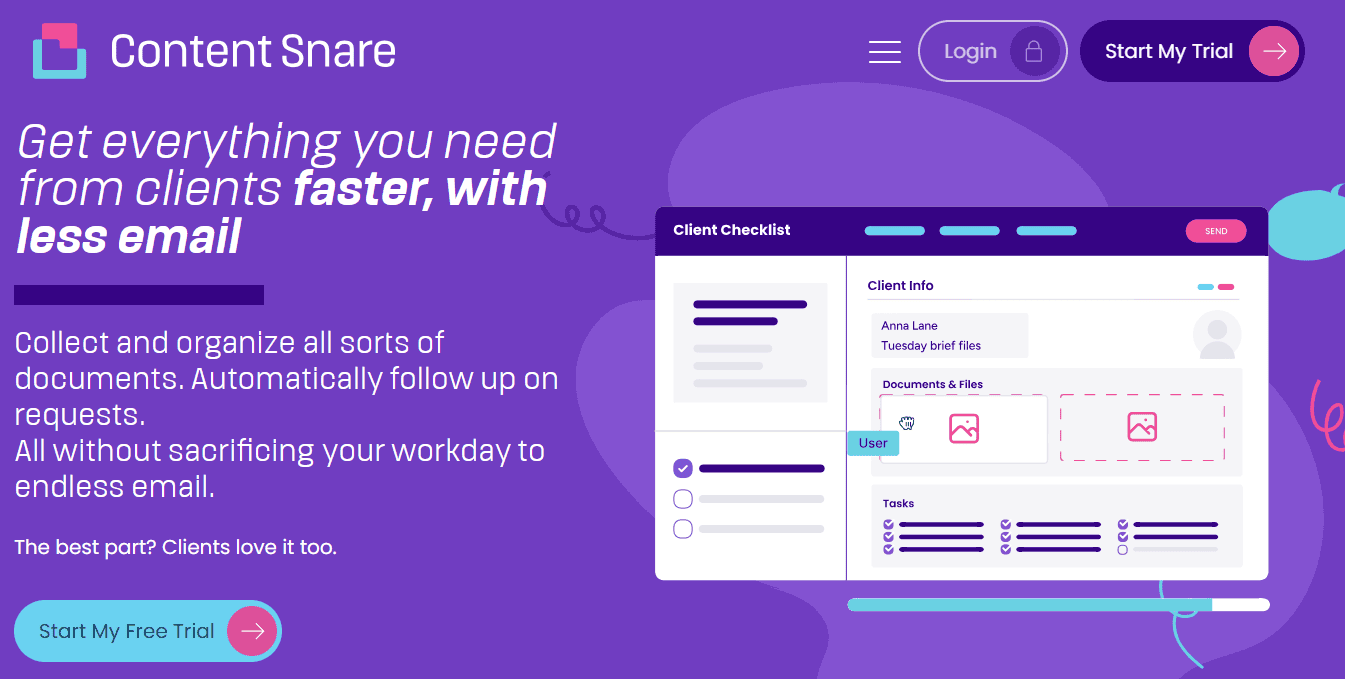
Content Snare is a secure client portal purpose-built for collecting documents and information from clients. Accounting firms and finance professionals use it to replace the email back-and-forth with a single structured request, and it's built around the security requirements that professional services firms actually face.
On the security side, Content Snare is ISO 27001 certified and uses military-grade encryption, with per-company encryption keys so each firm's client data is separated at the account level. Clients access their requests via a unique link with no login or account creation required, which removes the password friction that pushes clients back to email while keeping access controlled on the firm's side.
The approval workflow means every document that comes in gets reviewed before it's marked complete:
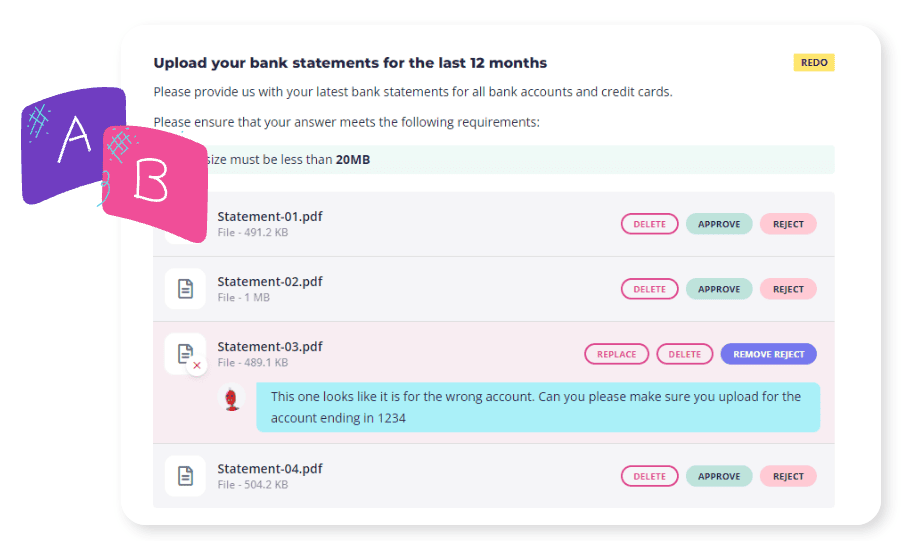
If a client uploads the wrong year's bank statement or sends a photo that's too blurry to read, the firm can reject it with a comment and the client fixes it in the same place, with a full timestamped record of the exchange. No separate email thread, no ambiguity about what version is current.
Automatic reminders handle the chasing. The firm sets the cadence and the copy; Content Snare sends the follow-ups. Firms using it report a 71% reduction in time spent chasing clients for documents. And for teams that already use practice management tools like Karbon or XPM, Content Snare works alongside those rather than replacing them, handling the information collection step that most practice management systems don't do well.
Send a structured, secure request in minutes. No client login required.
FAQ
Can clients share files without creating an account or remembering a password?
Yes, and for accounting firms this matters more than it might seem. Portals that require account creation push clients back to email the moment they forget their login, which is most of the time. Link-based access, where a client clicks a link and lands directly on their request, removes that friction entirely. Content Snare works this way by default.
Is Dropbox secure enough for sharing client tax documents?
Dropbox encrypts files in storage and transit, but it wasn't built for the compliance requirements accounting firms face. There's no audit trail of who accessed or submitted what, no structured request to ensure you get exactly what you asked for, and no approval workflow to catch incomplete or incorrect documents before they create problems. For occasional internal file storage it's fine; for collecting sensitive client data like tax file numbers, bank statements, and ID documents, it falls short.
What encryption standard should accounting firms look for?
At minimum, look for encryption in transit and at rest. Beyond that, per-company encryption keys are the more meaningful differentiator: they mean each firm's client data is encrypted separately, so a breach affecting one account doesn't expose others. Content Snare uses military-grade encryption with per-company keys and is ISO 27001 certified.
Do I need a separate tool if I already use Karbon or TaxDome?
Not necessarily, but it depends on how much of your workflow runs through their client-facing portals and how well your clients actually use them. A lot of firms find that practice management portals work well internally but see low client adoption in practice. "Email? Easy. Portal? Panic," as one accountant put it on Reddit. Content Snare works alongside practice management tools rather than replacing them, handling the document collection step specifically.
What's the audit trail like if a client later disputes what they sent?
Every submission, approval, rejection, and reminder in Content Snare is timestamped and logged. If a client claims they sent a document they didn't, or disputes which version was submitted, the record is there. For firms worried about compliance with tax agent obligations or AML requirements, that documentation is what makes the process defensible.