
Client onboarding is where most virtual assistant relationships fall apart before the real work even begins. Not because the job itself is difficult, but because the details never fully land and you start working while still guessing what the client actually wants.
On the other hand, studies show that solving issues or providing clear answers during the first onboarding interaction can prevent up to two-thirds of future churn. A well-structured virtual assistant client onboarding questionnaire can help you with that as it creates clarity upfront and gives both sides a shared starting point that doesn’t rely on memory or assumptions.
In this post, we’re going to show you the most important questions for a comprehensive virtual assistant client onboarding questionnaire.
Customize our ready-made form template (or use it as-is) and send your client onboarding request within minutes.
20 questions for your virtual assistant client onboarding questionnaire template
This template is based on patterns we’ve seen after working with service businesses who onboard clients every single week. We’ve also included screenshots from a ready-made version of this questionnaire built in Content Snare, so you can see how it looks in a real client-facing setup.
Business basics
1. Full name
2. Company
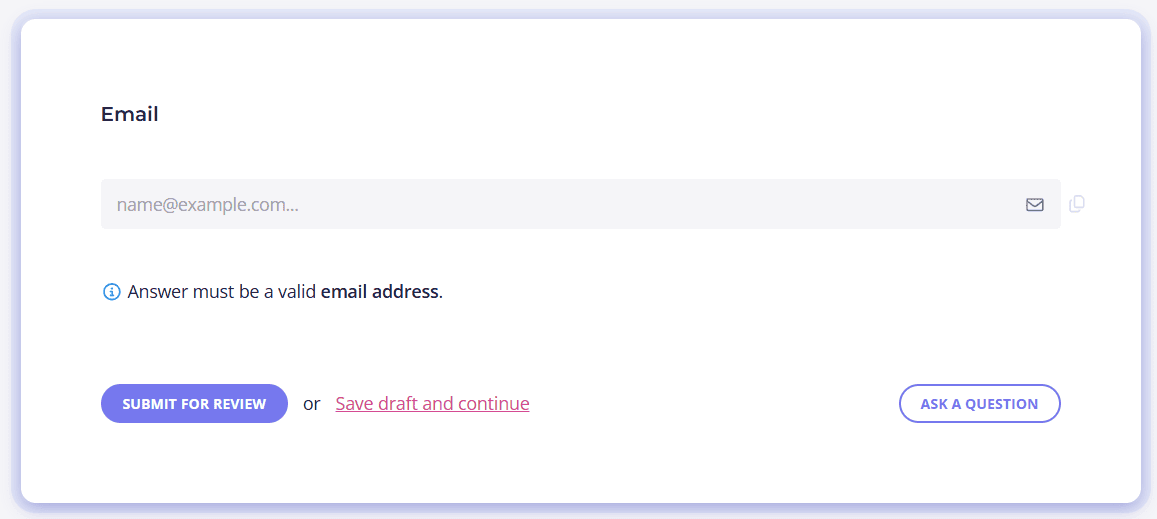
3. Email
4. What time zone do you operate in?
Services and scope
5. What services are you hiring me for?
6. Are there tasks you expect help with that aren’t listed above?
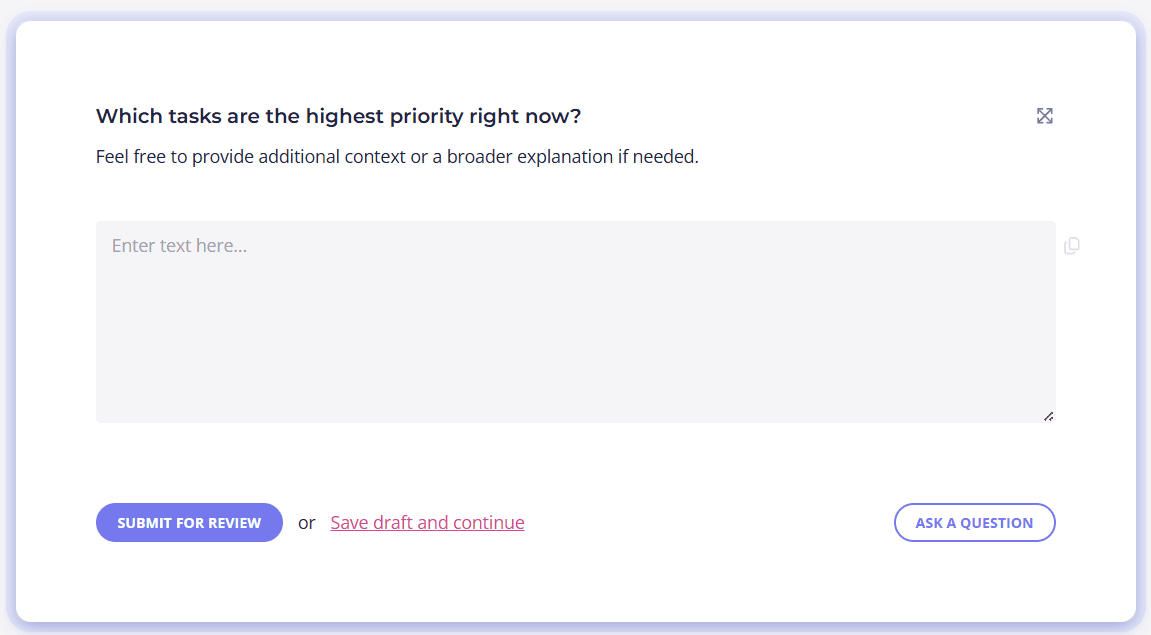
7. Which tasks are the highest priority right now?
8. How will success be measured for this engagement?
Tools and access
9. What tools or platforms will I need access to?
10. Do you already have accounts set up for these tools?
11. How should access be shared?
Options: Password manager, Invites, Other.
Business processes
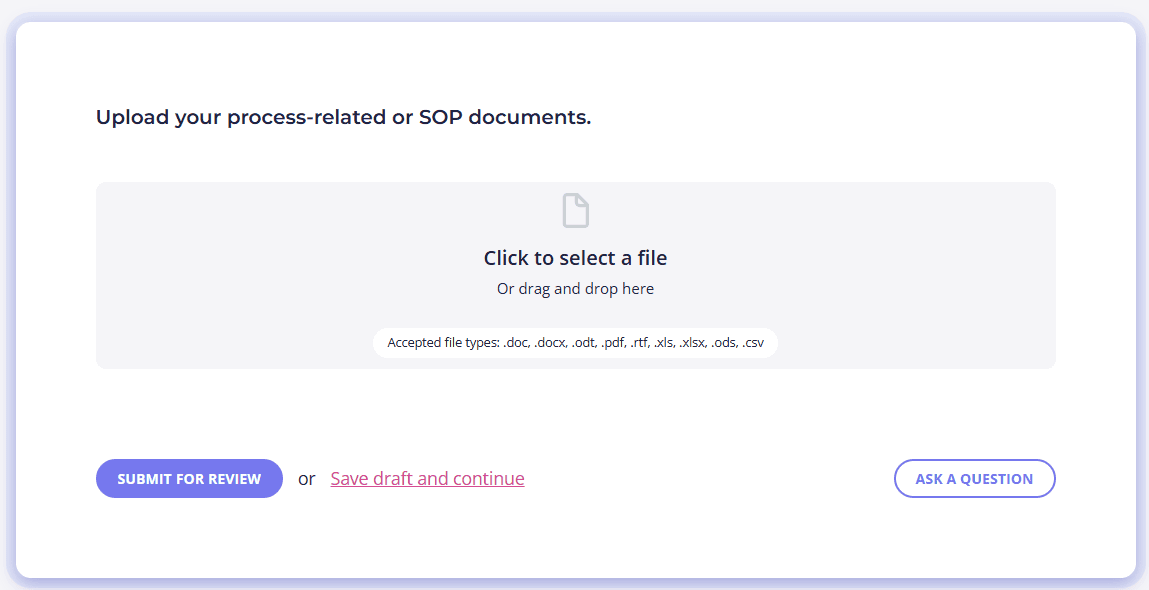
12. Do you have existing processes or SOPs documented?
If yes, please upload these documents.
13. How do you prefer tasks to be handled when instructions are unclear?
14. Are there brand or style guidelines I should follow?
If yes, please clarify.
15. Is there anything that has frustrated you with previous support?
If yes, please clarify.
Communication
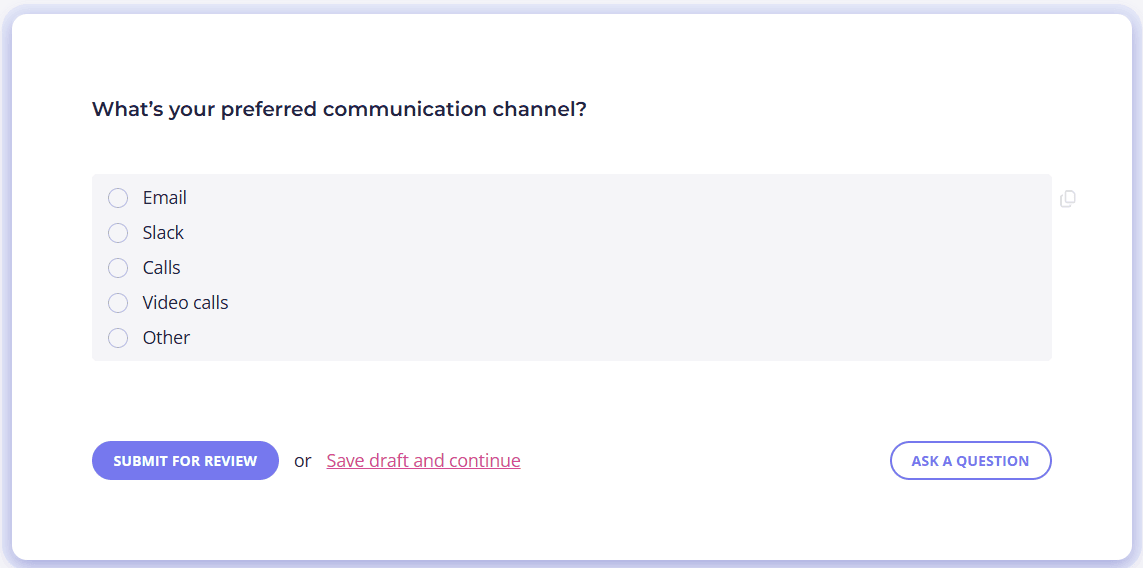
15. What’s your preferred communication channel?
Options: Email, Slack, Calls, Video calls, Other.
16. How quickly do you expect responses during business hours?
Options: Within minutes, Within 1–2 business hours, Within 4 business hours, By the end of the business day, Within 24 business hours.
17. How often would you like updates or check-ins?
Options: Daily, Multiple times per week, Once per week, As needed, Based on task activity.
18. Who else should be looped in on relevant communication?
Final notes
19. Are there any risks or concerns you want to address upfront?
If yes, please clarify.
20. Is there anything else I should know to do this job well?
Standardize your VA client onboarding with Content Snare
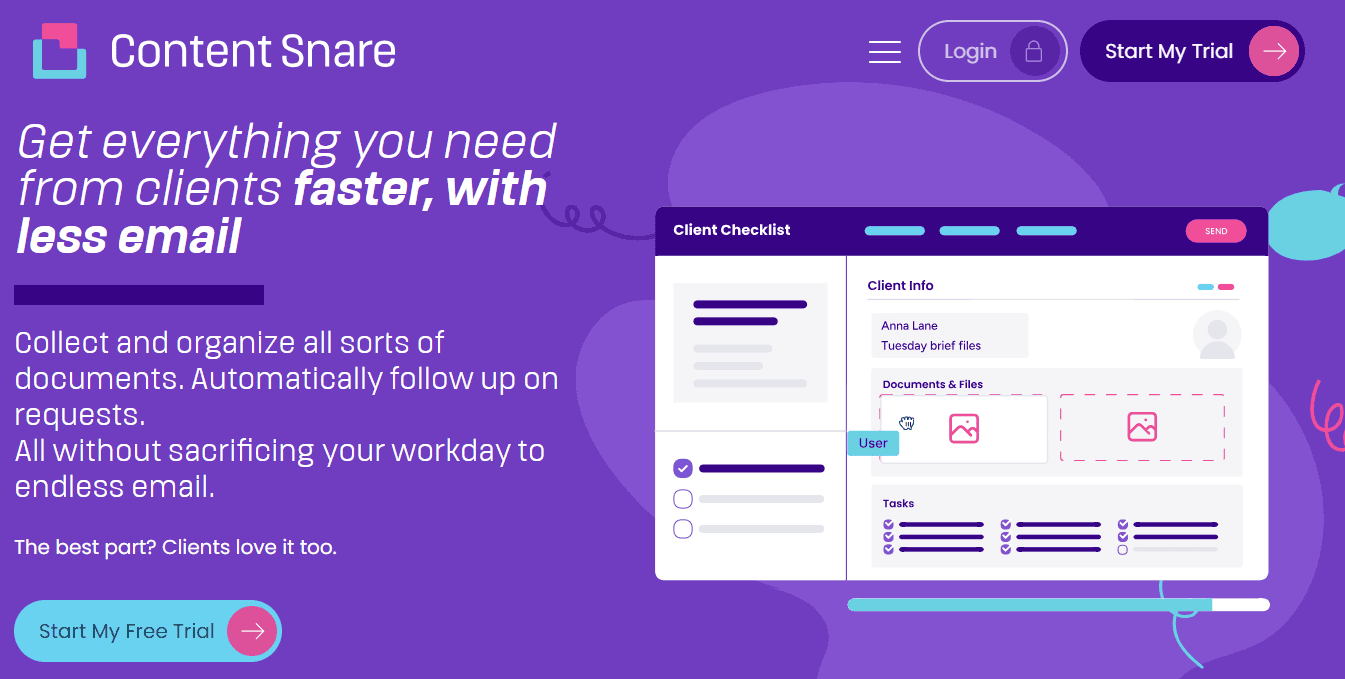
Content Snare is a data collection tool for all client-facing professionals who need a better way to gather information. More than 1,600 firms globally use it to send clients requests with easy-to-follow instructions and field types that precisely match their intent. Here are some of the main Content Snare features that matter for virtual assistant client onboarding:
- Ready-made and reusable onboarding template you can standardize across clients
- Structured forms that guide clients through questions step by step
- Automatic reminders that gently nudge clients on your behalf
- Auto-saving, so your clients can pick up where they left off
- Branded client portal to receive files and send docs to your clients if needed
Content Snare is a well-established platform that consistently rates 5 stars on sites like Capterra, G2, and the Xero App Store. Developed in 2016, it helps businesses spend less time chasing information and start client work with far fewer mistakes.
Content Snare also offers a 14-day free trial, so you can build your virtual assistant onboarding process and see how it works before committing.
FAQ
What should a virtual assistant client onboarding questionnaire include?
A good onboarding questionnaire should cover business basics, scope of work, priorities, tools and access, communication preferences, and any existing processes. The goal isn’t to collect everything, but to gather the right information for preventing misunderstandings and reducing follow-ups early on.
How does Content Snare improve the efficiency of VA client onboarding?
Content Snare removes the back-and-forth that slows onboarding down by guiding clients through a structured request. For example, one advisory firm noted that after implementing Content Snare, they improved efficiency by roughly 50% and significantly increased the accuracy and completeness of the information they received. On average, professionals using Content Snare spend 71% less time gathering information from clients.
Can this questionnaire work for different types of virtual assistants?
Yes. While the template is designed as a comprehensive starting point, it’s flexible enough to adapt to different VA specializations such as admin support, marketing, operations, or executive assistance. You can remove questions that don’t apply, add service-specific ones, and reuse the structure across clients to keep your onboarding consistent.