
It’s October 14th. A return is due tomorrow, and you are missing one bank statement. So you check the network drive, then the portal, then your inbox, then the email thread where the client wrote “see attached” and attached nothing. Forty minutes later you finally find it: a screenshot of a banking app pasted into a Word document, emailed from the client’s spouse’s address with no subject line.
That’s the problem most firms are actually trying to solve when they go looking for “document management software.” Not storage. Storage is usually fine. The expensive part is everything that happens before a document gets filed: the requesting, the chasing, the re-asking, and the version that came back wrong.
A document management software for accountants is really two separate jobs bolted together, and most firms only realize that after buying software that solves one of them well and barely touches the other. Let's break down the tools that actually solve this.
What really matters in accounting document management (the short version)
Getting documents from clients is usually the part that burns the time: the follow-ups, the missing files, the blurry screenshots, the “I already sent that” emails, and the Monday-morning rebuild of what is still outstanding. That is why the tools in our list do very different jobs.
Content Snare focuses on intake: getting documents and information from clients without the email back-and-forth. SmartVault, ShareFile, FYI, and Canopy are stronger on storage, retention, and retrieval. Karbon and TaxDome sit closer to full practice-management platforms.
A tool can score perfectly on storage and still leave you chasing clients every Monday. The right choice depends on which side of the problem is actually costing your firm time. The tools below each solve a different part of the workflow.
1. Content Snare: Best for structured document collection
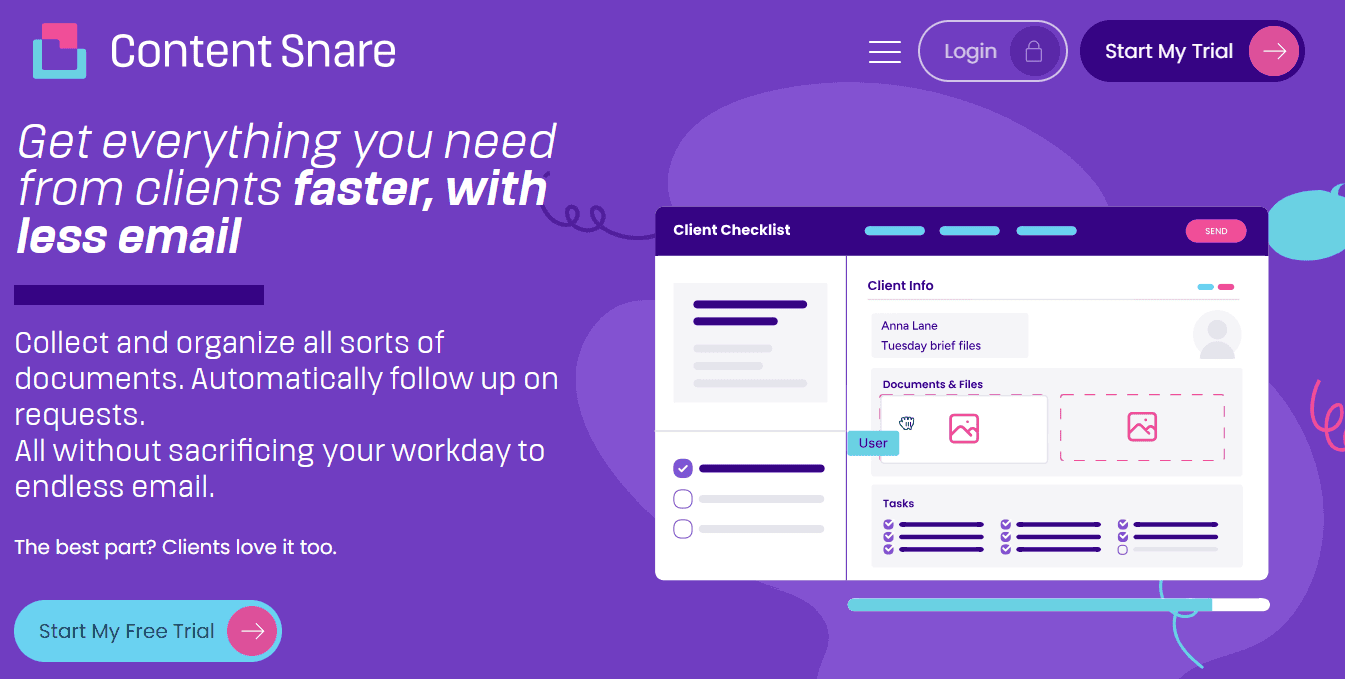
Content Snare is not trying to be a long-term document archive or a full practice-management suite. It’s built for the part most firms struggle with before storage even begins: getting the right documents and information from clients without the endless back-and-forth.
That distinction matters because a lot of accounting firms don’t really have a storage problem. They have a collection problem. As Matt Burn from Day One Advisory explained in a Content Snare case study:
"Sending a laundry list of questions to a client in an email, a lot of the time you'll get 60% of the stuff back and then there'll always be things that are missed, or you'll ask a question for an attachment and instead you get an answer. So we were sort of half getting the information we needed, which required a bunch of follow up."
That is the layer Content Snare focuses on. Your clients receive a secure link and go straight into the request. No account creation, no password resets, no portal onboarding. They see a structured checklist of exactly what is missing and upload against each item directly in the page:
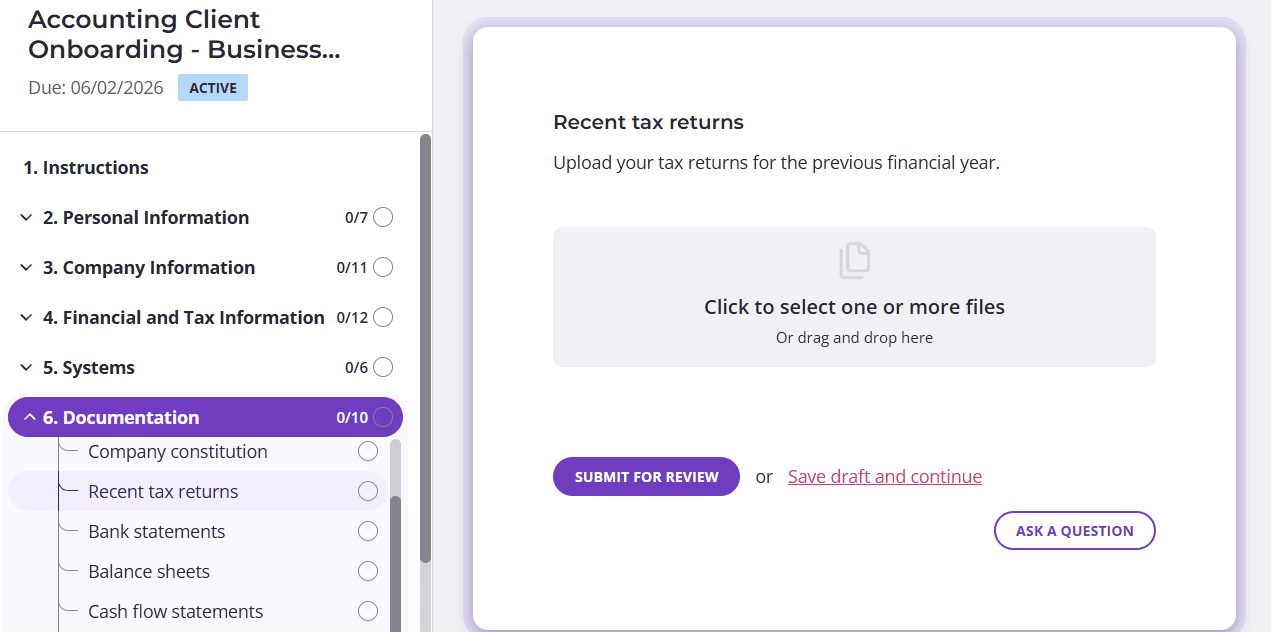
Automatic reminders handle the follow-ups in the background, which is a big reason firms report a 71% reduction in time spent chasing clients for information. Firms can also approve or reject uploads inline, restrict file types, and track what is still outstanding without rebuilding the picture from scattered email threads every Monday.
The product feels much more purpose-built for professional services than generic file-sharing tools adapted into “client portals” later. Accounting form templates standardize recurring work like tax returns and new company setup, while integrations push completed files into cloud storage, practice-management systems, or document repositories the firm already uses.
Content Snare is also ISO 27001 certified and uses military-grade encryption with per-company encryption keys.
Stop chasing clients
Customise a ready-made form and send your first request in minutes with Content Snare.
The limitation of Content Snare is also the point: it stays focused. There is no retention engine, billing system, CRM, or archival records layer bolted onto the product. Many firms pair it with SmartVault, FYI, ShareFile, Karbon, or TaxDome instead of expecting one platform to handle every stage of the workflow.
Best for: Accounting firms that are tired of chasing clients for documents, getting partial responses, and trying to piece together what is still missing from email threads, inboxes, and shared drives.
2. FYI: Best for Xero-based firms wanting automated filing
FYI began as a document management tool for accounting firms and has since broadened into a wider practice-management platform, but document handling is still its core strength. It is built tightly around Xero in particular, and its appeal is automation of the filing itself: documents get captured, named, and filed against the right client and job with far less manual handling than a generic drive.
For firms already deep in the Xero ecosystem, that integration is the draw, since FYI sits naturally alongside it rather than as a separate silo. It also integrates with Content Snare, so a firm can run structured client intake on one side and have collected documents flow into FYI's filing system on the other, which is a clean split of the two jobs.
The honest limitation is fit: FYI is most at home in Xero-centric firms, and firms on other stacks may get less out of it. As it has broadened from document management into wider practice management, it has also become a larger platform decision than a simple storage tool, worth weighing if document management is all you actually need.
Best for: Xero-based firms that want filing and document workflow automated rather than manual.
3. SmartVault: Best for tax-focused US firms wanting a proven archive
SmartVault is one of the longest-established document management and client-portal platforms aimed squarely at accounting and tax firms. Its core is secure cloud storage with structured folders, version control, audit trails, and a branded client portal, and it is known for tight integration with tax software, including Intuit Lacerte, ProSeries, and QuickBooks, which is the main reason tax-heavy US firms adopt it.
On the review sites, the praise is consistent, but so are the complaints. On G2 and Capterra, accountants reliably credit SmartVault for its security and its accounting integrations, and several note unlimited storage and users as a reason it scales without surprise costs. The recurring criticism is that the interface feels dated and that uploads and the connected desktop can be slow to sync.
Best for: Tax-focused US firms that want a proven, integration-heavy archive and will trade interface polish for stability.
4. ShareFile: Best for firms with heavier compliance needs
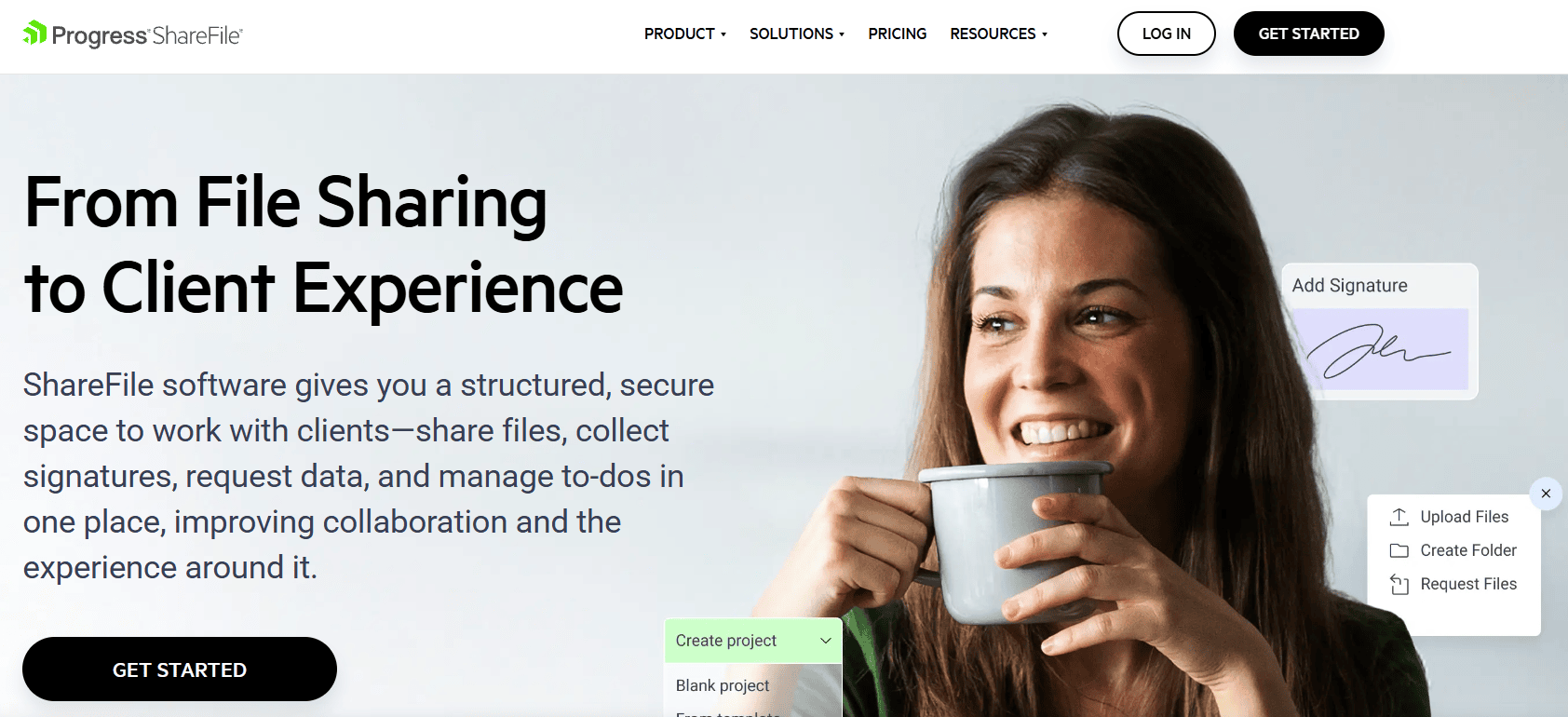
ShareFile is a secure file-sharing and document-management platform used well beyond accounting, including finance, healthcare, and legal, wherever sensitive documents need controlled handling. For firms it offers encrypted storage, version control, a branded portal clients can use without an account, e-signature, and workflow tools that can automate document requests and approvals.
Its strength is security depth and breadth of integration, which suits firms with stricter compliance requirements. The trade-offs reported by reviewers are a steeper learning curve than lighter tools and pricing that climbs for smaller teams. ShareFile is a capable platform, but it is a platform, with the setup that implies.
Best for: Firms with heavier compliance needs that want secure storage and document workflow in one place and can absorb the setup.
5. Karbon: Best for firms buying workflow first, document handling second
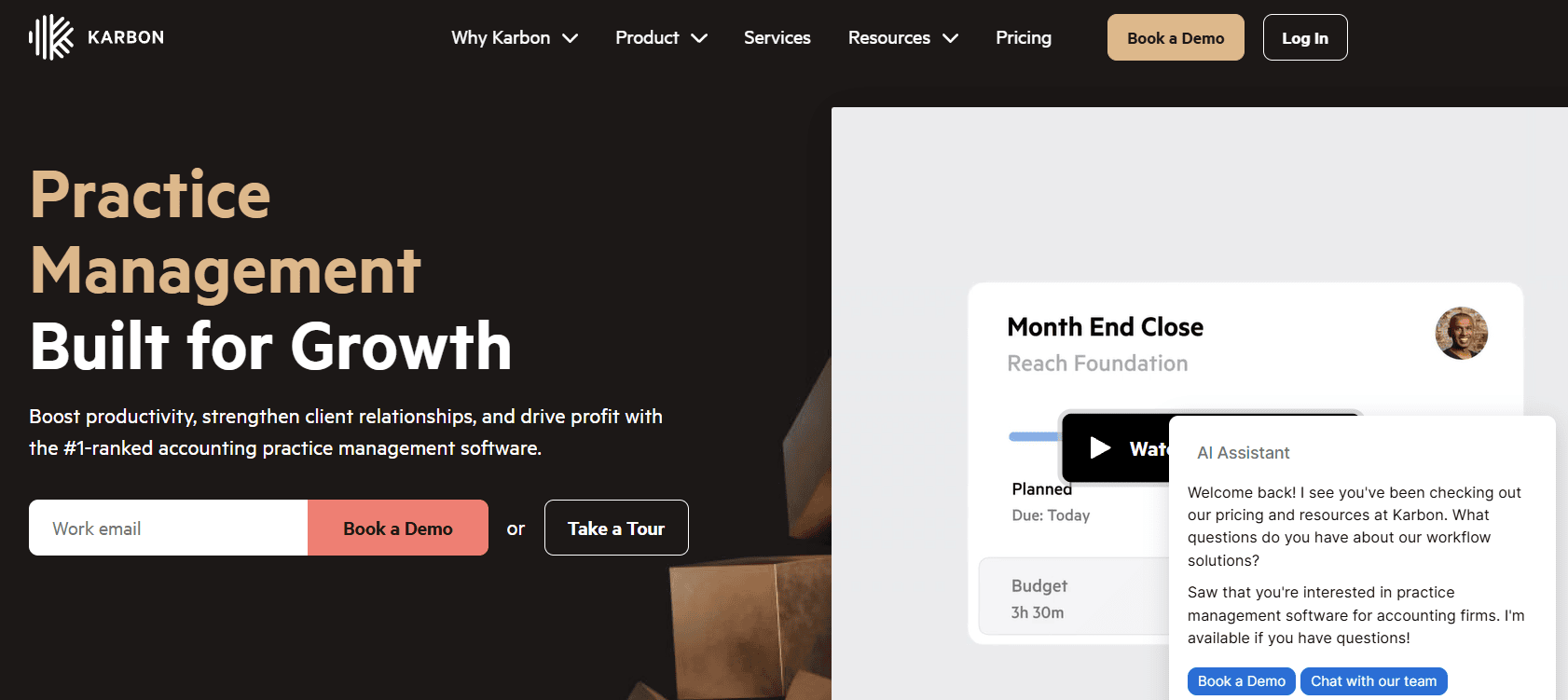
Karbon is a practice-management platform, not a standalone DMS, and it is the category leader for accounting workflow. Its strength is running the firm's work: jobs, tasks, email, and internal collaboration. Its document management is connected to that workflow rather than separate from it: files attach to the relevant client and job, folders auto-create for repeating work, and there is a branded client portal for requesting and collecting documents.
The nuance worth understanding is that Karbon's document storage often connects to an external system, such as Dropbox or OneDrive/SharePoint, rather than being a deep archive in its own right. So the value is the connection: documents live in the context of the work, with full audit trails of who did what. Reviewers rate Karbon highly for task management and collaboration; the familiar criticisms are price and that some client-facing features are less deep than the internal ones.
Best for: Firms buying a workflow and collaboration platform first, and wanting document handling tied into it rather than bought separately.
6. Canopy: Best for firms consolidating their whole practice into one platform

Canopy is a cloud-based practice-management platform for accounting and tax firms that bundles document management with task management, billing, time tracking, and client collaboration. Its document module covers secure storage, a client portal for document exchange, e-signature, version control, and audit trails, and it integrates with QuickBooks, Xero, and the major Intuit tax products.
For firms consolidating a fragmented stack into one system, Canopy's breadth is the appeal, since document management is one module among several rather than a separate subscription. Reviewers consistently praise the centralization and ease of use; the recurring criticisms, including from competitor and independent roundups, are that pricing is modular and can get complex, and that there is a learning curve on the deeper features.
Best for: Firms that want one platform for the whole practice and treat document management as part of that, not a standalone purchase.
7. TaxDome: Best for tax-heavy firms committed to a portal-first model
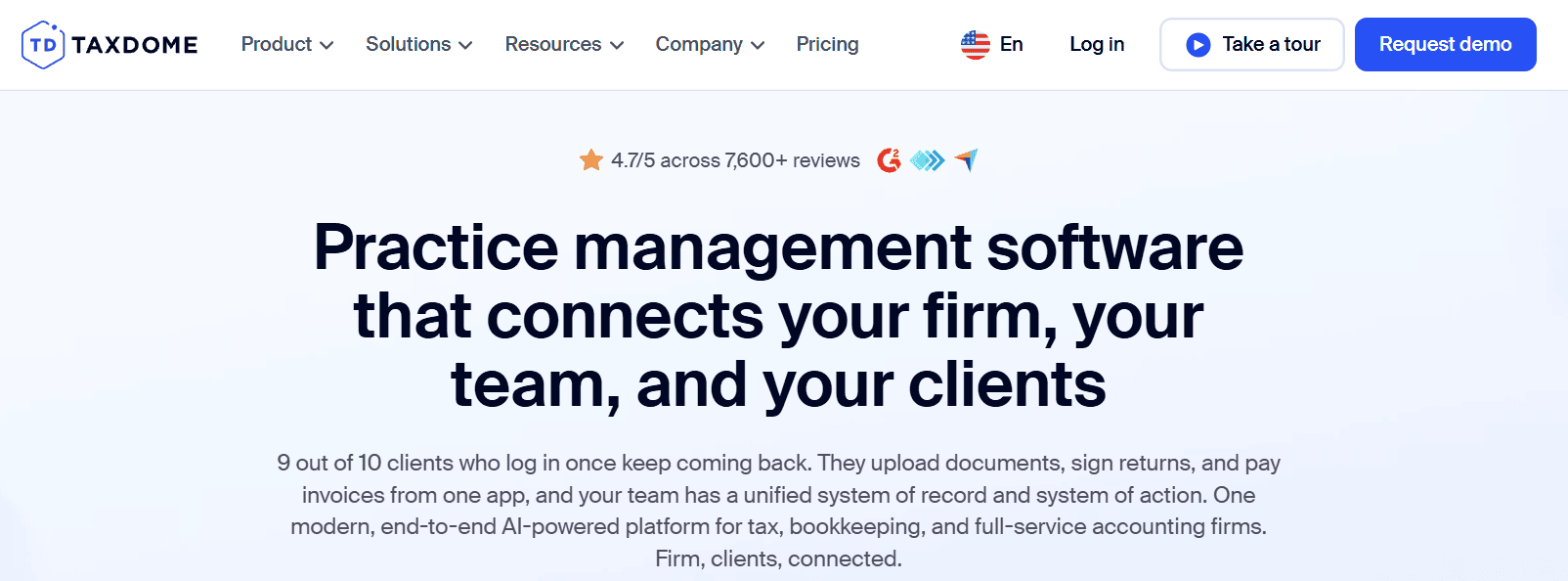
TaxDome is one of the most widely adopted all-in-one practice-management platforms for accounting and tax firms, and it is built portal-first: clients work inside a branded portal that handles document exchange, e-signature, intake, and messaging, alongside the firm-side workflow, billing, and CRM. It carries strong review-site ratings and integrates with QuickBooks and Xero.
The trade-offs are the ones common to large all-in-one platforms: setup takes time, automation can feel rigid for firms that want highly customised client communication, and, relevant to the intake half of this guide, a portal-first model depends on clients being willing to log in and work inside the portal, which is exactly the friction some firms are trying to escape.
Best for: Tax-heavy firms that want one portal-based platform for everything and whose clients will work inside a portal.
How to actually choose accounting document management software
Skip the feature checklist for a moment and start with the question that matters: where is the time actually going? The answer points to a different tool.
Pain point #1: The chase
If your pain is the chase, meaning clients who do not respond, partial submissions, the same three items re-requested, the Monday-morning rebuild of who-has-sent-what from scattered threads, then your highest-priority fix is the intake layer. This is the most expensive problem in most firms and the one storage tools do not solve.
Start with Content Snare, and pair it with whatever you already use to store files. A solo practitioner described the old way in a Content Snare sales conversation as digging back through sent emails every quarter to find what was already sent two months earlier. That is intake pain, and no archive fixes it.
Pain point #2: Retention and retrieval
If your pain is retention and retrieval, meaning files filed inconsistently, no audit trail, version confusion, and a scramble to prove what you held if the firm is reviewed, then you need a proper archive. SmartVault and ShareFile are built for this, and FYI is strong here if you run on Xero.
Pain point #3: Too many tools
If your pain is "too many tools", meaning a stack of disconnected apps where nobody can remember which one a given document is in, then a practice-management platform that bundles document handling makes sense: Karbon, Canopy, or TaxDome. Just go in knowing you are buying a platform, with the setup and price that implies, and that the intake half of a portal-first tool still depends on clients logging in.
Stop chasing clients
Customise a ready-made form and send your first request in minutes with Content Snare.
The honest reality is that many firms end up running two tools, not one: a purpose-built intake layer in front, and a storage or practice-management system behind it. That is not a failure to find the perfect product. It is a recognition that getting documents in and keeping them once they are in are genuinely different jobs.
For a closer look at the intake side, take a tour of our document collection software. |
FAQ
Isn't a client portal the same as document management software?
Not quite. A client portal is one delivery method, a place where clients log in to exchange files. Document management is the wider job of getting documents in, then storing, securing, and retrieving them. A portal handles part of the intake and part of the access, but the portal model has a known weakness: many clients resist logging in at all. Some intake tools, including Content Snare, deliberately drop the login so clients can respond to a link without an account.
Do I need a separate document management system if I already use Karbon, Xero, or QuickBooks?
It depends on which job is hurting. Karbon connects document handling to your workflow but often relies on external storage underneath; Xero and QuickBooks are accounting software with limited document features. None of them is built primarily to collect documents from clients efficiently. If your time is going on the chase, a dedicated intake tool is worth adding even if your practice software technically stores files.
Is email good enough for collecting tax documents?
For a very small client base, email can limp along. At any scale it breaks down, on two fronts. Practically, requests scattered across email threads mean you rebuild the picture constantly and miss items. Security-wise, tax file numbers, bank details, and IDs sent as plain email attachments are a real exposure, a concern firms increasingly raise themselves. A structured request with secure upload removes both problems.
What's the most secure option for client financial documents?
Look for explicit certification rather than a vague "bank-level security" claim. ISO 27001 and SOC 2 are the standards to check for, alongside encryption and role-based access. Content Snare is ISO 27001 certified with per-company encryption keys; SmartVault, ShareFile, and the major practice platforms publish their own compliance credentials. Match the certification to what your own clients and regulators expect.
How much time can better document management actually save?
The bulk of the saving comes from the intake side. In a Content Snare customer survey, firms cut information-gathering time from an average of 25 hours a month to about 5, a 71% reduction, and reported meaningfully fewer errors in what clients sent back. Storage tools save time on retrieval; intake tools save time on the chase, and the chase is usually the bigger number.