
The best client intake software takes care of all those boring little tasks that eat up your day like chasing clients for files or sending reminders. Content Snare leads the pack with its amazing automation features, but there are a few other options that also bring something unique to the table. In this post, we’ll walk through five of the best client intake software options to help you optimize onboarding and make a great first impression with every new client.
Stop wasting hours chasing missing info. Our client intake software automates requests and reminders, so you can onboard clients faster.
5 best client intake software solutions for your business
To create this list, we read through hundreds of user reviews and tested each client intake software for real-world usability. Our focus was on automation, form customization, client experience, data security, and overall value for money. With that said, here are our favorite tools for onboarding clients.
1. Content Snare: Best client intake software for automated data collection
- User reviews: Capterra 4.9, G2 4.7, Xero App Store 4.9
- Free trial: 14 days
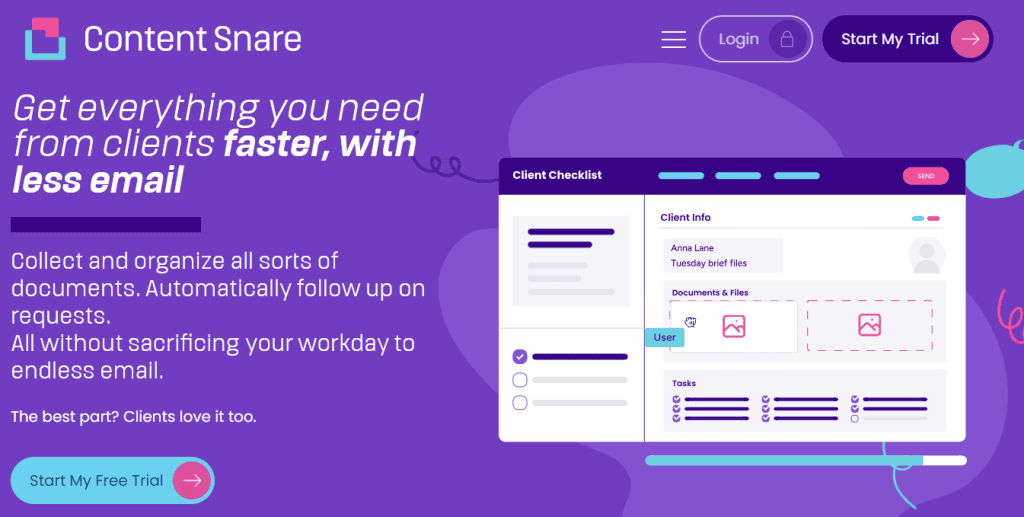
Content Snare is the best client intake software because it solves all of the usual onboarding issues. The platform is designed to help client-facing firms collect information and documents without the back-and-forth.
Content Snare is also the leading document collection software for professional services. Accounting firms, law firms, mortgage brokers, and agencies use it across onboarding, annual tax returns, engagement letters, and ongoing client queries, not just intake.
Here’s how representatives of Incra Group explain it:
You definitely need to adopt Content Snare because one of the most limited resources for an accounting firm is time, and it’s something that’s going to save you a hell of a lot of time.
One of the biggest time-savers is Content Snare’s library of ready-made intake form templates for different industries, from accountants and bookkeepers to marketing agencies, consultants, real estate and legal professionals. Each template can be customized to match your workflow, so you can start collecting the right information in minutes, not hours.
Other important features of Content Snare’s client intake software include:
- Automated reminders: These keep the process moving, which means you no longer need to manually nudge clients to respond.
- Ease of use: Clients love Content Snare because there’s no login or password required. They just click the access link and start filling out their form.
- Progress auto-saving: Your clients don’t have to finish everything in one sitting. The system auto-saves responses without them having to hit “save.”
Behind the scenes, everything is protected by military-grade encryption and ISO 27001-certified security, so both you and your clients can rest easy knowing sensitive data is safe.
Over 1,900+ firms use Content Snare to collect information and documents from clients. Customers report a 71% reduction in time spent chasing clients and a 23.9x return on investment.
Sign up for a free 14-day trial to see Content Snare in action.
2. IntakeQ: Best for healthcare and wellness professionals
- User reviews: Capterra 4.7, G2 4.7
- Free trial: 14 days
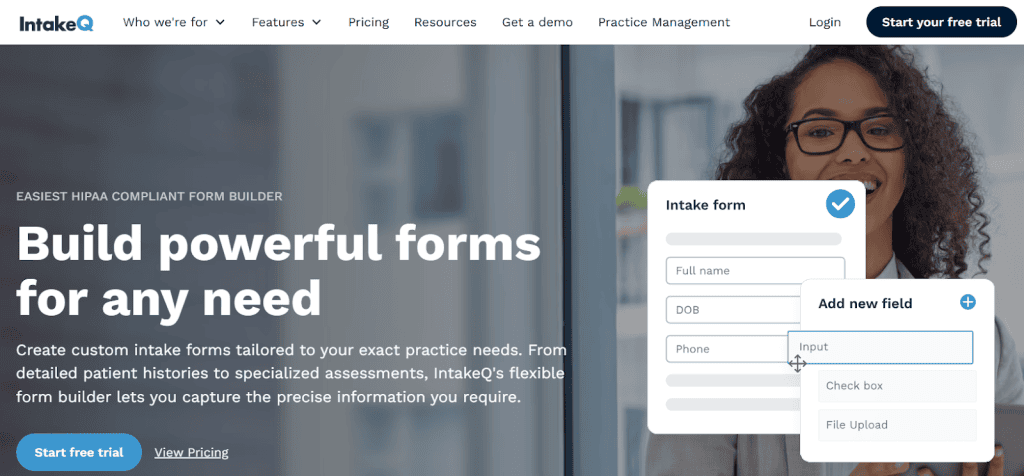
IntakeQ is right up your alley if your clients are patients, not projects. It’s built with healthcare and wellness professionals in mind: think therapists, clinics, and nutritionists who need to gather sensitive information without breaking a sweat (or any privacy laws). The platform offers:
- HIPAA-compliant intake forms
- E-signatures
- Secure messaging
- Progress notes
- Staff accounts
That way, IntakeQ keeps everything buttoned up and confidential. You can also automate appointment scheduling and form delivery, meaning clients fill out their details before they even walk through the door.
3. OnRamp: Best for small B2B teams handling customer applications
- User reviews: Capterra N/A, G2 4.4
- Free trial: No
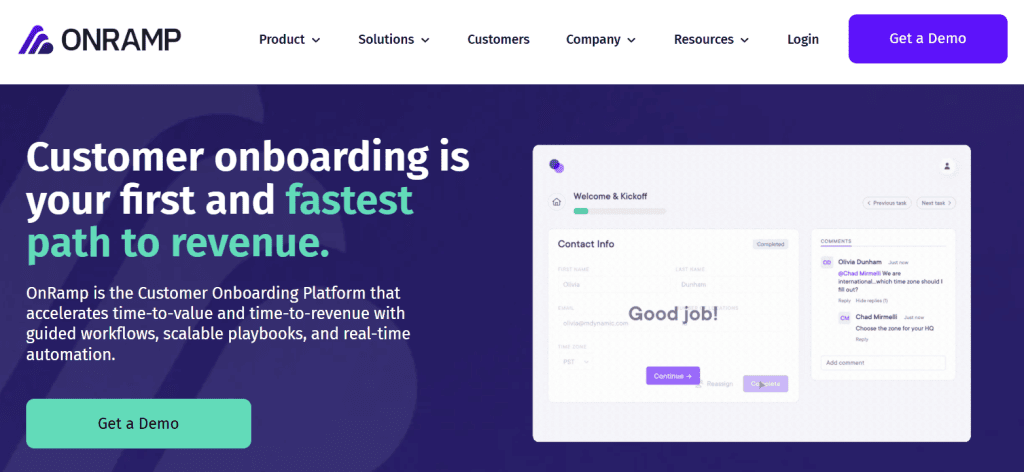
OnRamp is best suited for B2B companies that want to onboard customers faster and set them up for long-term success. Instead of treating onboarding as a one-and-done task, OnRamp turns it into a structured experience that helps new customers hit the ground running and stick around longer. Here’s what it offers:
- Guided onboarding workflows and playbooks
- Customer-facing dashboards to track progress
- Automated task assignments and reminders
- Integration with CRMs and customer success tools
- Analytics to measure adoption and retention
OnRamp helps your team build stronger relationships right from day one, which makes it a pretty good choice for B2B teams focused on retention, expansion, and smooth customer experiences, and not just getting clients through the door.
4. OnboardForm: Best for workflow automation
- User reviews: Still not listed on major platforms
- Free trial: 14 days
Instead of focusing purely on collecting client information, OnboardForm helps you map out and automate the entire onboarding workflow, from first contact to project kickoff. For example, when a client submits their intake form, the system can notify your team, create a task in your project management tool, and send a personalized welcome email. Some of the most useful features include:
- Multi-step workflow automation
- Task and notification triggers
- CRM and project management integrations
- Conditional logic for custom paths
- Client progress tracking
That way, OnboardForm connects all the dots between your tools and teams. Once a client completes a form or hits a milestone, the system automatically updates tasks and notifies the right people.
5. Tallyfy: Best for process-driven client onboarding
- User reviews: Capterra 4.4, G2 4.9
- Free trial: 14 days
Tallyfy is your go-to if you like having every step in your client onboarding mapped out to a T. It’s built for teams that thrive on structure, the kind that prefer ticking boxes to chasing emails. Tallyfy turns onboarding processes into a repeatable workflow thanks to these features:
- Step-by-step process automation
- Role-based task assignments
- Real-time progress tracking
- Approval and feedback loops
- Integration with popular workflow tools
Each client follows a consistent path through Tallyfy, so your team knows exactly what’s next without missed steps or crossed wires. It’s a solid choice for businesses that love process and want onboarding that runs like clockwork.
Want to dig deeper? Here’s what to look for when choosing client intake software
We know that our list of the finest client intake software solutions doesn’t have to suit your exact interests. Should you wish to dig deeper and find a tool that fits your specific workflow, make sure it ticks these boxes:
- Customizable forms, so you can tailor questions to your industry and clients
- Integrations with your CRM or workflow tools to keep data flowing where it needs to go
- Client-friendly UX because clients won’t use it if it’s confusing
- Security and compliance standards to protect sensitive client data and maintain trust
- Automation and reminders to cut down on chasing and manual follow-ups
If you can’t find client intake software that balances all five, make sure to give it a try.
Stop wasting hours chasing missing info and files. Our client intake software automates requests and reminders, so you can onboard clients faster.
Frequently Asked Questions
What is client intake software?
Client intake software is a system for collecting the information and documents you need from new clients before you can start work. Instead of sending forms by email and chasing replies across scattered threads, everything lives in one place. Clients see a clear checklist of what they need to provide, with automatic reminders and progress tracking keeping things moving without manual follow-up.
Can Content Snare be customized for different industries or workflows?
Yes. Content Snare comes with 110+ templates spanning accounting, legal, mortgage, marketing, real estate, consulting, and more. You can use them as-is, edit them, or build your own from scratch with drag-and-drop sections, questions, file uploads, and conditional logic. Custom branding, custom reminder schedules, and integrations with Zapier, Google Drive, Dropbox, and Xero Practice Manager let you fit the tool around your existing process.
Who should use client intake software?
Any business that regularly brings on new clients and needs information from them to get started. Content Snare's most common customers are professional services firms: accountants, bookkeepers, law firms, mortgage brokers, and agencies. But we have customers across just about any industry where client intake exists, from coaches and consultants to real estate agents, event organizers, HR teams, nonprofits, and insurance brokers. If your team spends time chasing clients for forms, files, or information before work can start, intake software pays for itself quickly.
How secure is Content Snare for collecting client information?
Content Snare uses military-grade encryption and is ISO 27001 certified, the global standard for information security, audited by independent third-party specialists. Data is encrypted in transit and at rest, with per-company encryption keys for stored answers. Role-based access controls, optional enforced 2FA, and short-lived access tokens protect the login layer. For firms handling tax, legal, or financial documents, keeping client information out of email is a major benefit on its own.
How is Content Snare different from other client intake software?
Most client intake tools are designed for one-shot forms that clients complete in a single sitting. Content Snare is built for complex collection that takes days or weeks. Every keystroke auto-saves, automatic reminders bring clients back when they stall, and you can approve or reject individual items inline without email. There's no client login or password. If you're collecting a short form at signup, most tools will do. If you're collecting tax documents, engagement letters, case files, or ongoing queries, Content Snare is purpose-built for that.
Can I use client intake software for ongoing document collection, not just intake?
Yes. Content Snare is often sold as client intake software, but most customers expand its use across ongoing work. Accounting firms use it for annual tax returns, workpapers, and bookkeeping queries. Law firms use it for case-specific document requests throughout a matter. Mortgage brokers use it for ongoing loan documentation. The same templates and workflows that save you time at intake save you time every time you need something from a client.
Do clients need to create an account to use Content Snare?
No. Clients access their request through a secure link sent by email. No account, no password, and no app to install. They click the link, complete their tasks, and everything auto-saves as they go. This is one of the main reasons non-technical clients actually finish Content Snare requests when they wouldn't touch other tools.