
Event planners and photographers know that the first stage of working with a new client sets the tone for everything that follows. Getting the right details up front helps you avoid crossed wires and save a ton of back-and-forth, and a good photography client questionnaire is the simplest way to make that happen.
According to multiple industry reports, photographers who use questionnaires to transition into personalized viewing sessions report up to a 20% increase in average revenue per client. That’s not a small change, and it’s a clear sign that asking the right questions pays off. In this post, we’ll walk you through what a great photography client questionnaire template looks like and how you can use it to make onboarding more professional.
Questions to include in your photography client questionnaire
We built this photography client questionnaire template from years of hands-on experience working with event agencies and photographers who deal with real clients and real deadlines. It’s designed to help you get the right information without chasing people down, so you can kick off every project on solid ground instead of playing catch-up.
You’ll see real screenshots from Content Snare throughout this section, so you can get a better overview of what a professional photography client questionnaire looks like in action.
Basic client details
The first section makes sure you know exactly who you’re working with and how to reach them when things move fast. It also helps avoid awkward mix-ups once contracts and invoices are in play.
1. Full name
2. Email address
3. Phone number
4. Company name
Note: Skip if not applicable.
5. Preferred method of communication
Options: Email, phone, text.
Project overview
These questions give you the big picture before you dive into the details. That way, you’re not guessing what kind of shoot you’re preparing for.
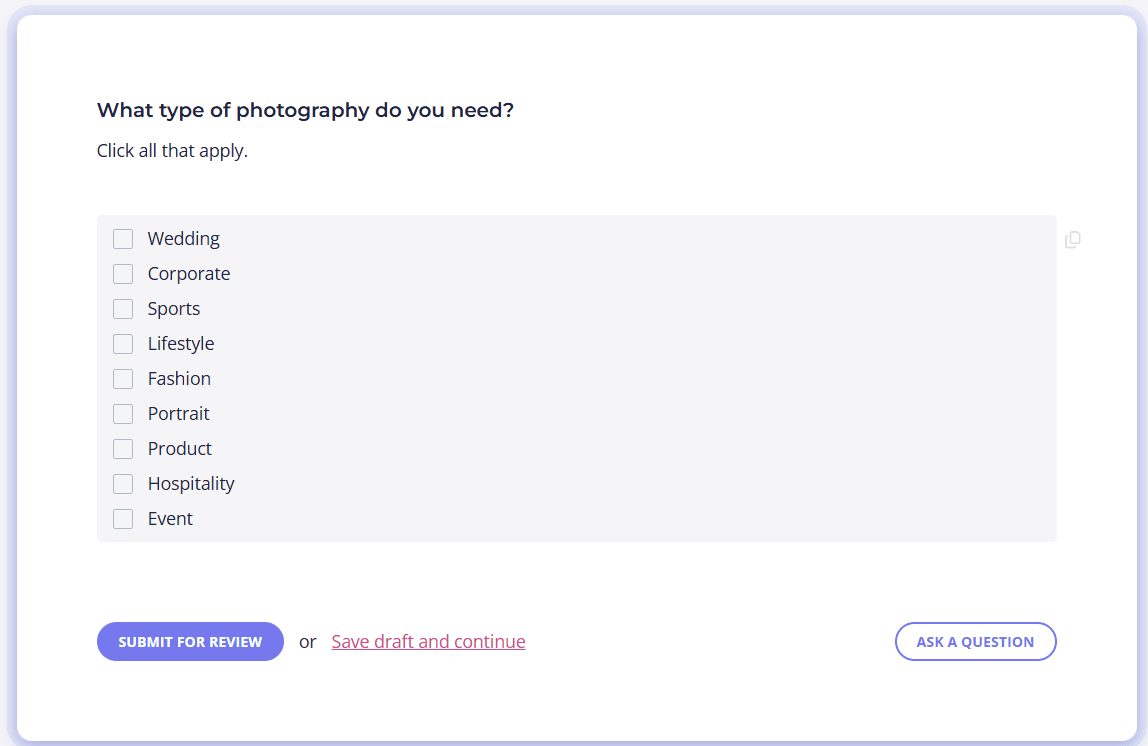
6. What type of photography do you need?
Options: Wedding, corporate, event, sports, fashion, portrait, product, lifestyle, family, hospitality.
7. Shoot date
Note: Feel free to provide a range if still unsure.
8. Shoot location(s)
Creative direction
Here’s where clients can show you what they love (and what they don’t), so you’re both aiming for the same target from day one.
9. What is the main purpose of this shoot?
10. Where will these photos be used?
Options: Personal, social media, website, advertising, print, other.
11. Briefly explain a specific style or mood you’re aiming for.
12. Do you have any inspiration images or mood boards to share?
If yes, please upload these images.
13. Are there any photographers or styles you really like?
If yes, please provide more details.
14. Are there any styles or looks you definitely want to avoid?
If yes, please provide more details.
Shot list and priorities
The following questions highlight what your client cares about most, which means you won’t have to guess which moments or details should take priority.
15. Which of these are must-have shots?
Checkbox options: People, venue, details, action shots, products, other.
16. Are there any specific people, items, actions, or moments that must be photographed?
If yes, please provide more details.
17. Is there anything that would be a deal-breaker if it were missed?
If yes, please provide more details.
Timeline
These questions help you plan the day properly, from gear and crew to travel and lighting needs.
18. What time should the photography coverage start?
19. What time should it end?
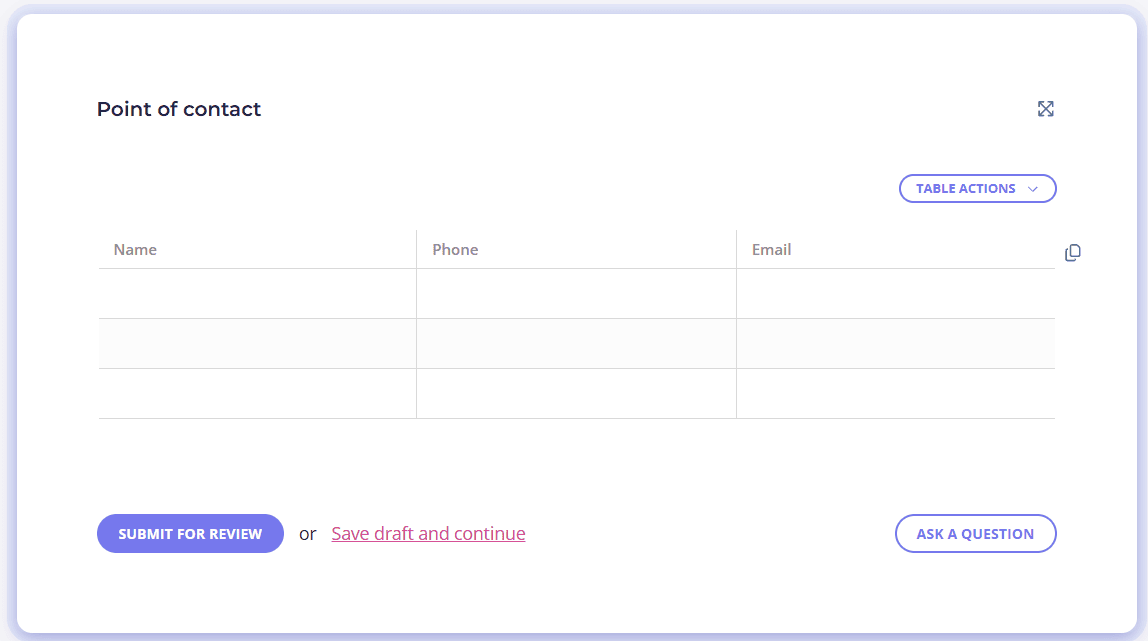
20. Will there be a coordinator or point of contact on-site?
If yes, provide their name and phone number.
21. Are there any location restrictions or special access requirements?
If yes, please clarify.
Deliverables and usage
This section sets expectations around what the client will receive and how they plan to use the images, which helps prevent awkward conversations later.
22. What type of final images do you need?
Options: Digital, prints, albums, social media sizes, other.
23. Do you need the images delivered by a specific date?
If yes, please specify the date.
Final notes
The final section gives clients a chance to share anything that didn’t fit into the earlier questions. Besides that, it lets your clients review and formally sign off so everything stays documented before the shoot moves forward.
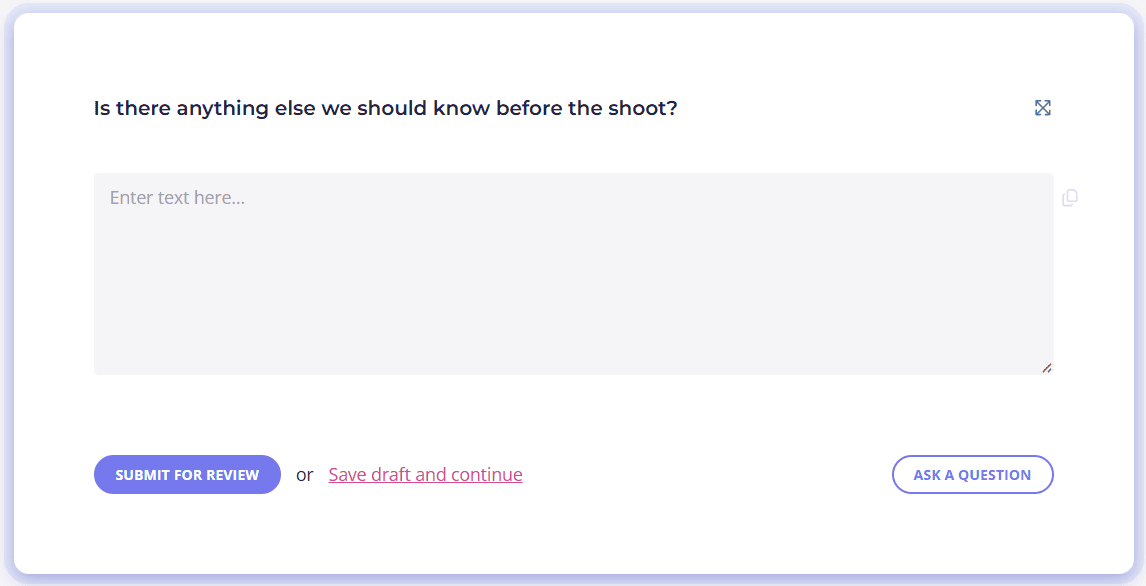
24. Is there anything else we should know before the shoot?
If yes, please provide more details.
25. I confirm that the information provided is accurate
26. Signature
Put your photography client questionnaire on autopilot with Content Snare

A great photography client questionnaire template is only half the battle. The real progress happens when you have a system that actually gets it filled in on time, without endless follow-ups.
This is what Content Snare is made for.
It’s a proven and secure client portal software for collecting information and files, helping photographers and agencies run a more professional onboarding process without burning time. Content Snare turns your photography questionnaire into a repeatable workflow that works the same way every single time, whether you’re onboarding one client or a hundred.
Why professional photographers love Content Snare:
- Client-friendly forms that are easy to complete
- Built-in templates and approved question sets
- Automatic reminders so you don’t have to nag clients
- Secure file uploads with military-grade encryption
- Consistent workflows across your whole team
- Fewer mistakes and fewer project delays
Trusted by more than 2,000 businesses across creative, professional, and service industries, the platform is made to protect your client experience as you grow. When you standardize how you ask for information, follow up, and review submissions, you spend less time chasing and more time doing the work you actually get paid for.
Stop chasing clients
Send this photography form template as a client-friendly form with automatic reminders built in.
FAQ
What questions should a photographer ask a client?
A photographer should ask questions that clarify the scope, goals, and logistics of the shoot. This includes what the photos will be used for, where and when the shoot will take place, what style the client prefers, and which people, products, moments, or items matter most so nothing important is missed.
How does Content Snare help me collect more accurate information from clients?
Content Snare lets you add instructions, example images, and even GIFs and videos directly inside each question, so clients know exactly what they’re being asked to provide. It also allows back-and-forth conversations inside any field, which means you can clarify questions or request changes without starting a long email thread or losing track of what was agreed.