Reference checks have a way of dragging on longer than anyone plans for. You email a referee, wait a few days, send a nudge and end up playing phone tag with someone who has barely a spare minute. Across a whole shortlist, that eats a surprising chunk of the week, and reference check software exists to take it off your plate by handling the outreach and the chasing.
The ten tools below cover most situations, with Xref and RefNow being the safe bets for most teams. Xref holds 4.6 on G2 from 503 reviews and names 26 ATS and HR integrations, while RefNow holds 4.6 from 174 reviews and names 65+. After those two, the best reference check software for you comes down to your region, your ATS and whether you want screening checks as well. Content Snare publishes this guide and is one of the ten, so it gets the same treatment as the rest.
Vendor sites and ratings are as of September 2026, with no paid placements and no prices.

The best reference check software, compared
Alongside vendor sites and G2 reviews, we relied on Reddit insights for the real-world limitations. Here’s how the ten reference checking software options line up at a glance, before we look at each one properly.
Tool | Best for | Also covers | G2 rating |
|---|---|---|---|
Xref | An all-rounder with 26 named ATS and HR integrations | ID verification, background-check integrations | 4.6 (503) |
Content Snare | References collected as part of a wider pre-start document pack | ID, right-to-work documents, certificates and signed forms in the same request | 4.7 (54) |
RefNow | Hiring at volume, especially in the UK and care sector | Right to work, DBS checks | 4.6 (174) |
Referoo | Australian and NZ employers | Police checks, right to work, VEVO, working-with-children checks | 4.8 (11) |
Zinc | UK employers wanting references and background checks together | Right to work, criminal record, ID, HMRC employment check | 4.7 (183) |
Refapp | European and staffing teams wanting role-specific questionnaires | Reference checks only | 5.0 (18) |
RefAssured | US staffing agencies on Bullhorn or JobDiva | Post-hire performance evaluations | 4.9 (25) |
Checkster by Harver | Mid-size and enterprise teams wanting 3 to 5 referees each | Harver’s assessment suite | Listed under Harver |
SkillSurvey by iCIMS | Large employers, especially healthcare | Skills verification | No current listing |
Crosschq | Reference data inside wider hiring analytics | AI interviews, assessments, ID verification | 4.6 (164) |
1. Xref
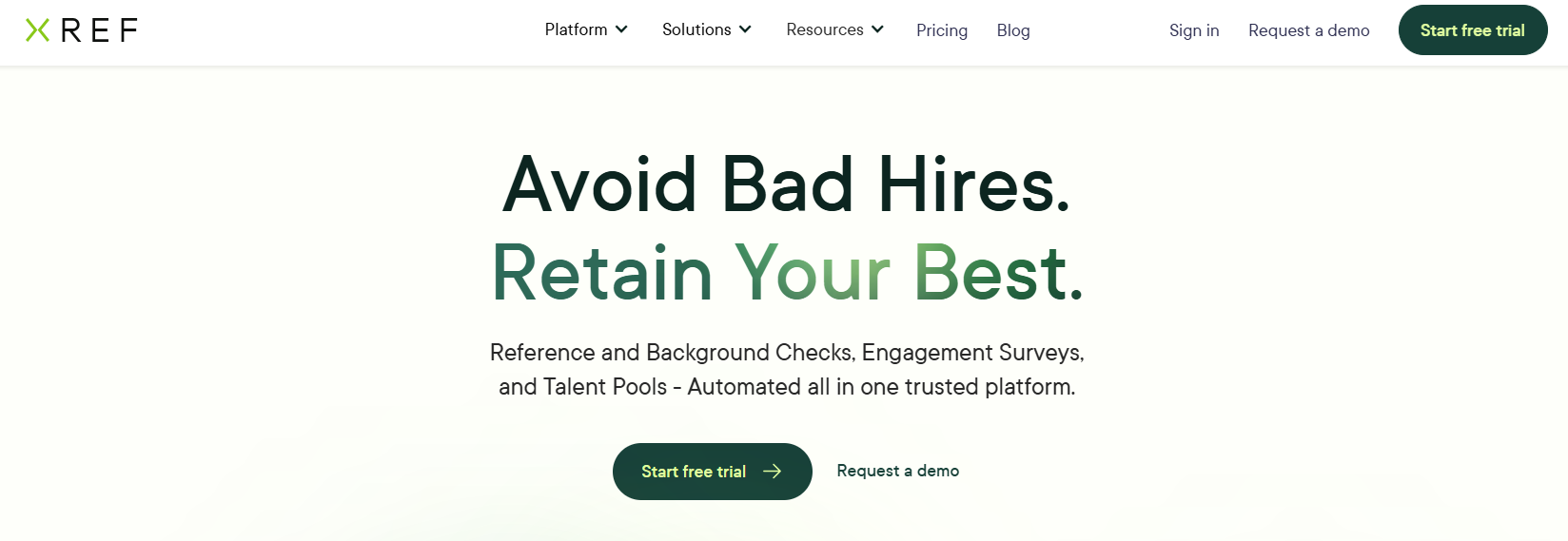
Best for: Recruiters who want an all-rounder that plugs into the ATS they already use.
How it works: Xref gives you a question library and custom surveys, and you can bulk send requests to up to 100 candidates at once. The vendor says results come back in about 18 hours on average and that its algorithm flags unusual activity. It names 26 integrations, including Greenhouse, Workday, iCIMS and Lever.
Watch out for: A survey can’t ask a follow-up question, and G2’s summary notes that some users find the reminders heavy.
Reviews and pricing: 4.6 on G2 from 503 reviews. See Xref’s pricing page.
2. Content Snare
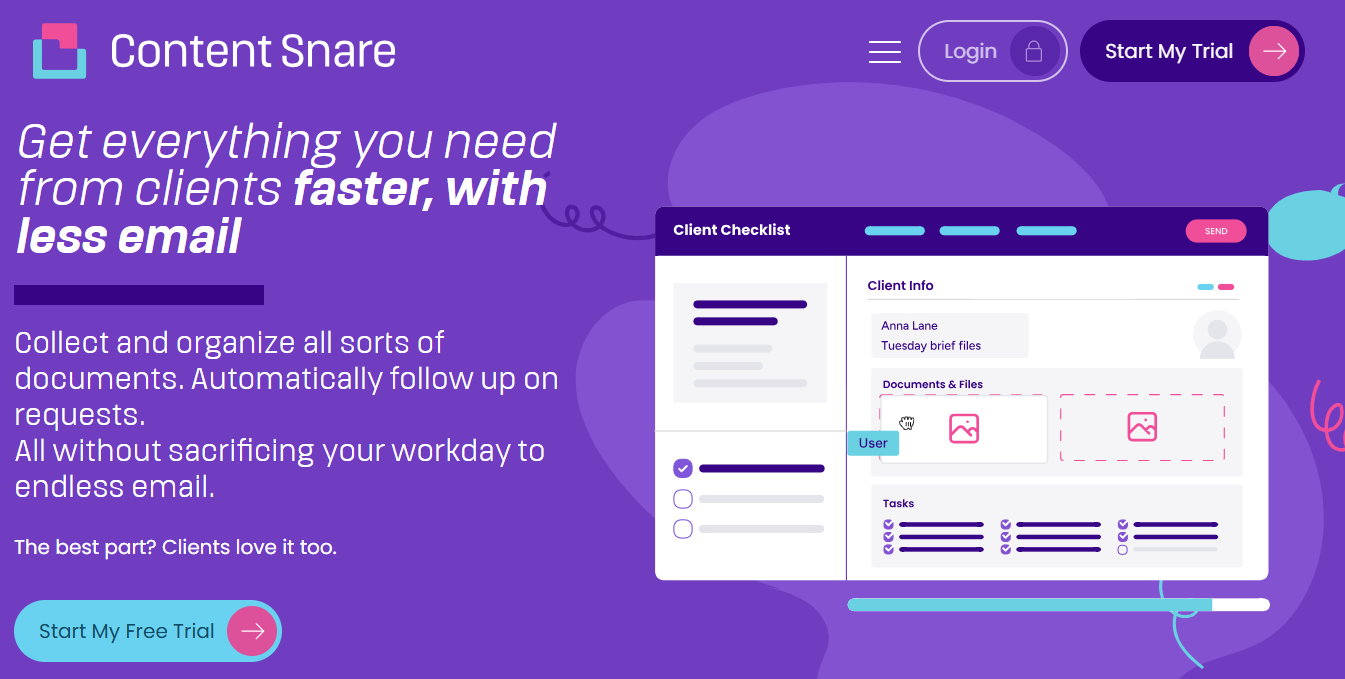
Best for: Teams where references are one item in a bigger pre-start pack, not the whole job, and who want document collection software to gather everything in one request.
How it works: The candidate gets one no-login request for their documents and referee details, and each referee then gets a short request of their own. Reminders go out to both sides, answers come back structured, and everything exports as one file for the candidate record. For the paperwork that follows once references clear, see our employee onboarding form.
On the document side, Candice Coker, Talent Acquisition Manager at Total Education Solutions, put it this way: “Once we implemented Content Snare, we got the process down to under two weeks. Being able to target specific file types means we get information in the right format the first time.”
Watch out for: There are no fraud flags or referee scoring, and no native ATS integration, although you can connect through export, Zapier or the API.
Reviews and pricing: 4.7 on G2 from 54 reviews. See Content Snare’s pricing page.
3. RefNow
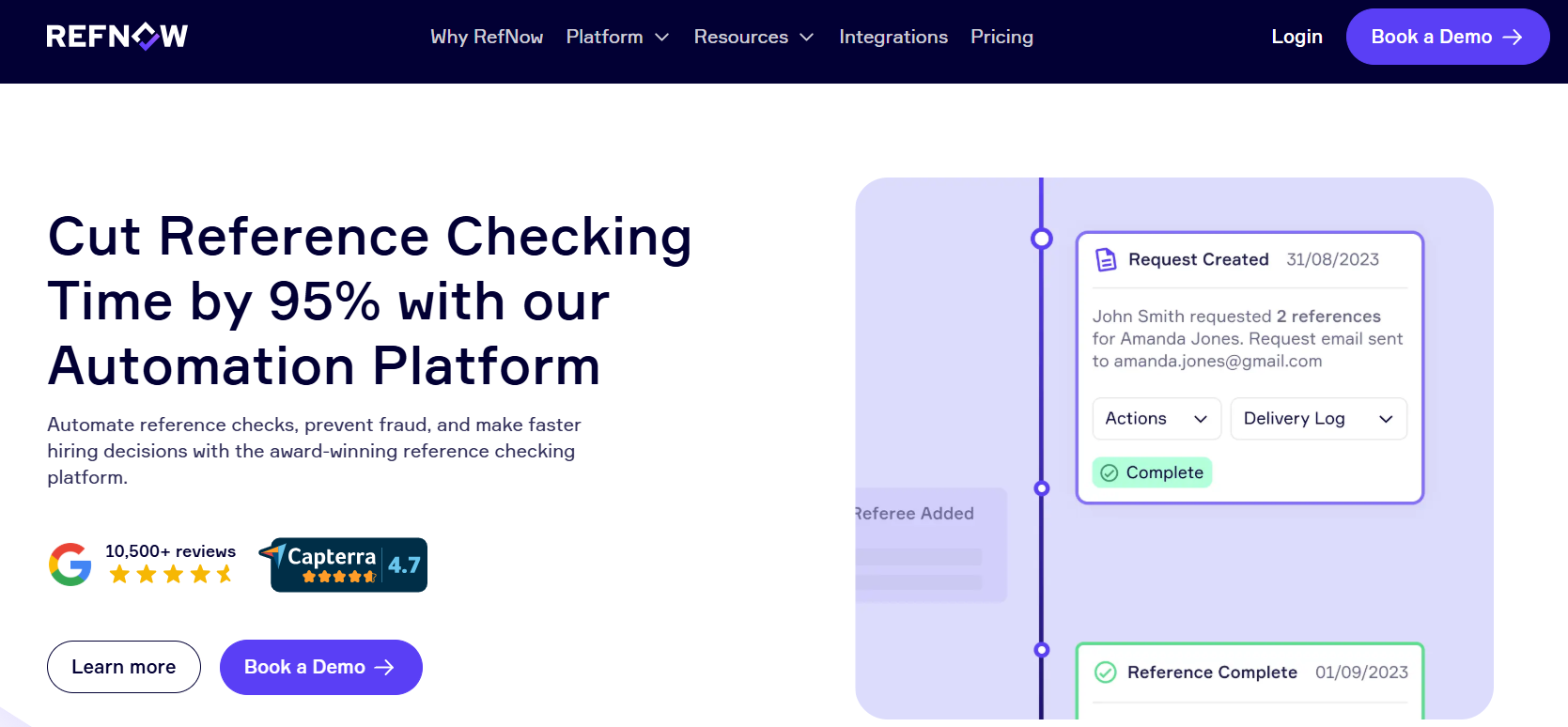
Best for: UK employers hiring at volume, particularly in healthcare and care.
How it works: RefNow automates the outreach, detects fake references and logs every email, text and phone attempt, so you have a trail if anyone asks. It also runs Right to Work and DBS checks. The vendor claims a 32-hour average turnaround and 65+ integrations.
Watch out for: One G2 reviewer flagged cost at high volume, which is worth checking given that volume is where RefNow is pitched.
Reviews and pricing: 4.6 on G2 from 174 reviews. See RefNow’s pricing page.
4. Referoo
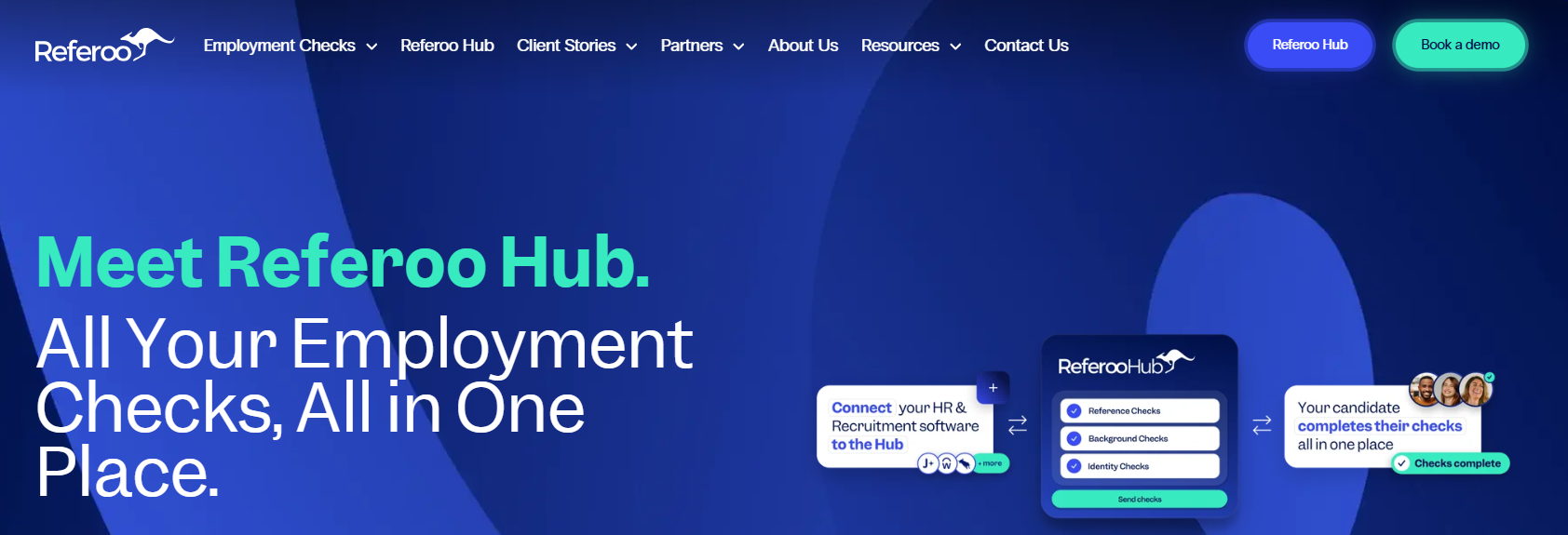
Best for: Employers in Australia and New Zealand who want references and compliance checks handled in one place.
How it works: Referoo is based in Sydney with an office in London, and it runs reference, background and ID checks on a single platform. Local checks come bundled, including AU and NZ police checks and VEVO, the Australian government’s visa work rights check. Working-with-children checks are available too, so you don’t need a separate provider for each one.
Watch out for: The review base is small, with only 11 G2 comments, so the rating is thin. JobAdder is the only ATS we could confirm by name, so make sure your system is supported before booking a demo.
Reviews and pricing: 4.8 on G2 from 11 reviews. Demo only, no public pricing.
5. Zinc

Best for: UK employers who want references and background checks from the same provider.
How it works: Zinc is a screening platform focused mainly on UK and European hiring, though it also offers international checks. It says it chases referees up to five times over 14 days, and it flags mismatched dates and job titles. For UK hires it also runs right to work, criminal record and ID checks, plus an HMRC employment check that verifies work history against tax records.
Watch out for: One reviewer said international checks take far longer than UK ones, so it’s a better fit if your hiring stays mostly in the UK.
Reviews and pricing: 4.7 on G2 from 183 reviews. Free account to see pricing.
6. Refapp
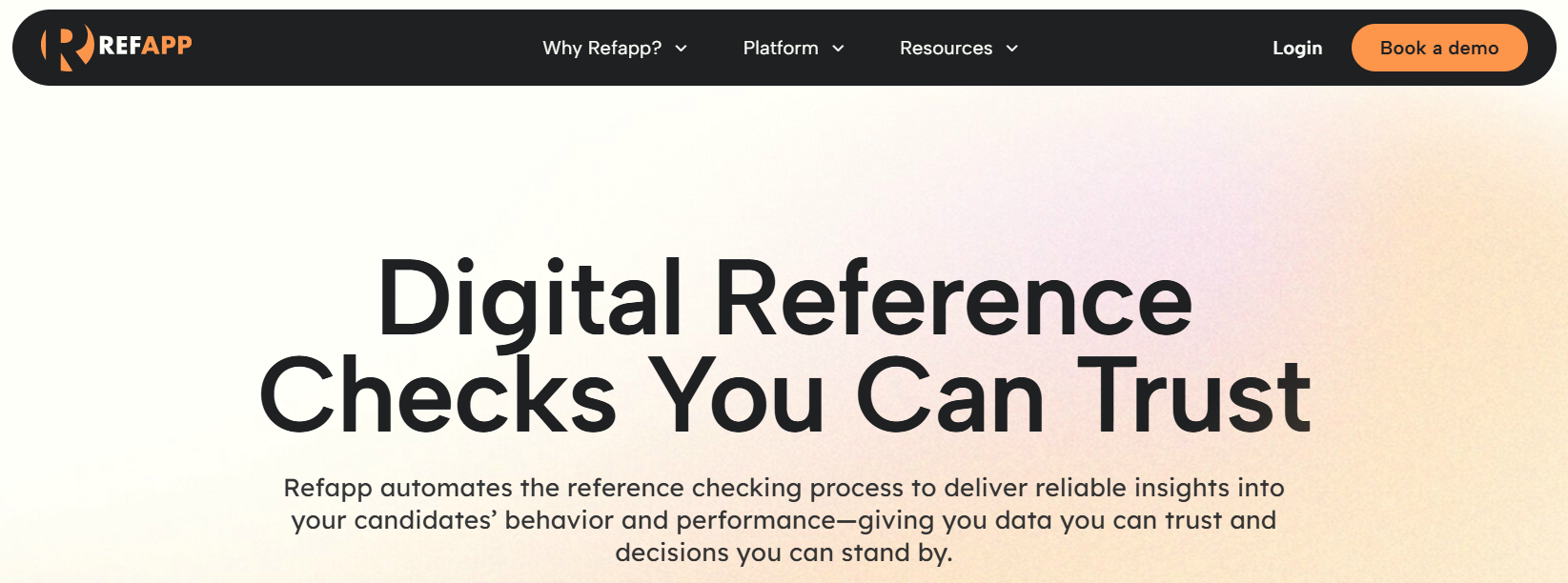
Best for: European and staffing teams who want questionnaires tailored to each role.
How it works: Refapp is based in Gothenburg and focuses on references alone, with no background screening on top. Its role-specific questionnaires come with benchmarking, so you can compare how referees rate different candidates. You can also book an optional phone reference, which gives you a way to ask the follow-up questions a survey can’t. It connects with ATS platforms such as Workable and Greenhouse.
Watch out for: The review base is small, with 18 on G2, so the perfect 5.0 rests on a handful of reviews.
Reviews and pricing: 5.0 on G2 from 18 reviews. Quote only, no public pricing.
7. RefAssured
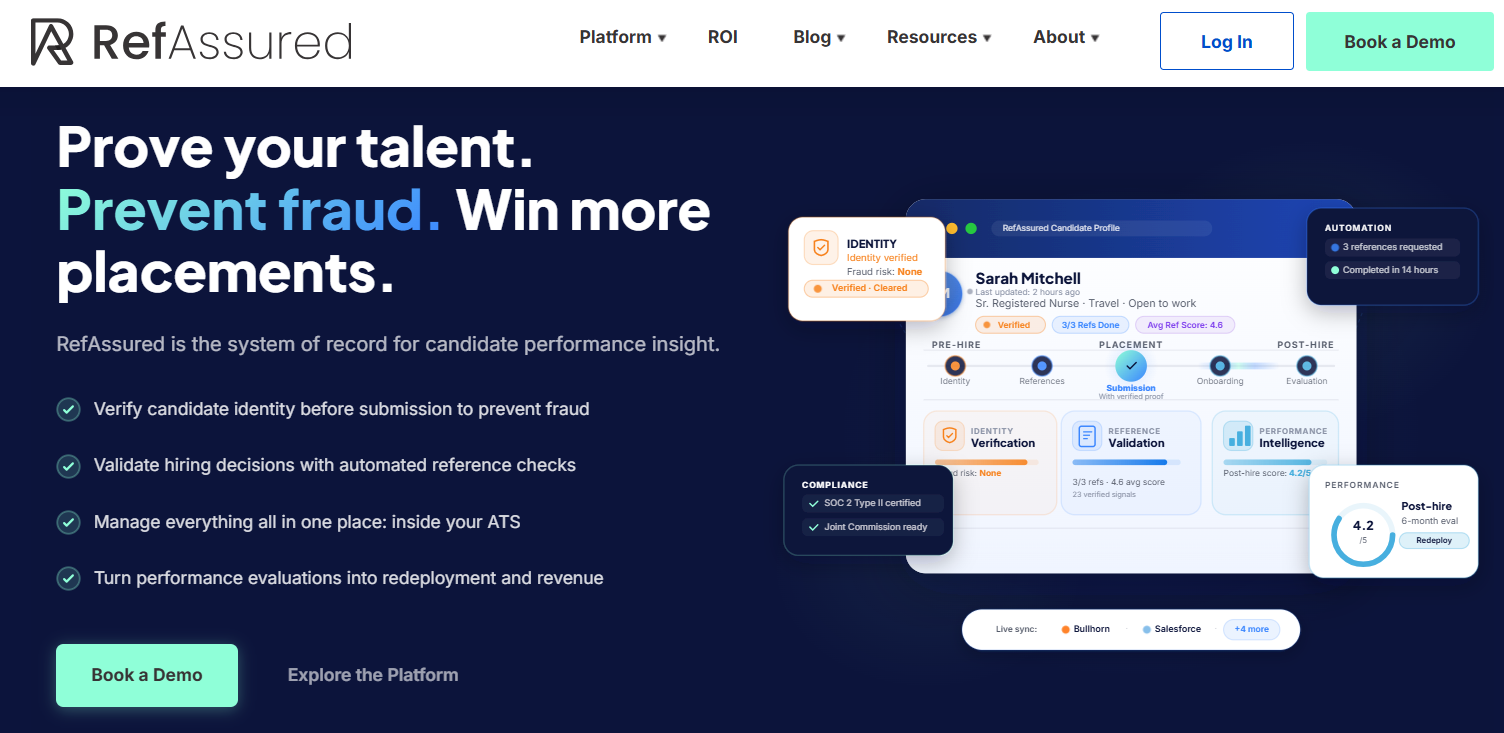
Best for: US staffing agencies running Bullhorn or JobDiva. As for whether RefAssured is legitimate, on the evidence we could find, yes. It’s a named company with 25 G2 reviews and named integrations.
How it works: RefAssured is built around staffing, with candidate fraud prevention at the centre. It connects to Bullhorn and JobDiva, as well as Salesforce and symplr, so references can sit inside the system your recruiters already live in. It also covers post-hire performance evaluations, which is handy if you want feedback on placed candidates.
Watch out for: One reviewer wanted to build custom surveys themselves, so check how much control you get over the questions.
Reviews and pricing: 4.9 on G2 from 25 reviews. Quote only, no public pricing.
8. Checkster by Harver
Best for: Mid-size and enterprise teams that want three to five referees per candidate.
How it works: Referees answer a two-minute mobile survey, which keeps completion quick for busy people. The tool flags family members posing as managers as well as references completed by the candidate. Harver claims a 24-hour turnaround. Checkster sits alongside Harver’s assessment suite, so it makes the most sense if you already use that.
Watch out for: One reviewer said the fraud flag fires when two referees use the same computer, which is common in hospitals. Treat a flag as a reason to call, not proof.
Reviews and pricing: G2 lists it under Harver, so there’s no separate rating. Demo only, no public pricing.
9. SkillSurvey by iCIMS
Best for: Large employers, especially in healthcare.
How it works: iCIMS acquired SkillSurvey in 2022 and says more than 2,300 companies were using it at the time. iCIMS also offers dedicated healthcare solutions, and the platform adds skills verification to the reference process. If you already run iCIMS as your ATS, the fit is the obvious draw.
Watch out for: It’s sold through iCIMS, and one TA lead on Reddit said their small company was too small to get a pitch. Smaller teams may find the door closed.
Reviews and pricing: No current G2 listing. Demo only, no public pricing.
10. Crosschq
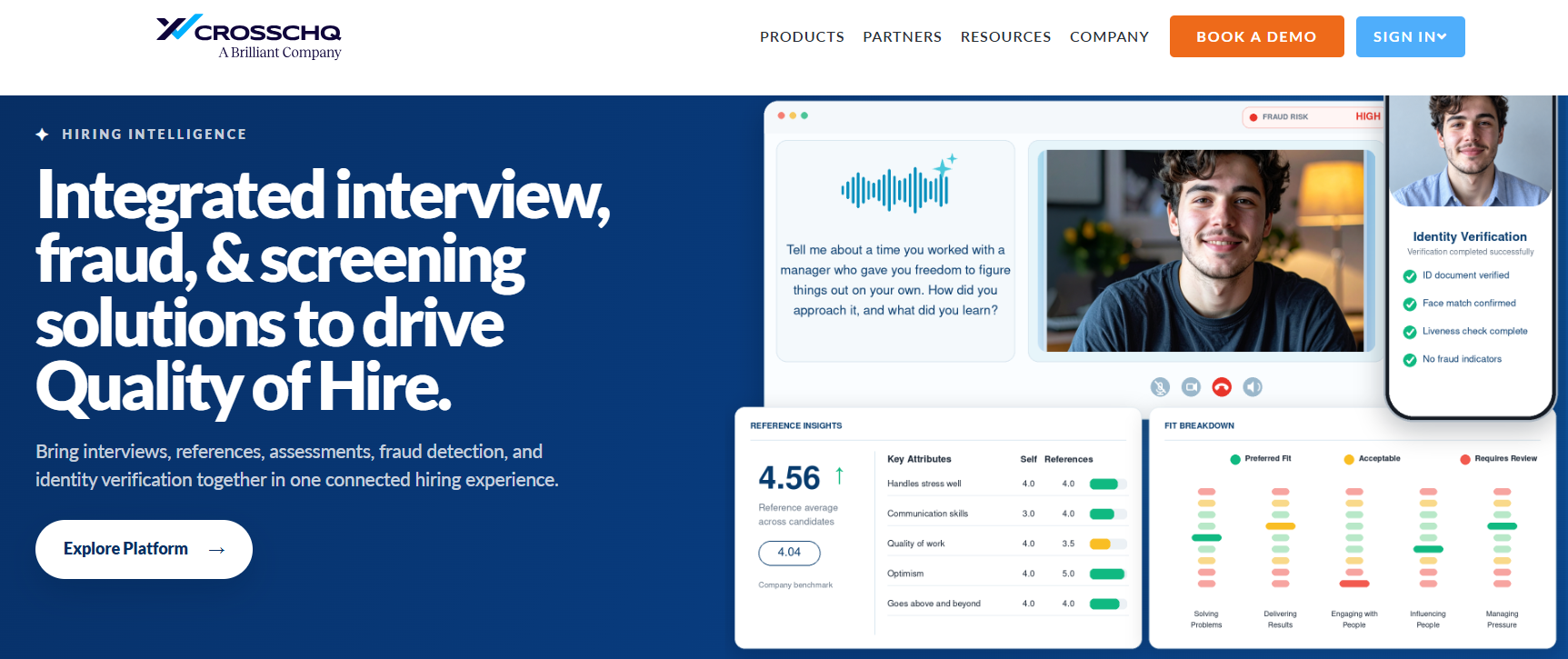
Best for: Teams that want reference data inside a wider hiring analytics platform.
How it works: Crosschq runs reference checks as one part of a hiring analytics platform, alongside AI interviews, assessments and ID verification. The vendor says aggregated reports come back in under 48 hours, and fraud alerts are included. The appeal is seeing reference feedback next to your other hiring data, instead of in a separate tool.
Watch out for: Two reviewers wanted to edit the pre-made templates, so ask how flexible they are during the demo.
Reviews and pricing: 4.6 on G2 from 164 reviews. Demo only, no public pricing.
If the reference is the whole job, pick from the table above and match it to your region and ATS. If it’s one item on a longer pre-start list, it’s easier to collect it with the rest in one request, and that’s where Content Snare fits.
Pre-start paperwork
Send one request for referee details, ID and certificates, and let automatic reminders do the chasing.
For the wider hiring stack, see our list of tools for human resources.
What does an automated reference check automate?
An automated reference check hands the parts nobody enjoys to software. The candidate nominates their referees, and the tool contacts each one by email or text. If a referee goes quiet, reminders keep going out until they reply. The answers come back in one consistent format, so two referees are easy to compare side by side. Most tools also scan for fraud signals along the way, which is the part people ask about most.
Can reference check software detect fake references?
Reference check tools can detect some fake references, but they can’t catch them all. Most tools look for signals like these:
- Two referees answering from the same IP address or device
- A personal email address standing in for a company one
- A reference completed by the candidate themselves
- Dates that don’t match the candidate’s CV
A flag tells you where to look, and that’s about as far as software goes. It can’t ask a follow-up question, so a referee who answers “fine” about reliability leaves you with nothing to probe.
The US Office of Personnel Management recommends asking every referee the same set of questions, and says most reference checks are done by phone. It also says written requests for work histories tend to get low response rates and less useful information, which is the problem automated chasing is aimed at. Use the software for the first pass, then pick up the phone when an answer needs unpacking. You can read the full guidance on the OPM reference checking page.
What a reference request should collect
Whichever reference checking software you choose, the request itself decides how useful the answers are. Referees are doing you a favour, so keep it short enough to finish on a phone.
This is the set of fields we’d put on every request, and it works just as well in a tool as in a plain document. For role-specific questions on top, start from the hiring manager intake form.
# | Field | Type | Why it’s there |
|---|---|---|---|
1 | Referee’s name, job title, organisation, work email and phone | Short text, email, phone | Confirms who’s speaking. A work email domain is a basic authenticity signal, though it won’t fit a freelance client or a company that has closed |
2 | Relationship to the candidate (include “friend or relative” as an option) | Single choice | Tells you how much weight each answer carries, and surfaces conflicts of interest |
3 | Did you directly supervise the candidate? | Yes / no | A former manager’s view is the one most checks are after |
4 | Dates you worked together | Date range | Checks the CV |
5 | The candidate’s job title and main responsibilities | Short and long text | Verifies what the CV claims |
6 | Reason for leaving, if known | Long text, optional | Surfaces anything the candidate didn’t mention |
7 | Reliability and punctuality | Rating 1 to 5, plus comment | A basic every hiring manager asks about |
8 | How they handled pressure and deadlines | Long text | Behaviour interviews rarely show |
9 | Strengths, and areas where they needed support | Long text | Gives the next manager a head start |
10 | Would you rehire them? Why? | Single choice plus long text | The sharpest question on the form |
11 | Anything else we should know? Are you happy to take a follow-up call? | Long text (optional), plus yes / no | Catches what the form didn’t ask, and sets up the phone call when an answer needs unpacking |
12 | Declaration that the answers are accurate, with signature and date | Checkbox, signature, date | Makes the reference a record, not an email |
Get the candidate’s written consent before contacting referees. If a third-party screening company runs the check, the Fair Credit Reporting Act (FCRA) can apply, so read the FTC’s guidance for employers first. UK readers can find the basics on the ACAS page about references.
For the full question bank and how to run the check, see our reference check questions.
FAQ
1. What is the best reference check software?
Xref and RefNow suit most teams, thanks to their large review bases and long integration lists. After that it comes down to region, with Referoo for Australia and New Zealand, Zinc for the UK and SkillSurvey for large healthcare employers.
2. What does automated reference checking do?
It sends referees a questionnaire, chases them automatically and returns the answers in one format, often with fraud flags. It can’t ask follow-up questions, so a phone call is still worth making when an answer needs unpacking.
3. What should a reference request include?
Start with who the referee is and how they know the candidate, then check dates and responsibilities. Performance and rehire questions come next, followed by a signed declaration. The table above lays out all 12 fields.
4. Do you need the candidate’s consent?
Yes, get written consent before contacting referees. If a third-party screening company runs the check in the US, the FCRA’s disclosure and consent rules can apply. Rules differ elsewhere, so check your local requirements.
5. Is reference check software worth it for a small team?
For occasional hires, a structured form and a phone call are usually enough. Dedicated tools earn their keep once you’re chasing referees for several roles at a time. If references are one of many pre-start documents, Content Snare can collect them all in a single request.