
Client data collection is one of those things every business has to do, but very few do well. That’s because most firms still stick to emails and spreadsheets, so they struggle to gather the right information on time.
On the other hand, businesses using proper client questionnaire software enjoy a much smoother workflow. A report shows that companies with structured and digital-first onboarding see a 63% year-over-year increase in client satisfaction compared to those using ad-hoc and manual methods. The right tool enables you to standardize questions and collect complete data while giving clients a simpler experience.
In this guide, we’ll walk through what to look for and rank the best client questionnaire software options for businesses that want better results without adding more work.
Sign up for free to access our library of customizable questionnaire templates. It will help you quickly collect the right info from clients without having to start from scratch.
Things to know before picking the best client questionnaire software
We obviously think Content Snare is the best option out there (you’ll see why in a moment), but it’s still worth taking a quick step back before diving into feature lists and pricing pages. We say this because the best client questionnaire software isn’t universal - it depends on how your business actually runs. For instance, a solo consultant onboarding five clients a month has very different needs from a growing agency managing dozens of projects at once.
These questions will help narrow down the right option for your business:
- Client volume: Are you onboarding a handful of clients or managing a high-volume pipeline?
- Type of data: Do you need simple contact details or everything from long-form answers and file uploads to ratings?
- Team size: Do multiple people need access to the same responses and documents?
- Budget: Are you looking for a free tool or something built for professional client workflows?
- Follow-ups: Do you want the system to chase missing info for you?
- Branding: Should the forms feel polished and on-brand or just functional?
- Integrations: Does the data need to flow into your CRM, project management, or storage tools?
Once you know what you really need, you can confidently choose a platform that fits your workflow and grows with your business.
Top 5 client questionnaire software options
We ranked these tools using the same criteria most businesses care about when choosing a client questionnaire platform. Besides that, we looked at user reviews across multiple platforms and real-world client experiences to see how each tool holds up in practice. That said, let’s see five of the finest options, ranked based on how effectively they help businesses collect better information.
1. Content Snare: Best for secure and professional client information workflows
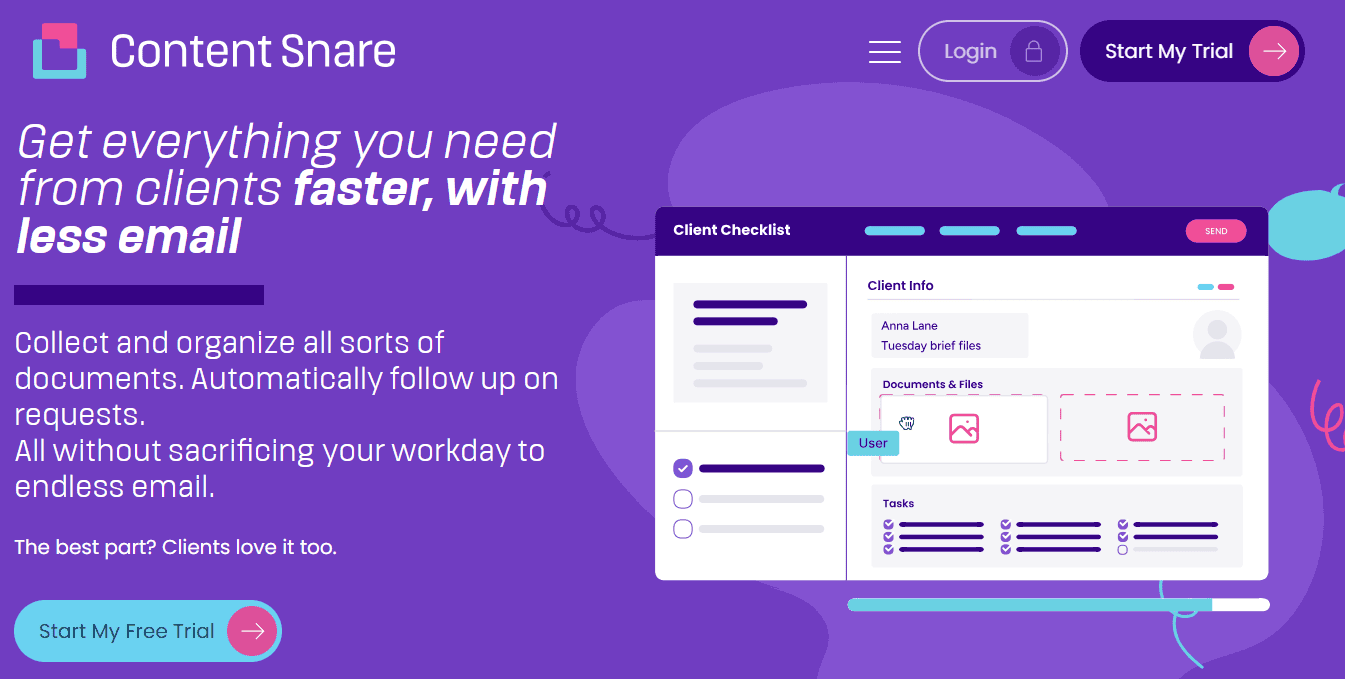
Content Snare helps teams collect the right details from the right people, in the right order, so projects can move forward without confusion or constant clarification. Across the entire client lifecycle, this questionnaire software collects and manages information in a consistent and reliable way.
Related: How Liston Newton Advisory achieved a 50% efficiency boost with Content Snare
Content Snare gives your whole team a shared way of working: everyone uses the same questions, the same wording, and the same process, which means clients get a predictable experience and staff aren’t left to make things up as they go. That leads to fewer mistakes and fewer awkward follow-ups. This is also why businesses using Content Snare spend 71% less time gathering information and see a 67% reduction in stalled projects.
On the downside, some users note that Content Snare doesn’t have too many built-in integrations. Most teams connect it to their CRM, accounting, or project tools through Zapier or Make, which is usually straightforward to set up but can add an extra subscription and another moving part to manage.
Key Content Snare features:
- Built-in but fully editable questionnaire templates
- Smart forms with conditional logic
- Automatic reminders for missing info
- ISO 27001-certified security
- Branded portal for receiving and sending files to clients
Verdict: Content Snare is best for firms demanding a consistent and scalable way to collect client information. It’s not just about making prettier forms, as it also lets you build a system that protects client trust and keeps your entire team on the same page.
2. Google Forms: Best for beginner-level and no-cost data collection
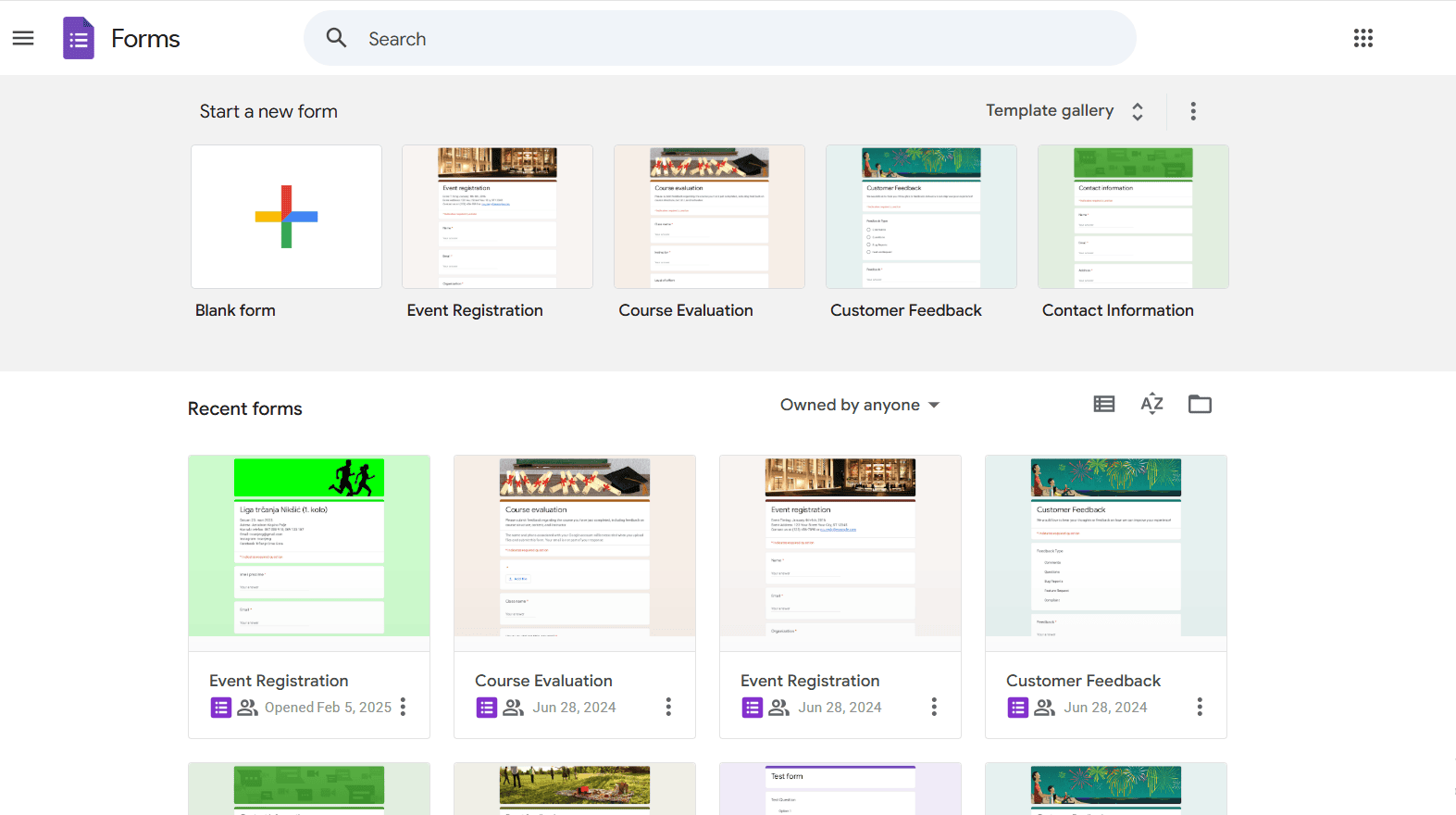
Google Forms is likely the first tool people reach for when they want to collect information quickly and don’t want to spend a dime. It’s easy to set up, works straight out of a Google account, and does a decent job of handling basic surveys and internal questionnaires. This is ideal for students, community groups, or anyone running a one-off form.
Related: The best Google Forms alternative (tested and reviewed)
Where Google Forms starts to show its limits is when you try to use it for real client work. The most frequent user complaint is that every Google Form looks like... a Google Form. You can’t remove its look and feel, use custom styling, or add many of your branding elements. Logic is available, but it’s fairly rigid, which can be frustrating once your forms become more complex.
Key Google Forms features:
- Free to use with a Google account
- Simple form and survey builder
- Basic conditional logic
- Automatic response collection in Google Sheets
- Easy sharing via links or email
Verdict: Google Forms is best for basic and low-stakes data collection where budget is the main concern. It works well for internal use and simple surveys, but it’s a bit rough around the edges for professional client-facing questionnaires.
3. Formsort: Best for branching logic and data protection
Firms that want their questionnaires to do more than just move from top to bottom often use Formsort. This client questionnaire software allows you to create dynamic branching flows where questions change based on previous answers. It puts a lot of emphasis on advanced logic, which is suitable for structured processes backed by strong data security.
That flexibility does come with a learning curve. Formsort isn’t really a plug-and-play tool, and new users often say the editor feels overwhelming at first. While you don’t need to be a developer, you do need a bit of a developer mindset to work with things like variables and schemas.
Key Formsort features:
- Advanced branching and conditional logic
- Secure handling of sensitive data
- Customizable multi-step forms
- Data validation and structured outputs
- Integrations with other systems
Verdict: Formsort is best for teams that need highly flexible questionnaires and strong data protection. It’s a great fit when logic and control matter more than quick setup or simplicity.
4. Pabbly Form Builder: Best for high-volume forms without surprise pricing

Pabbly Form Builder is a convenient option for teams that care more about how much they can collect than how fancy the form editor looks. One of the biggest reasons people choose it is the pricing: you don’t get punished for growing. Users can go from a few dozen to tens of thousands of submissions without watching their bill climb every time a campaign takes off. That’s because all paid plans include unlimited file uploads and payment connections.
It does a great job when you use it as part of the wider Pabbly ecosystem: forms can feed straight into email verification, follow-up messages, and automated workflows without needing a separate integration tool. On top of that, it supports Stripe and PayPal out of the box.
Where Pabbly tends to divide opinion is the experience of using it day to day. The interface feels pretty dated compared to newer tools, and building or tweaking a form can take longer than expected because the editor isn’t particularly intuitive.
Key Pabbly Form Builder features:
- Unlimited submissions and file uploads on paid plans
- Email verification and lead workflows
- Native Stripe and PayPal payments
- Built-in automation tools through Pabbly Plus
- Webhooks and third-party integrations
Verdict: Pabbly Form Builder is best for businesses that expect high volumes of leads or payments and want flat pricing. It trades modern polish for raw value and built-in automation, which can make it a strong choice if scale matters more than looks.
5. Formsite: Best for secure data capture and document-heavy forms
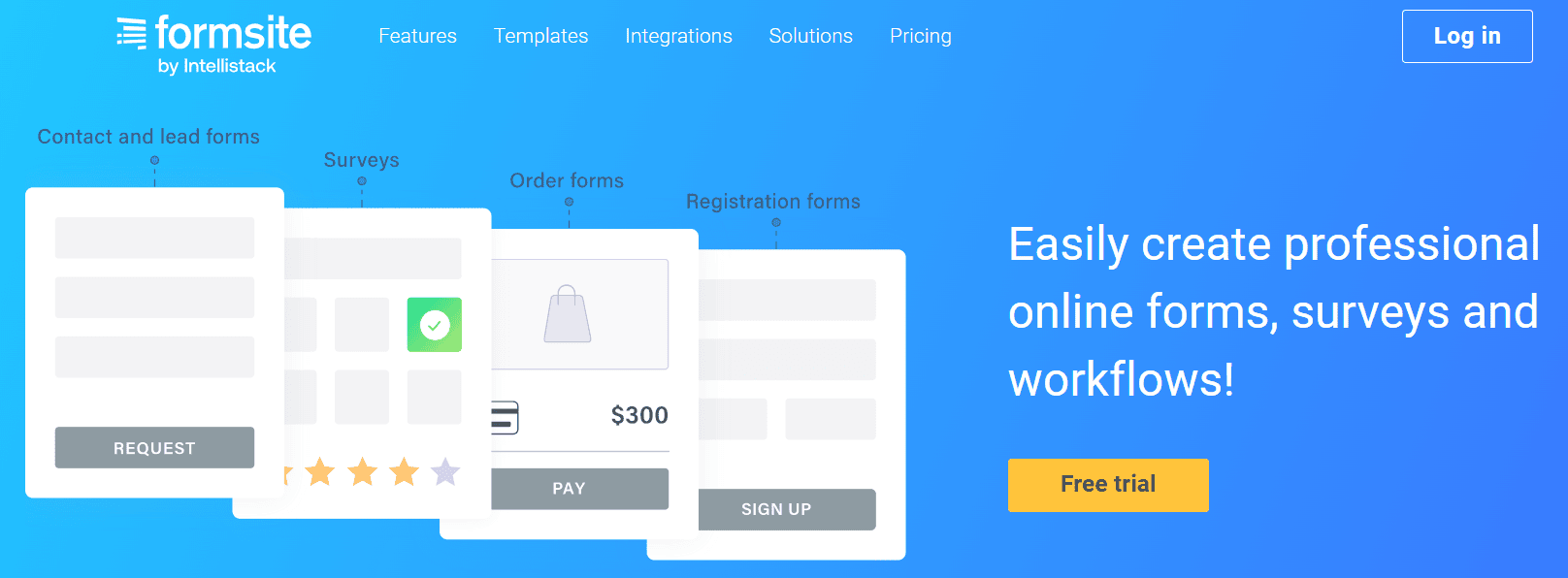
Formsite has been around for a long time, and it shows in both good and not-so-good ways. Users regularly choose it for handling highly sensitive information because it supports field-level encryption, meaning specific answers (like financial or identity data) can be locked down so they’re unreadable even inside the system. Another standout feature is its built-in document generation. Formsite can turn a completed form into a PDF or Word file and send it automatically, which is handy for agreements or client copies.
It’s also well known for its “Save & Return” feature, which lets people come back to long forms later. That’s useful for things like grant applications or detailed registrations, although it’s still a step behind modern autosaving systems that quietly save progress in the background without users needing to think about it.
Where Formsite struggles is pricing. This is tightly capped by how many responses each form can receive, which means a single busy form can push you into a much higher plan. And while the platform is dependable, it hasn’t changed much over the years, which leaves it behind for teams that want more modern layouts and AI questionnaire builders.
Key Formsite features:
- Field-level encryption for sensitive data
- Save & Return for multi-page forms
- Automatic PDF and Word document generation
- Secure data storage and access controls
- Reporting and export tools
Verdict: Formsite is best for organizations that need strong security and reliable document output from their forms. It’s a practical choice for regulated or paperwork-heavy workflows, but it may feel dated and restrictive for businesses looking for a more flexible form experience.
Final thoughts: Turn better questions into better clients
The bottom line is that the quality of the information you collect shapes everything that follows, including timelines, pricing, expectations, and even how confident a client feels working with you. That’s why you should take a moment to think through what you really need to collect and where things tend to slow down. With that in mind, the options we covered above become much easier to compare, and it will be simpler for you to pick a setup that supports your unique workflow.
Sign up for free to access our library of customizable questionnaire templates. It will help you quickly collect the right info from clients without having to start from scratch.
FAQ
What is client questionnaire software?
Client questionnaire software is a tool used to collect information from clients in a more structured way. It replaces confusing processes like email data collection and shared folders with a centralized platform where clients can answer questions, upload files, access documents, and provide all service-related information.
How does Content Snare improve the client experience?
Content Snare makes things easier for clients by removing friction from the process: clients get one-click access to their questions without needing to create an account, and everything autosaves as they go. If something isn’t clear, they can ask questions directly next to the field that’s confusing, rather than sending a separate email. You can also add instructions to each question (including text, links, videos, GIFs), so they know exactly what’s being asked before they answer.
What should I look for when choosing a client questionnaire tool?
Look for a tool that fits how your business actually works. Consider how many clients you handle, what kind of information you need to collect, who on your team will use it, and how important things like branding, follow-ups, and security are to you. The right platform should make it simpler to get accurate information without creating extra work for you or your clients.